
Choose one small, representative task, complete it from start to finish and keep the useful result. Pay only when the remaining limits affect work you actually need to do.
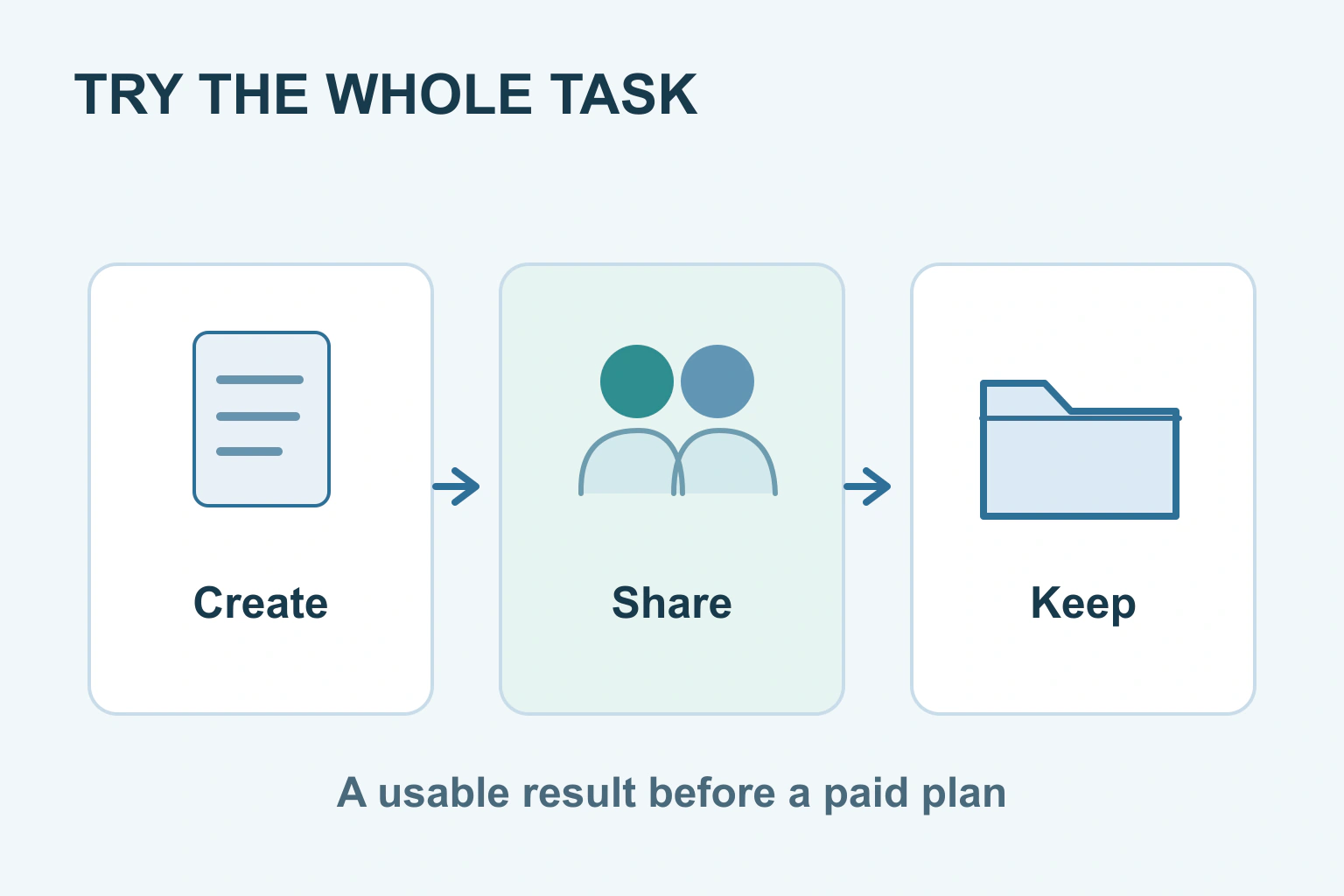
Choose one task you already need to finish and try the tool on that task before paying. Create something small, save it, share or export it if needed, and open the result. A useful trial shows whether the app fits your work, not whether its demonstration looks impressive.
You might organise a small event, prepare a document or make a simple image. Keep the first attempt small enough to abandon comfortably. There is no reason to move your entire archive just to discover whether the editor feels usable.
Write down what a finished result means
Be specific about the outcome. Prepare a two-page meeting handout that prints correctly is clearer than try a document app. Organise next month’s rota so three volunteers can see it is clearer than explore a project tool. The task should resemble something you will actually repeat.
Include the last step. If another person must read the result on a phone, that is part of the task. If you need an editable file next year, downloading only a picture of it may not be enough. Write the few things that must work before opening the feature list.
Keep the original material where it already is. Use a copy with harmless content for the trial. This protects the working version and makes it easier to leave if the app is awkward or the terms do not fit.
Follow the ordinary route, not only the welcome tour
Create the small project yourself. Rename it, make an ordinary correction, close it and find it again. If the job needs a template, check what happens when you change its structure. A polished starter example may conceal the work of building your actual document.
Try the version you would really use. Microsoft’s Word comparison explains that browser and desktop editing differ even for the same document. Do not judge a phone app from a desktop demonstration or assume an upgrade supplies a missing feature without checking.
Notice where you become stuck. A new button position is a learning issue; an unsupported file format may be a practical limit. Give yourself a fair chance to learn the basic workflow, but do not keep inventing workarounds for a feature central to your task.
Check the handover to another person
If you need collaboration, ask a willing person to try the intended role with sample content. Can they open the link, find the relevant item and respond without an unexpected purchase? Do not publish your real project just to make a sharing problem disappear.
Google Drive’s sharing guide distinguishes viewing, commenting and editing. The same distinction is useful when checking any tool. Give the reviewer only the access needed, and inspect whether the link is restricted or available to anyone who receives it.
| Part of the task | Useful check | Record the result |
|---|---|---|
| Create | Can you make the actual small project? | Finished or blocked by a named limit |
| Revise | Can you correct and reopen it? | The saved copy contains the correction |
| Share | Can the right person use the right access? | Who can view, comment or edit |
| Export | Does the downloaded copy work elsewhere? | The format and any missing details |
| Continue | Can the next similar task fit your plan? | The relevant usage or feature limit |
You do not need a complicated score. A brief note saying cannot export an editable copy is more useful than awarding a vague ease-of-use rating. Keep the sample result so you can compare your memory with the actual file.
Test what you can keep
Download a copy in the format you expect to use later. Open it in the intended viewer or editor. Check the text, images, dates and layout that matter. A file appearing in Downloads is the beginning of that check, not the end.
For a spreadsheet, include an identifier with a leading zero and a date that could be read in different ways. Our spreadsheet export guide explains why those details can change. You do not need to examine every technical setting to notice that a useful identifier became a different value.
For shared links, ask what depends on the account staying active. A live link is convenient for collaboration but is not the same thing as a copy you hold. Use our file-sharing guide when the sample needs to leave the app.
A fictional volunteer-rota trial
Imagine three volunteers need a rota for a weekend event. One organiser tries a new tool with six fictional shifts. She creates the rota, makes a change, asks another volunteer to check it and saves a copy for printing.
The organiser learns that the free plan is enough for this event, but the exported print view cuts off long notes. She tries a shorter note and a supported layout. If essential instructions still disappear, she chooses another method rather than upgrading on the assumption that paying will fix it.
This fictional trial is deliberately small. Its purpose is to answer an everyday question: can the people involved finish this job comfortably and keep the information they need? It does not compare brands or claim one tool suits every group.
Understand the trial before adding a card
A free account and a free trial of a paid plan are different offers. Check when a trial ends, whether it renews automatically, the amount and billing term, and how to cancel. Save the relevant conditions if you decide to take part.
The FTC’s trial guidance recommends understanding the offer and cancellation route before providing payment details. This is U.S. consumer guidance; the particular contract and your local rights still matter. Do not assume every trial offers an identical refund.
Finish by choosing continue free, pay for a necessary feature, try another tool or use the method you already have. If you leave, keep your useful files and review any account connections using our connected-app access guide. A good trial ends with a decision and a usable result, rather than an unexpected bill and files you cannot retrieve.
Sources and verification
Editorial review 2026-10-18. Source check dates are recorded separately. Notes describe what each source supports and its limits.
View sources
- Microsoft: Differences between using a document in the browser and in WordChecked The same document can have different editing capabilities in browser and desktop environments.
Limits: A Word example; it is not evidence of what another app can do. - Google Drive: Share files from Google DriveChecked Sharing has distinct viewer, commenter and editor roles and general-access choices.
Limits: Available options can depend on the account and administrator; sharing a test does not certify all privacy settings. - FTC: Getting In and Out of Free Trials, Auto-Renewals, and Negative Option SubscriptionsChecked Check trial conditions, costs and cancellation before supplying payment information.
Limits: U.S. consumer guidance, not a universal refund rule or a guarantee for an individual purchase.