
Verify your retained data and recovery first, then follow the exact manufacturer handover and erase instructions.
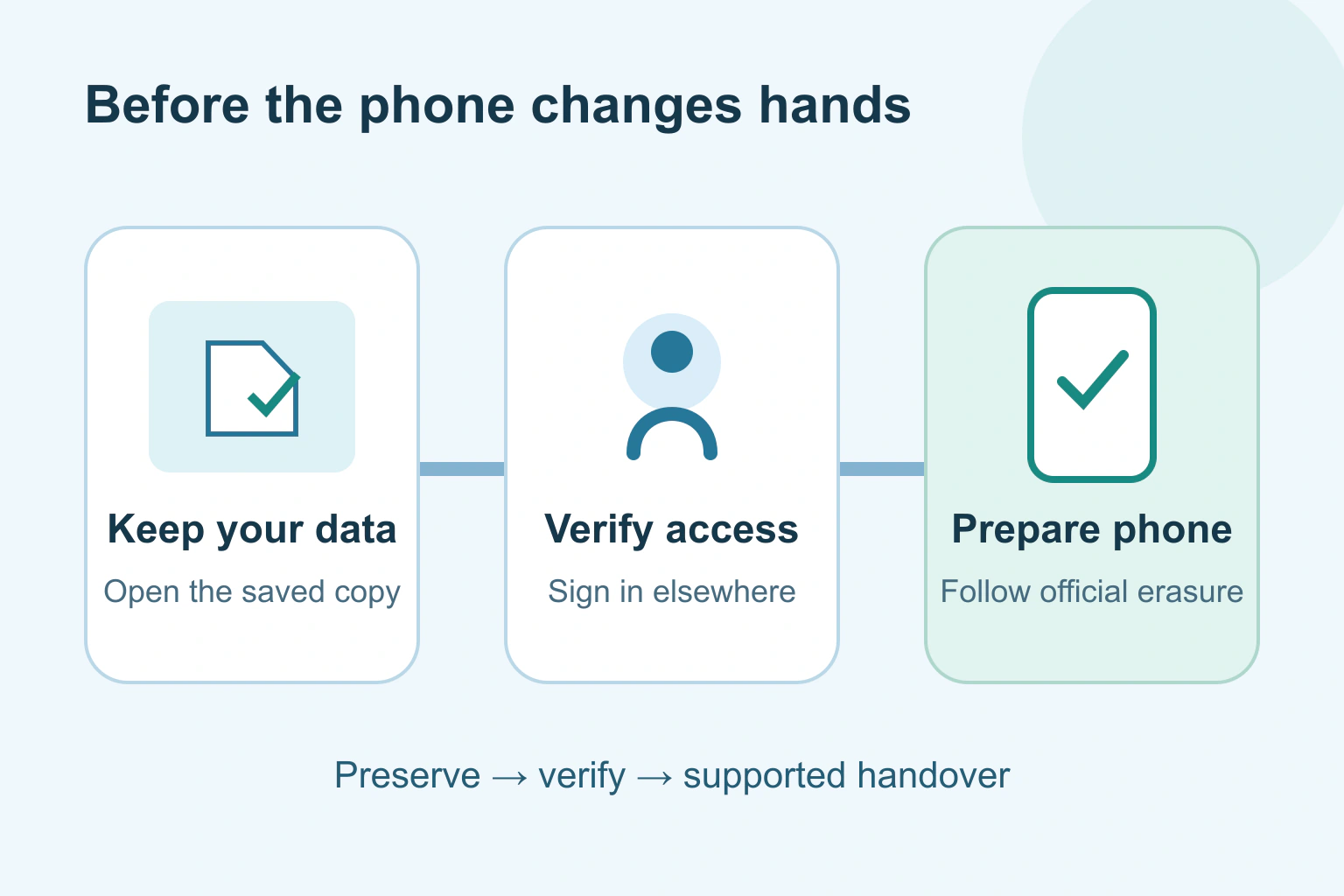
Before selling or giving away a phone, keep the information you need, confirm you can use your accounts elsewhere, then follow the manufacturer’s handover and erase instructions. Do not clean the phone by manually deleting your photos, contacts and messages one by one. Some of those deletions can spread through a synchronised account.
Allow time before collection. Moving your phone number, checking a backup and dealing with an account lock are easier while the old phone is still yours. If the device belongs to an employer or school, ask its administrator about the approved return process.
Make sure your important information survives
List what you would miss tomorrow: photos, contacts, notes, messages, downloaded documents and the apps you rely on. A phone backup does not necessarily include every app’s contents or login arrangement. Check the backup and transfer instructions for the device and for any especially important app.
Open representative items on the new device or in a separate retained copy. Check an older photo, a recent document and a note with an attachment. A folder name or successful sign-in does not prove the actual contents arrived. Keep an independent usable copy of irreplaceable material where appropriate.
Google’s Android reset guidance makes clear that a factory reset removes phone data and installed apps. It also directs readers to their manufacturer for device-specific steps. Resolve missing information before reaching that point.
Keep a working route into your accounts
Check that your main email and important accounts work on your replacement device. Pay attention to passwords, passkeys, authenticator apps and recovery methods. Follow each app’s supported transfer or recovery instructions; an icon appearing on the new phone is not proof that it contains the old account’s sign-in material.
Do not give the recipient your account password to help them activate the phone. If you cannot complete the legitimate removal process yourself, use the manufacturer’s recovery or support route. Do not attempt an activation-lock bypass.
Our device-loss and passkey recovery guide explains why a second sign-in route matters. Finish this check while you can still receive the necessary verification on the old device.
Separate the information, account and phone service
| What to check | Before handover |
|---|---|
| Personal files | Keep and open the copies you need |
| Account access | Verify sign-in and supported recovery elsewhere |
| Phone number | Arrange service transfer with your carrier |
| SIM and memory card | Remove personal physical cards where fitted |
| Device ownership controls | Use the manufacturer’s supported sign-out and erase process |
A physical SIM, an eSIM and a memory card are different items. Check what your model uses. Ask the carrier how to move your number and service. Removing an eSIM profile is not a substitute for cancelling or transferring a mobile contract.
Also consider paired watches, payment cards, transit passes and a work profile. Use the instructions for those services before erasure. Do not assume their transfer or cancellation rules match ordinary files.
Use the supported ownership-removal sequence
Apple’s selling and handover checklist covers backup, transfer, account sign-out, paired watches, erasure and trusted devices. Its sequence varies with the system version. Read the instructions matching your phone instead of following an old screenshot from another model.
Apple also distinguishes erasing the device from manually deleting synced information. Its supported erase process removes the phone’s contents without deleting the account’s iCloud content. Our photo deletion and cloud-sync guide explains the separate risk of deleting a library item.
For Android, Google’s device-protection guidance explains that removing the Google Account from the device turns off that protection. A protected reset can otherwise require earlier ownership credentials. Manufacturer accounts can have their own requirements, so follow that manufacturer’s complete handover checklist as well.
A fictional handover with a missing sign-in
Imagine a fictional reader, Sam, is giving a phone to a relative. The photos appear on the replacement phone, but an authenticator app is empty. Sam postpones erasure, follows that app’s genuine transfer instructions and checks an important account using the replacement device.
Sam then checks the phone-number transfer, removes a personal memory card and follows the model’s supported account-removal and erase process. The relative receives the phone at its setup stage, without Sam’s passwords or private documents.
The useful lesson is the order: preserve, verify, disconnect as documented, then erase. It is not evidence that every authenticator or backup transfers in the same way.
Check the finished phone without signing back in
- Confirm your retained files and account access before erasing.
- Complete the manufacturer and carrier steps for this model.
- Let the supported erase finish; keep the phone charged as directed.
- Check it returns to the expected initial setup state.
- Resolve any request for your previous ownership credentials through official support before handover.
A welcome screen is a useful check, but it does not certify every possible security or hardware condition. Read any remaining account or management message. Keep the transaction record without publishing serial numbers or personal account details.
If a photo collection needs a separate move, use our photo-service transfer checklist. Your next step is a short list of the data, accounts and phone service that must work after the old device leaves your hands.
Sources and verification
Editorial review 2026-10-18. Source check dates are recorded separately. Notes describe what each source supports and its limits.
View sources
- Apple: What to do before you sell, give away, or trade in your iPhone or iPadChecked Supported handover order, synced-deletion distinction, erasure, paired devices and SIM/eSIM considerations.
Limits: Apple devices only; exact steps vary by operating-system version. - Google: Reset your Android device to factory settingsChecked A reset erases phone data; prepare backup, credentials and model-specific instructions first.
Limits: Generic Android advice directs to the manufacturer; no universal menu sequence is given. - Google: Help prevent others from using your device without permissionChecked Device protection can require previous ownership credentials after reset; account removal turns off Google device protection.
Limits: Does not cover every manufacturer account or management lock; no bypass instructions.