
Match the exact order to its payment record and event timeline. A status label or customer screenshot is a clue, not a substitute for reconciled evidence.
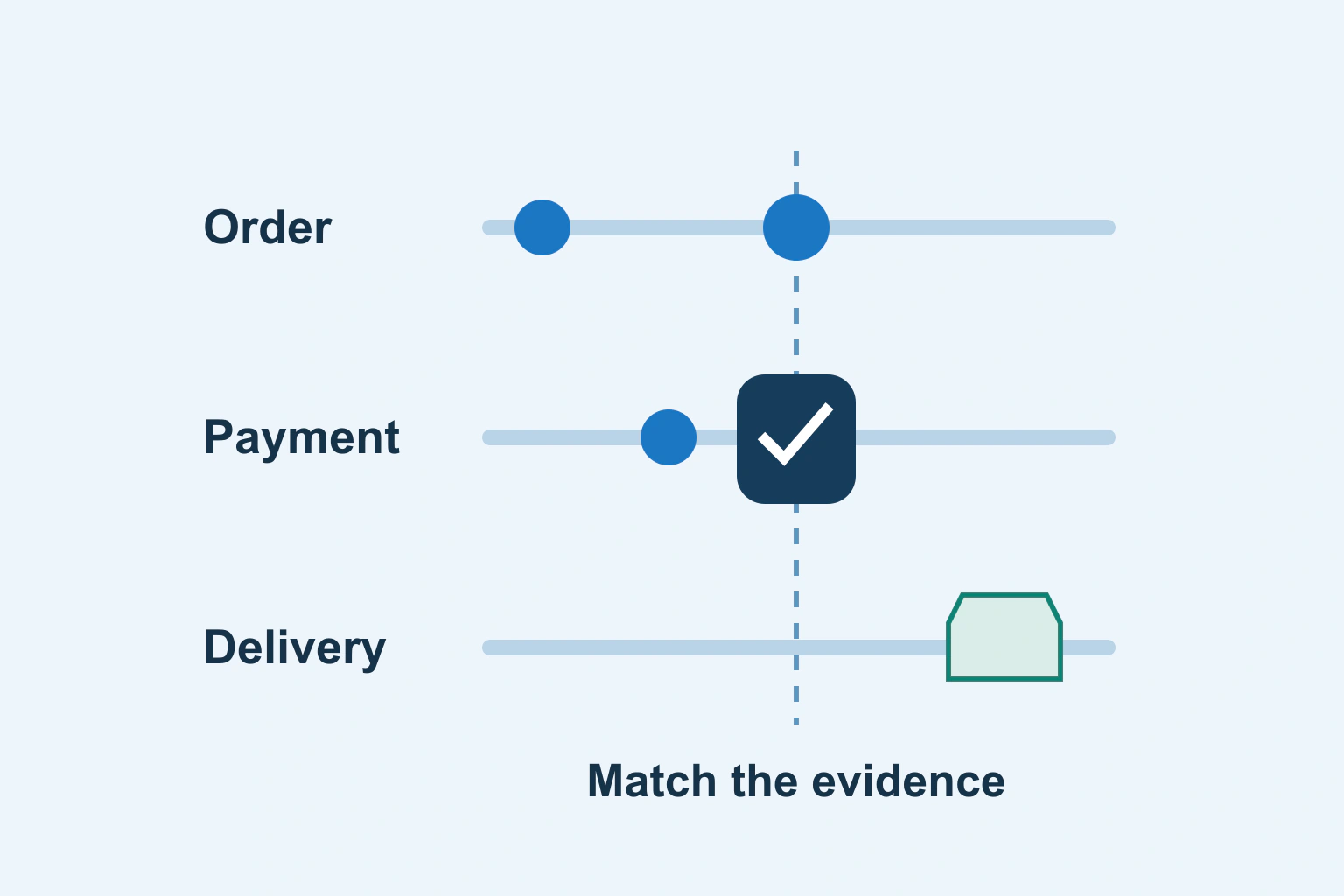
When an order says Pending, Failed or Completed, first establish what that label means in your store and payment integration. Order creation, payment confirmation, settlement and fulfilment are different events. A customer returning to a thank-you page does not, by itself, reconcile all of them.
Before shipping, retrying a charge or changing a status manually, match the exact order to its payment record and inspect the timeline. Keep uncertainty explicit until the relevant system supplies reliable evidence.
Separate the states that people call paid
A store can hold an order before payment is confirmed. A payment can require customer action, await a delayed result or have a different authorization and capture arrangement. A fulfilled order is another business state again. The integration’s documented definitions decide how those conditions appear.
WooCommerce’s status documentation illustrates this distinction: Processing normally means payment received and awaiting fulfilment, while Completed means fulfilled. On hold requires payment confirmation. These are platform definitions, not universal meanings for similarly named labels elsewhere.
Do not translate Completed into money permanently guaranteed or Pending into a reason to charge again. Refunds, disputes and delayed notifications need their own records. The immediate question is the specific action the evidence currently supports.
Create a compact reconciliation record
Record the store order reference, gateway transaction reference, amount, currency, payment method, relevant timestamps and current state in each system. Use approved staff access and avoid copying card details, credentials or unnecessary customer information into a troubleshooting document.
Keep the customer-facing order number distinct from the provider’s transaction identifier. Searching by amount alone can match a different customer’s purchase. If a customer retried, there may be several attempts associated with one order or several orders that need to be related.
| Evidence | What it can establish | What remains separate |
|---|---|---|
| Store order exists | The commerce system recorded a request | Successful payment |
| Provider confirms the matching payment | The identified payment has its reported state | Shipment or service delivery |
| Order marked Completed | The store’s fulfilment state was changed | Whether the change was justified |
| Refund record | A documented refund action or result | Actual funds returned if only manually recorded |
Read the timeline before changing the latest label
Open the individual order and compare events chronologically. WooCommerce’s single-order documentation explains that order notes can include payment results, status transitions and callbacks. It also distinguishes private notes from customer notes that can trigger an email.
Look for the initial order, each payment attempt, confirmation, stock change and later manual intervention. Record time zones when comparing dashboards. An event displayed earlier in one screen is not necessarily earlier in real time if another uses a different zone.
Do not add a public note while intending to leave an internal investigation comment. Review the destination and side effects of any action before saving it. A status correction may trigger automation, customer email, stock handling or fulfilment through installed integrations.
Work through a fictional delayed confirmation
A fictional shop receives an order that remains On hold. The buyer says payment was made. The operator finds the matching gateway reference and sees that confirmation is still pending through the documented method. There is no evidence yet that the attempt failed.
The supported response is to follow that method’s pending-state procedure and explain the known state honestly. Sending another payment request immediately could create confusion or another attempt. Marking the order paid simply to remove it from the queue would conceal uncertainty.
In a different case, the gateway shows success for the exact order while the store never received the expected update. That points to an integration reconciliation problem. The operator should use its supported recovery procedure, preserving the transaction reference, rather than editing arbitrary database fields.
Investigate failure without encouraging blind retries
WooCommerce’s failed-order guidance starts with the affected order and its failure information. Read the actual reason before deciding whether the customer needs to correct input, complete an authentication step or contact the payment provider.
A browser timeout is particularly ambiguous: the page may have lost the response after an operation was accepted. Our duplicate-submission and retry guide explains that general boundary. A payment integration needs its own documented duplicate protection and recovery route.
Never ask a customer to send complete card numbers, passwords or one-time codes through a support message. Use the provider’s approved customer-action route when another step is required. Keep diagnostic references useful without turning them into sensitive data dumps.
Keep payment confirmation separate from delivery
Once payment is confirmed, verify the relevant fulfilment state. A physical order may still need shipment, while a digital product may need an entitlement and accessible file. One successful payment should not produce duplicate dispatches because an event was delivered again.
The paid-file delivery guide covers payment, access entitlement and file delivery as separate responsibilities. This article concerns the operator’s reconciliation decision, rather than implementing a download service.
A notification email is also a separate artifact. Its absence does not prove the order or payment is missing. For a broken staff notification route, use the email-delivery investigation to distinguish acceptance, generation and delivery instead of changing the payment state to resend something.
Correct records through supported actions
If the evidence justifies a correction, use the commerce platform and gateway’s documented controls. Record who made the change and why. Verify the expected stock, email and fulfilment side effects before applying a bulk action to multiple orders.
For refunds, distinguish recording a refund from the provider actually returning funds. Confirm the documented result and follow the approved customer communication process. Do not promise immediate bank availability merely because the shop’s label changed.
When the two systems still disagree, escalate the exact references and timeline through the authorized support route. State what is known, what is missing and which action is being withheld pending confirmation. Avoid claiming that a customer has or has not paid based on incomplete evidence.
Make the next incident easier to resolve
Keep a short internal status glossary tied to the installed integration and its current documentation. Include the evidence required for shipping, retries, cancellation and refunds, plus the person responsible for exceptions.
Review this record after integration changes and test important transitions in the provider’s supported test environment. A trustworthy order queue is built from reconciled events and deliberate actions. Its coloured badges are useful summaries only when the underlying evidence agrees.
Sources and verification
Editorial review 2026-10-18. Source check dates are recorded separately. Notes describe what each source supports and its limits.
View sources
- WooCommerce: Order statusesChecked Pending, on-hold, processing, completed and refunded describe different stages; a manual refund state need not return money.
Limits: Extensions and gateways alter workflows; labels alone do not reconcile a payment. - WooCommerce: Single order pageChecked Order notes can record payment results and status changes; private and customer notes differ.
Limits: Notes should be compared with the actual gateway record, not treated as infallible evidence. - WooCommerce: Troubleshooting failed ordersChecked Failed-order investigation begins with the affected order and failure information.
Limits: This is not a universal retry instruction or a guarantee that every failure has one cause.