
Measure necessary stages and error classes rather than field contents, verify collection with synthetic data and keep unobserved exits distinct from proven abandonment.
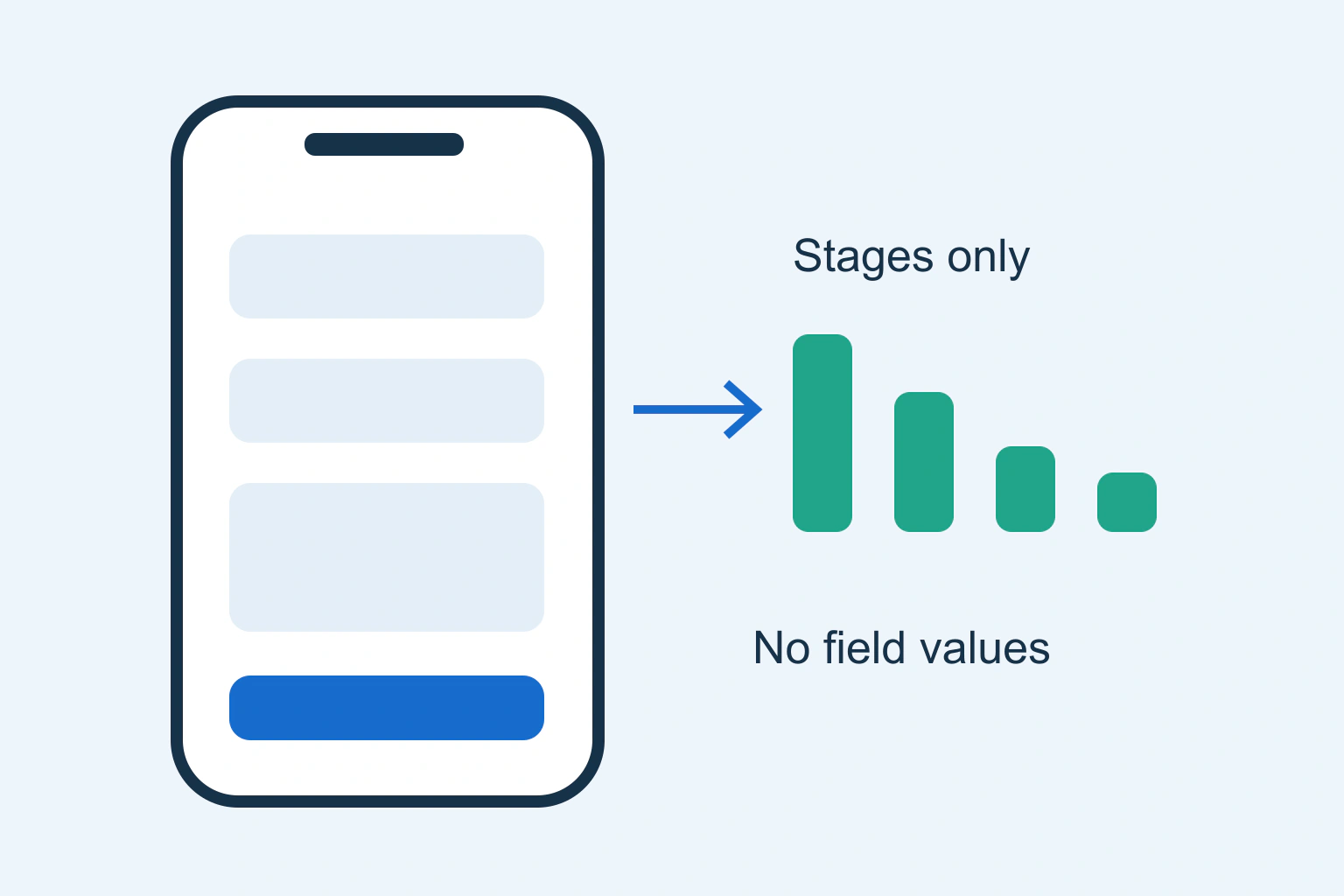
You can investigate a mobile form without collecting what people type into it. Start with the task, a few necessary stages and coarse error categories. Combine those observations with controlled tests using synthetic data. A detailed recording of every visitor’s partial answers is not a prerequisite for discovering a hidden button or confusing validation rule.
A fictional repair service wants to understand incomplete appointment requests on phones. This guide proposes a measurement and review method. It does not report a live experiment, certify privacy compliance or authorize a new tracking system.
Define the outcome and the observation window
Decide what counts as completion: an accepted request recorded by the service, not merely a click on Send. Define which forms, pages, devices and period are in scope. A newsletter form and a repair booking form have different purposes and should not be mixed into one unexplained conversion rate.
Define abandonment as an operational observation with limits. A measured start without a measured completion within a chosen window is not proof that a person gave up. They may return later, change device, decline optional measurement or complete a journey the collector did not observe.
Keep unknown states visible in reports. Do not identify people across devices or collect extra personal details simply to eliminate every gap. The analysis should support a product decision, not a claim that every visitor’s intention has been recovered.
Choose the minimum useful event map
| Observation | Useful meaning | Exclude from analytics |
|---|---|---|
| Form became usable | Required interface loaded | Visitor identity and entered answers |
| Interaction began | Some form interaction was observed | Keystrokes and free text |
| Validation category | A known class of correction was needed | Rejected field value |
| Accepted request | Application confirmed the intended outcome | Message contents and contact details |
Choose labels from a controlled vocabulary, such as “required-field error” or “network retry,” rather than copying whatever an error message contains. A message may include the actual address or answer. Even a harmless-looking label can leak private data when generated from user input.
The W3C Privacy Principles support data minimization and meaningful user control. They provide design principles, not a legal opinion about a particular analytics setup. Review purpose, access, retention and applicable requirements for the actual business before activation.
Audit indirect routes that can expose answers
Inspect URLs, page titles, event parameters, request bodies and referrers, not only the form’s visible fields. A thank-you URL containing an email address can transmit private information even when the event code never reads an input. A dynamic page title can create the same issue.
Google’s PII prevention guidance explicitly addresses personal information in URLs, titles and user-entered values. Remove such values at the source and verify actual requests. Best-effort redaction should not become a reason to intentionally send unnecessary data.
Check embedded forms and third-party scripts separately. A top-level page setting does not prove an embedded system follows the same collection rules. Identify each recipient of the data and keep the approved tracking behavior consistent with the visitor’s choices.
Test collection using synthetic cases
Create unmistakably fictional test answers in a suitable environment. Exercise a valid request, missing required data, an invalid format, a network failure and a retry. Inspect what is saved by the application and what is sent to measurement destinations. Do not use real customer data as convenient test material.
Verify accepted, rejected and changed consent choices according to the approved implementation. Confirm that declined optional measurement does not prevent the form itself from working. Avoid using a cookie banner’s appearance as proof of network behavior.
Check duplicate reporting. One retry should not automatically become several accepted requests, and opening the same success screen twice should not inflate the outcome. The actual application’s success contract should determine the event, not an attractive animation or a generic page-view trigger.
Investigate mobile behavior directly
Open the real form at representative phone widths and on a real touch device where available. Check keyboard overlap, field visibility, scrolling, input types, error placement, focus and the final action. Use desktop checks as a comparison, not a substitute for mobile evidence.
The W3C forms tutorial explains accessible structure, instructions and feedback. Use those concepts to inspect whether a reader can understand the task. A report showing a frequent error category should lead to a reproducible interface check rather than speculation about individual users.
For the repair service, synthetic testing might reveal that the keyboard covers the confirmation area or that a date error appears above the viewport. These would be concrete findings only after observation. Do not publish them as actual causes merely because they are plausible examples.
Compare aggregates without hiding limitations
Use the same scope, period and definitions for mobile and desktop. Check whether collection, consent rates, form versions or traffic sources differ. A lower mobile completion ratio is a lead for investigation, not immediate proof that the layout alone caused it.
Keep small cohorts appropriately protected and avoid over-segmenting until individual patterns become recognizable. Report error categories and stages at a useful aggregate level. Do not distribute recipient-level analytics exports simply because colleagues prefer to inspect every row.
Join operational evidence only through an approved necessary process. Support reports can reveal a repeat problem without copying names, addresses and message bodies into a marketing dashboard. Summarize the issue category and retain sensitive details within the appropriate protected system.
Make one reviewable change and verify it
Choose the correction supported by the evidence, such as clearer format instructions or a visible error summary. Preserve the before state, define acceptance criteria and test the affected paths on mobile and desktop. Avoid simultaneously replacing the form, tracker and submission service without a reason.
After an authorized release, confirm the form’s real result and the measurement’s boundaries. Compare equivalent periods cautiously, noting traffic and collection changes. A better-looking rate after a tracking change may reflect different counting rather than improved usability.
Close with the observed issue, verified fix, collected categories, excluded data and remaining uncertainty. A useful diagnosis makes the form easier to complete while preserving privacy boundaries. It does not require knowing every unsubmitted answer or pretending that an unobserved completion proves a visitor abandoned the task.
Continue with the next useful check
Sources and verification
Editorial review 2026-10-18. Source check dates are recorded separately. Notes describe what each source supports and its limits.
View sources
- W3C: Privacy PrinciplesChecked Data minimization, transparency and control principles.
Limits: Not a legal compliance certification. - Google Analytics: Avoid PIIChecked URLs, titles and user-entered values can disclose personal information.
Limits: Implementation requires actual request verification. - W3C: Forms tutorialChecked Accessible structure, instructions and feedback.
Limits: Does not establish a real site abandonment cause.