
Use a short exposure as a comprehension check, then investigate the specific misunderstanding. Five seconds is a practical test constraint, not a universal conversion deadline.
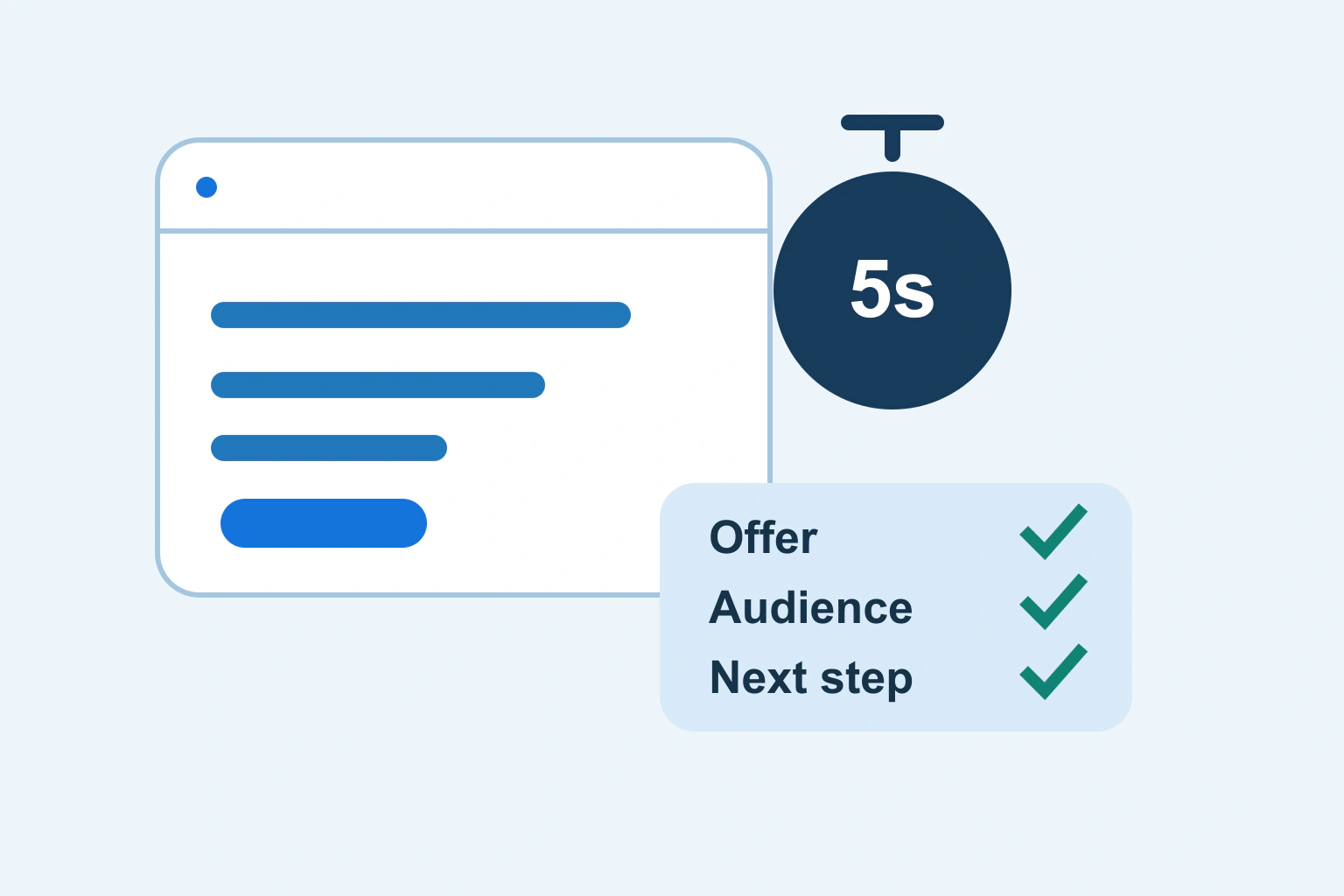
A useful homepage lets a new visitor explain what you offer, whether it is relevant to them and where to go next. Show its first screen briefly, hide it, and ask those questions without coaching. The purpose is to discover a misunderstanding, not to award your design a score.
Five seconds is a convenient constraint for this exercise. It is not a scientifically universal deadline, a ranking factor or evidence that every purchase decision happens immediately. A complex service can require substantial explanation after the first useful orientation.
Write the intended message before showing the page
Privately complete four statements: we provide this service or product; for this kind of customer; with this relevant distinction; and the next useful action is this. Use concrete language rather than adjectives such as innovative, seamless or premium. If the team cannot agree on the statements, the homepage cannot resolve that business ambiguity through typography.
A fictional bicycle workshop might write: we repair commuter bicycles; for riders in the local service area; with bookable inspection appointments; and visitors should check the repair options before requesting a slot. That gives the exercise a reference answer while leaving room for participants to describe it in their own words.
Keep this exercise separate from configuring which page appears at the root address. Our WordPress homepage and blog-page guide covers that publishing setup. Here, the page already exists; its communication is the question.
Recruit someone who does not already know the answer
A colleague who has watched the business develop may mentally supply details the page never states. Prefer people who plausibly face the relevant task but have not memorized your offer. Tell them they are reviewing the page, not being tested on their intelligence. Obtain permission for any notes or recording and avoid unnecessary personal information.
Give neutral context: imagine you need help repairing a bicycle. Do not say that the business sells same-week commuter inspections before asking what they understood. That would supply the answer you need to test. Run sessions separately so participants do not borrow one another’s interpretations.
For a small exploratory exercise, describe findings as observations from those participants. Do not turn three conversations into a market-wide comprehension percentage. The next decision should reflect the actual uncertainty, not a number made to look statistically authoritative.
Show the actual first screen on the relevant device
Use the normal public page at an ordinary mobile or desktop size. Let it reach a usable state, then show the initial view for the agreed short interval. Do not secretly remove a large consent interface or promotion that real visitors must encounter. If an overlay blocks the offer, record that as part of the experience.
Hide the page before asking: what does this business do; who would use it; what could you do next; and what remains unclear? Capture the participant’s wording before explaining anything. A person saying bicycle shop may have understood the broad category but missed that the business only offers repairs rather than selling bicycles.
Nielsen Norman Group’s homepage guidance supports communicating purpose and providing useful action labels. The short-exposure worksheet here is an editorial application of those principles, not a claimed replication of its research.
| Observed answer | Possible issue | Focused revision |
|---|---|---|
| It sells bicycles | The image dominates the actual repair offer | State repairs explicitly in the main message |
| It repairs anything | The scope is unclear | Name the supported bicycle types and route exceptions |
| I would call, but cannot find the number | The next action is hard to locate | Make the supported contact route visible |
| I know the service but not the area | Eligibility information is missing | Add the real service area near the offer |
Repair one communication gap at a time
Rewrite the main statement around the missing noun, audience or action. Do not respond to every misunderstanding by adding another paragraph. If the headline says dependable solutions, a shorter statement naming bicycle repairs can convey more information with fewer words.
Then check the image, navigation and button together. A headline about repairs, a showroom photograph and a Shop now button give conflicting signals. An actual repair example and a View repair services action form a more coherent route, provided the destination delivers that information.
Put evidence beside the claim it supports. A genuine certification, documented process or approved customer example can help a visitor assess the service. Do not invent testimonials or display an unexplained trust badge to fill an empty space. If no evidence exists yet, explain the actual process clearly instead.
Check the words after the first impression
Return the page and allow normal browsing. Ask the participant to find a service boundary, a useful price explanation and the next step. This longer task distinguishes an initially vague message from a usable page that simply needs reading.
W3C’s explanation of headings and labels says they should describe topic or purpose. Apply that to section names and buttons: Repair turnaround explains more than Our promise when the section actually describes scheduling. A concise label can be helpful without being a complete sales pitch.
If the person reaches the form but cannot tell what to submit, the homepage has successfully routed them to a separate problem. Use the form labels and feedback checklist there instead of cramming the form’s instructions into the hero.
Repeat the exercise in mobile, not only with a smaller screenshot
Open the real mobile page and inspect the initial viewport, open menu, text enlargement and the path to the primary action. An oversized title can push the useful offer below the visible area. Conversely, shrinking every element until it fits can make the message difficult to read.
W3C’s Reflow guidance explains the relevant narrow-width accessibility requirement and its exceptions. Check whether ordinary prose stays readable without horizontal scrolling. A screenshot alone cannot establish keyboard access, reflow behavior or the actual destination of a button.
Use equivalent questions for mobile and desktop, while recording which version each participant saw. Different layouts can create different misunderstandings even when the content management system stores the same headline.
Keep a decision record and measure the next useful outcome
Record the page version, device, intended message, observed misunderstanding, revision and follow-up result. Retest with someone who has not already heard the explanation. Showing the same person the corrected sentence immediately can test recognition rather than a fresh first impression.
Then watch meaningful behavior using a verified measurement setup. The analytics and Search Console introduction explains why search visibility, page use and business outcomes are separate. Better comprehension can be valuable even when a low-traffic site cannot demonstrate a reliable conversion change.
Finish when the offer, audience and route are understandable and the supporting journey works. Keep unresolved scope questions visible in the team’s notes. A clear homepage earns the next few minutes of attention by making the first decision easier; it does not need to squeeze the entire business into five seconds.
Sources and verification
Editorial review 2026-10-18. Source check dates are recorded separately. Notes describe what each source supports and its limits.
View sources
- Homepage Design: 5 Fundamental PrinciplesChecked A homepage should communicate its purpose and offer clear navigation and descriptive actions.
Limits: Research principles do not establish a universal five-second threshold or a conversion forecast. - W3C: Headings and LabelsChecked Headings and labels should describe their topic or purpose.
Limits: Descriptive wording alone does not certify a complete accessible implementation. - W3C: ReflowChecked Content should reflow at narrow equivalent widths, subject to specified exceptions.
Limits: This guide proposes checks; it does not certify conformance for a site.