
Match each limit to a real task, its frequency and the people involved. Upgrade for a clear need rather than a long premium feature list.
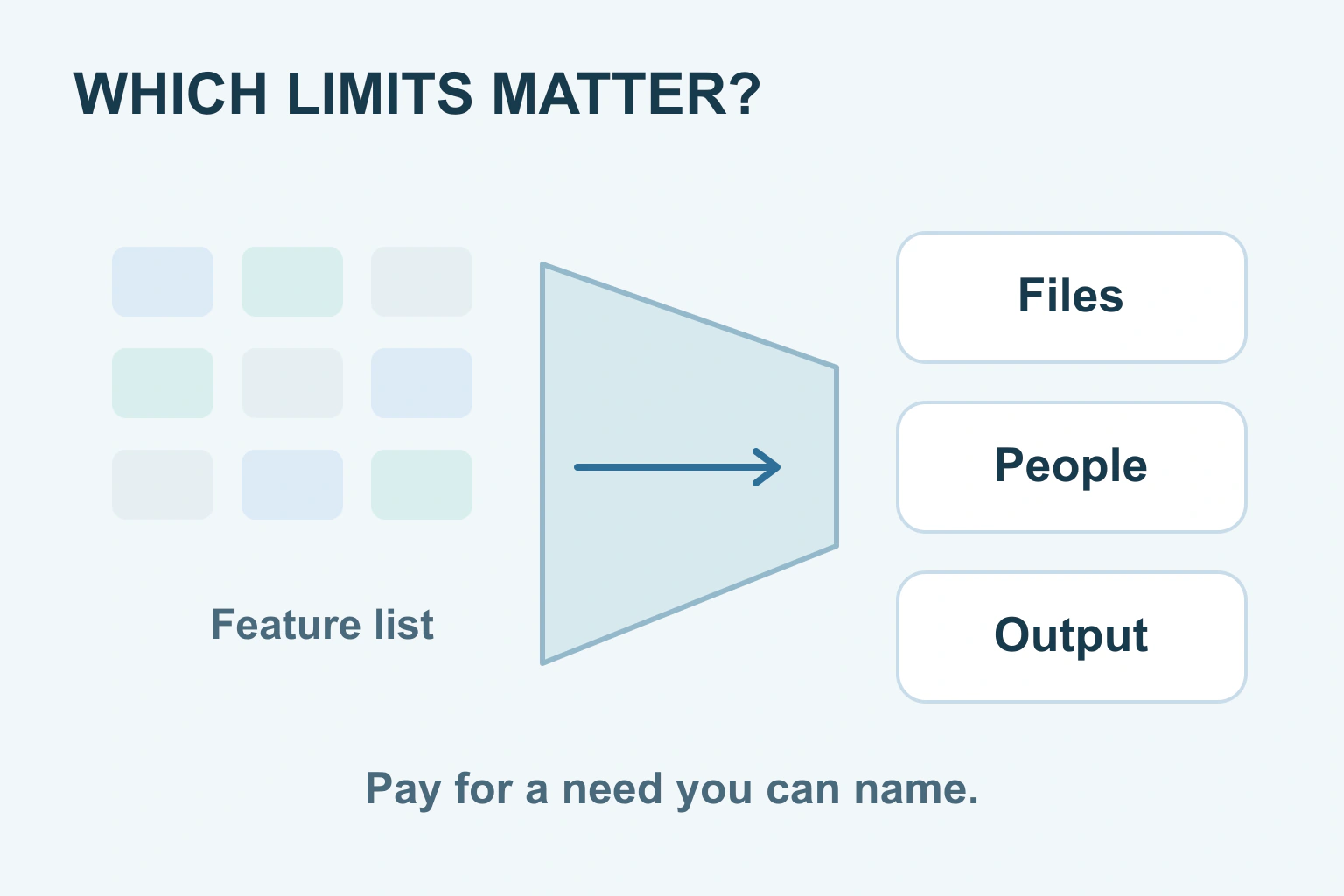
A free plan is enough when it lets you finish the work you actually need, with acceptable access, output and storage. A paid plan makes sense when a specific restriction blocks that work or creates more inconvenience than you are willing to accept.
Do not start by comparing the length of two feature lists. Start with a task: edit a family document, share a volunteer timetable or prepare a product leaflet. Then ask which limits can prevent that result, now and when you repeat it.
Separate free access from a temporary trial
A free plan may continue with limits. A trial may temporarily unlock paid features and then end or renew into a subscription. Check which offer you are using before deciding that the sample project proves the free version is sufficient.
Look at the account or workspace’s actual plan name. A trial label, promotion or paid workspace supplied by someone else can affect what is available. If a feature disappears when the trial ends, the ordinary free plan was not what you were testing.
Microsoft’s free-web-app comparison is a useful example: free browser access and subscription benefits are different packages. That does not mean the free option is poor. It means you should choose the one matching the job and device you need.
Read the unit behind a limit
Storage, upload size and monthly usage are different limits. You can have free storage remaining but still be unable to upload one large file. You can also fit one project comfortably while a repeating allowance runs out during a busy month.
Check whether an allowance applies to one file, one project, one person or the whole workspace. Ask what happens at the limit: can you still view existing work, do new actions stop, or are extra charges possible? Read the actual conditions instead of assuming an app will always stop safely before spending more.
| Limit | Question for your task | Useful evidence |
|---|---|---|
| File size | Will the largest ordinary file upload? | A sample in the real format |
| Total storage | What else uses the same space? | The account’s current storage view |
| People | Who needs editing rather than viewing? | The supported roles and billing rules |
| Export | Can you keep the required final format? | An opened, usable downloaded copy |
| Repeated use | Does the allowance cover a normal busy period? | Your real project count and revision needs |
Use your own needs in the final column. The largest allowance is not automatically the best value if you never approach it. A smaller plan with the right export can be more useful than a larger plan that cannot supply the file your recipient requires.
Check people, roles and shared allowances
A person who reads a result is not always the same as a paid editor. Look for the difference between members, guests, viewers and commenters in the tool you use. Do not invite everyone as an editor just because it is the first button in the sharing dialog.
Notion’s plan guidance, for example, explains that plan suitability changes with collaboration and distinguishes members from guests. Those terms are product-specific. Read your own workspace’s conditions before applying the same assumptions to another app.
Also ask who controls the plan. A family member leaving a shared subscription or a volunteer transferring ownership can change access. A free arrangement that depends on a person who no longer maintains it deserves a plan for continuity, even if no money is currently due.
Look beyond the amount of storage
Check whether mail, photographs, backups or other services share the allowance. Google’s storage explanation describes shared usage and the effects of going over quota. Buying storage for one visible folder may also be supporting other parts of the account.
Keep a usable copy of important work independently of the plan decision. More space does not provide every export format, restore option or editing feature. Likewise, a generous upload allowance says little about whether the other person can open the final result.
For creative work, inspect a downloaded output. Look for watermarks, size, resolution and any relevant use conditions. A preview in the editor may not show the same restrictions as the export. Do not pay purely to remove a watermark before confirming that the rest of the result is suitable.
A fictional club-leaflet decision
Imagine a community club needs a leaflet for a single event. Its organiser can edit the text and export a readable PDF on the free plan. The paid plan offers a larger asset library and more project space, but neither solves a current problem for this event.
The club stays free. Later it needs several people to update material regularly and a particular shared-review feature becomes important. The organiser checks whether that feature is included, who needs a paid role and the total ongoing commitment before proposing an upgrade.
This fictional example shows why free or paid is not a permanent identity. A tool can be sufficient for one task and unsuitable for another. The decision should change when the actual need changes, rather than when a promotional message says the upgrade is popular.
Pay for a clear need and keep a review date
- Name the task and final file or outcome.
- List the limits that could prevent it.
- Try the important steps with a small real-shaped sample.
- Confirm the full billing term and any extra paid users.
- Record what happens to access and files if you stop paying.
- Review the subscription when the project or need changes.
For a website project, the same approach appears in our first-site page-builder guide, builder-cost comparison and free-versus-paid security guide. Their product details apply to those jobs, not to every app. Your useful next step is smaller: identify the one limit that justifies paying, or continue free until such a need exists.
Sources and verification
Editorial review 2026-10-18. Source check dates are recorded separately. Notes describe what each source supports and its limits.
View sources
- Microsoft: What's the difference between a Microsoft 365 subscription and free web appsChecked Free browser applications and subscription benefits are different products; included access depends on the plan.
Limits: A product-specific example, not a promise that all free software has the same limits. - Notion: Change your Notion planChecked Plan suitability can change with workspace membership, upload sizes, history and guest access; paid seats differ from guests.
Limits: Plan availability and conditions vary by workspace and can change; no universal price quoted. - Google Drive: How your Google storage worksChecked Storage is shared across named Google services and over-quota conditions can affect new uploads and other activity.
Limits: A Google account example, not a universal retention or storage rule.