
Count the business acceptance once, after the handler confirms the intended enquiry. Keep attempts, accepted records, notifications, qualified leads and sales as separate measures.
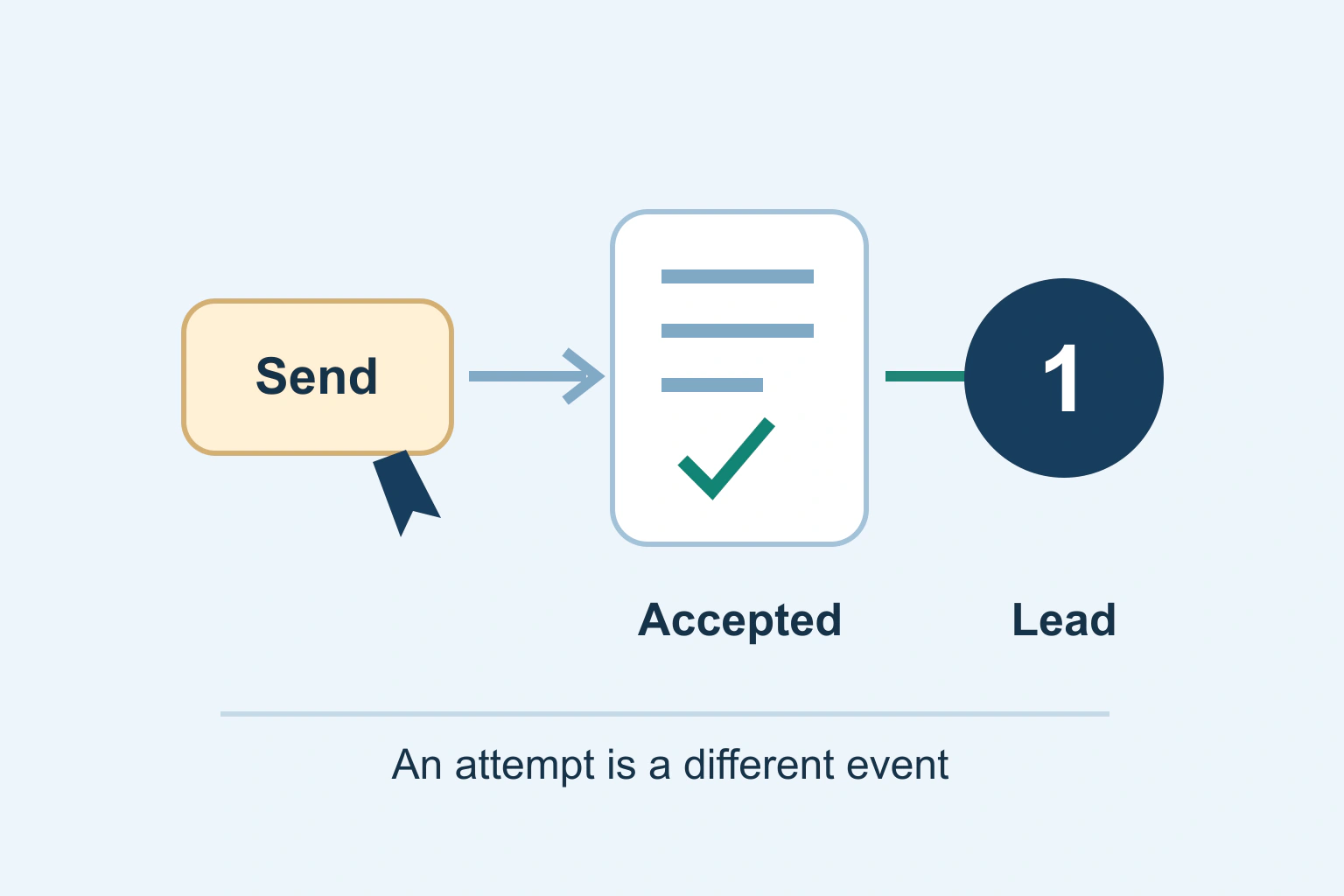
A person pressing Send has attempted an action. They have not necessarily created a lead your team can use. Define the actual acceptance boundary, measure it once and verify that meaning against the system holding the enquiry.
A useful lead dashboard distinguishes attempts, accepted enquiries, notification delivery, qualified prospects and completed sales. Combining those stages makes a busy chart easy to produce and difficult to trust.
Define the business event before naming the analytics event
Write the acceptance rule with the person who owns the process. For a fictional consultancy, an accepted enquiry might mean that the form handler validated the request, stored it in the supported enquiry system and returned an acknowledgement. It does not mean a consultant read it or agreed to take the work.
Document which system makes that decision and which supported response proves it. A successful connection, disappearing spinner or new page view is not enough if the handler can still reject the data or fail to store the request.
Keep this definition close to the implementation. A later change from email-only handling to stored records can alter the success boundary even if the visible confirmation text remains identical.
Separate interaction events from accepted outcomes
Google’s enhanced-measurement documentation lists form_start and form_submit events. They describe instrumented form interactions; their names should not be treated as proof of a separately verified business outcome.
Google’s recommended-event reference describes generate_lead for lead generation. Choosing that name does not implement acceptance detection, consent handling or duplicate prevention. Those responsibilities remain with the integration.
| Observed stage | Useful meaning | Not established yet |
|---|---|---|
| Send button activated | Attempted action | Valid request or accepted enquiry |
| Handler acknowledges acceptance | The defined enquiry exists | Staff response or sales quality |
| Notification delivered | A message reached its documented destination state | A person read or acted on it |
| Lead qualified | The agreed qualification rule was met | A sale or payment |
Our measurement introduction explains the broader distinction between visibility, activity and outcomes. This guide narrows the enquiry event so an existing dashboard can represent the process honestly.
Choose the supported success signal
Use the form system’s documented acceptance callback, server result or integration event. Inspect what it actually means. Some callbacks run after local validation; others run after an asynchronous handler accepts the request. Similar names do not guarantee the same boundary.
If a thank-you page is used, establish how people reach it and whether it can be opened directly or refreshed. A page-view trigger can count visits that did not create a new enquiry. Do not invent a hidden tracking workaround when the system exposes no reliable acceptance signal; document the limitation and improve the integration deliberately.
A server-originated event can be appropriate in some designs, but it still needs the chosen analytics service’s supported identity, consent and duplication rules. Moving collection off the browser does not automatically make it private or accurate.
Work through a fictional validation failure
A visitor activates Send with a missing required email address. The interface displays a validation message and no enquiry is stored. A click-based trigger reports one lead even though the business has nothing to respond to.
After correction, the handler stores the request and acknowledges it. The intended measurement now records one accepted enquiry. If the visitor refreshes the confirmation screen, the accepted-record count and lead event should not increase merely because the result was displayed again.
This is an acceptance model, not a test performed on your website. Write equivalent expected outcomes for your form before implementing the trigger. Include an accepted request whose notification fails, because that is a separate operational condition.
Prevent duplicate measurement without hiding real requests
Align counting with the accepted operation rather than every network attempt or confirmation render. A retry may return the existing accepted result, and a response can arrive after the browser originally timed out. The handler’s supported operation identity is the important context.
Our submission and retry guide covers that acceptance uncertainty. Do not assume an arbitrary custom event parameter automatically deduplicates all GA4 events. Verify the actual integration behavior and keep operational duplicate handling separate from analytics counting.
Also check for two installations: a form plugin, tag manager and theme can each emit overlapping success events. Choose one owner for the intended lead signal. Two events with different names can still be presented as the same conversion in reports.
Keep personal form data out of analytics
Google’s PII guidance prohibits sending recognizable personal information and highlights URLs and user-entered values as exposure paths. Do not use a prospect’s name, email, telephone number or message as an event label.
Prefer an allowlist of non-personal context, such as a stable form type or broad service category, after reviewing whether each value is appropriate. Keep detailed enquiry records in the authorized business system rather than copying them into analytics dimensions.
Review confirmation URLs, titles and error states as well as explicit parameters. A reference in a URL can still be sensitive or identify a person through the surrounding system. Removing one email parameter does not certify that the rest of the journey is safe.
Validate with synthetic enquiries and expected counts
Use an approved test environment and synthetic values. Test empty required input, a normal success, a known handler rejection, a repeated activation, a supported retry and confirmation-page refresh. For each, write expected accepted-record and analytics-event counts before execution.
Test the configured consent paths separately. A business may accept an enquiry while optional analytics remains disabled. That is not necessarily lost business data; the operational record and analytics report have different scopes.
For a missing notification, follow the contact-form delivery diagnosis. Do not redefine a successfully stored enquiry as unaccepted just because its email notification needs repair.
Reconcile the report with its actual scope
Compare a controlled set of synthetic accepted records with observed event receipt in the intended analytics property. Then review ordinary reporting using an agreed period, filters and consent coverage. Do not expect an exact census of all enquiries when the measurement design intentionally excludes some sessions.
Keep a change log when triggers, forms or consent behavior change. A sudden rise in leads after adding a second tag can be a measurement defect rather than business growth.
Accept the setup when its documented event means what the team thinks it means and the important failure paths preserve that meaning. A lead count is useful because it supports a decision, not because a send button can make it increase.
Sources and verification
Editorial review 2026-10-18. Source check dates are recorded separately. Notes describe what each source supports and its limits.
View sources
- Google Analytics: Enhanced measurement eventsChecked Enhanced measurement includes form_start and form_submit with form-related parameters.
Limits: A measured form interaction does not by itself certify the backend accepted an enquiry. - Google Analytics: Recommended eventsChecked generate_lead measures generated leads; recommended optional events require deliberate configuration.
Limits: The event name does not implement business acceptance or provide universal deduplication. - Google Analytics: Avoid PIIChecked Do not send recognizable personal information; URLs and user-entered values are common exposure paths.
Limits: Redaction is not a replacement for a reviewed collection design or applicable privacy requirements.