
Record the editorial event first, distinguish date-only values from instants, and make each visible and machine-readable date describe that same truthful event.
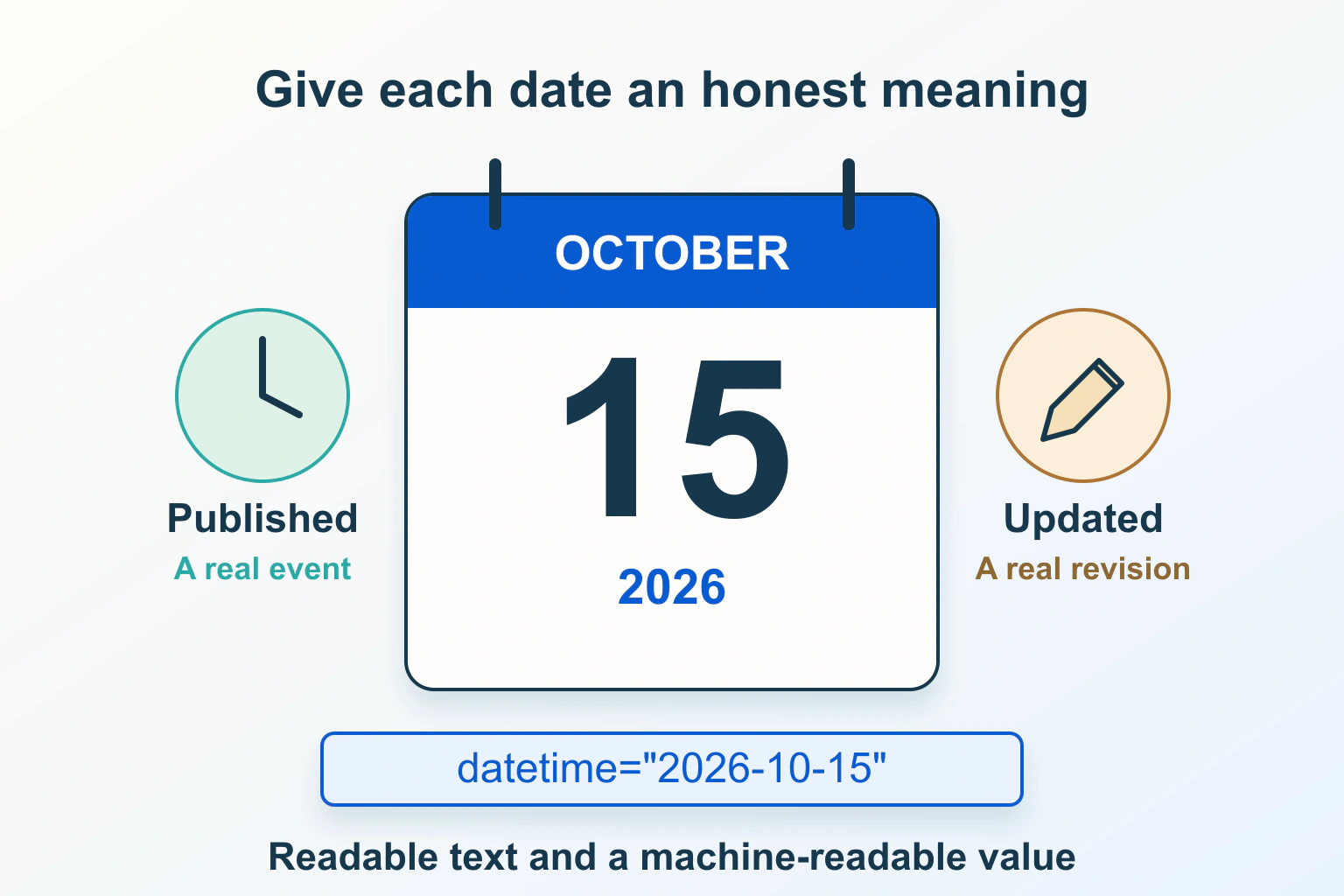
An article’s date should explain an event in that article’s history. Published identifies its first public release; Updated can identify a meaningful change; Reviewed can identify a completed editorial check. Decide what each label means before connecting it to a CMS timestamp or a template’s automatic current date.
This guide uses a fictional repair journal with an evergreen maintenance article. Its example dates and policy are illustrations, not Pagember’s publication records. The problem is consistent representation of editorial history, rather than scheduling a release or claiming a search-ranking benefit.
Define three events instead of one freshness badge
The journal might first publish a guide, later correct its recommended process, and then check unchanged instructions against current documentation. Those are different events. Showing today’s date beside all three without a label prevents readers from knowing what happened.
Agree a small editorial policy: who approves an update, which changes merit a visible notice, and what evidence records a review. A typo correction and a changed safety instruction deserve different explanations. These are publishing decisions, not a universal rule that one particular number of edited words counts as significant.
| Label | Event it should describe | Useful record |
|---|---|---|
| Published | First public release of this work | Original release record and article identity |
| Updated | The change represented by the publisher’s update policy | Revision and concise account of what changed |
| Reviewed | An actual completed check of the stated scope | Reviewer, sources and unresolved limits |
Preserve the original publication event when improving the same article. A new headline or cover does not make the work newly released. If a page genuinely becomes a different work, decide its identity and URL deliberately rather than silently rewriting history.
Keep the review claim no broader than the work done
Checking one expired reference is not the same as reviewing every instruction, price and supported version. Record the scope before choosing the label. A short change note can explain a corrected process more clearly than an unexplained new timestamp.
For the fictional journal, an editor might verify the cleaning instructions but leave a model-specific compatibility question unresolved. The public wording should not imply that every model was retested. Researched documentation checks also should not turn into claims of hands-on testing.
The content-refresh workflow covers deciding what to retain or revise. Here, the narrower task is making the resulting event and its date understandable wherever the article appears.
Separate a calendar date from a precise instant
MDN’s HTML date-format guide distinguishes a date from local and global date-time forms. A date-only value is a calendar value, not automatically midnight UTC. A global date-time includes an offset identifying its relationship to UTC.
If the journal records an editorial review as a calendar day, avoid passing that value through a conversion that turns it into the previous day for some visitors. If it records a precise release moment, retain that instant and choose a display zone explicitly. These are different data contracts.
A named zone can change its offset across the year. A numeric offset attached to one valid instant is useful; a permanent fixed offset is not automatically the correct rule for all dates in a region. Use the time-zone guide for the broader distinction without changing article dates to imitate booking logic.
Use human-readable text and a matching machine value
MDN’s time-element reference describes using datetime for a machine-readable value separate from displayed text. The attribute does not verify that publication occurred or that the article was reviewed.
The following fictional date-only example makes the month readable while retaining an unambiguous value. It is displayed as illustrative code, not installed article metadata.
Published: <time datetime="2026-10-01">1 October 2026</time>If the actual record is an instant, an illustrative global value could be 2026-10-01T09:30:00+01:00. Do not attach that precision or offset to an editorial record that contains only a calendar day. Ask the maintainer how the CMS stores and formats the authoritative value before supplying a replacement.
Compare all representations of the same event
An editor’s field, visible byline, article card, machine-readable time element, structured data, feed and sitemap may draw from different sources. Inventory them before editing a global template. A correct byline does not establish that the feed stopped announcing a routine save as a new release.
Schema.org’s dateModified property accepts Date or DateTime values for the work’s most recent modification. The property itself does not certify a substantive review. Understand the component’s semantics and update policy rather than automatically equating its database modification time with a public “Fully reviewed” label.
For the journal, record one row per representation: displayed label, source field, value, zone and responsible component. Investigate disagreements by identifying the first place the meaning changes. Preserve appropriate system audit timestamps privately even when they do not belong beside the public headline.
Keep page dates separate from dates discussed inside it
Google’s byline-date guidance recommends clear visible dates coherent with structured dates. Publication and update dates should describe the page, rather than an event it discusses, and should not be future dates. Google does not guarantee which date, if any, appears in search.
A guide can legitimately discuss a future workshop, a past regulation or a product’s release history. Keep those factual dates where readers need them, with clear context. Do not erase useful chronology indiscriminately or label the event date as the article’s publication.
Changing only the displayed year or running an automatic daily timestamp does not create new research. If the search result shows an unexpected date, inspect visible competing dates and generated data first; rewriting the entire article date to chase a snippet is not a reliable diagnosis.
Diagnose a date mismatch without bulk edits
Start with one article and a precise observation: the byline shows one day while the card shows another, or the editor records an update that the public page has not received. Compare the saved source, rendered response and any cached version separately.
Check the site’s timezone, formatter and locale choices. A month/day numeric string can be ambiguous even when both systems store the same value. Prefer an understandable displayed month where that suits the audience. Do not repair a timezone mismatch by adding a day to every stored date.
If the item is not yet public, inspect status and schedule as a separate issue using the scheduled-post guide. A date displayed in an editor is not proof of a completed public release.
Accept truth, consistency and a recoverable change
- Identify the article and preserve its original publication record.
- Record the actual update or completed review and its scope.
- Choose calendar-date or instant semantics deliberately.
- Compare visible labels, saved fields and generated representations.
- Check ambiguous numeric dates, zone boundaries and cached output.
- Release a focused correction and retain the previous configuration.
The structured-data guide covers the wider article entity. Accept the date repair when each label describes a real event and each representation agrees with its meaning. Indexing, displayed search dates and rankings remain separate outcomes to observe.
Sources and verification
Editorial review 2026-10-15. Source check dates are recorded separately. Notes describe what each source supports and its limits.
View sources
- MDN: time elementChecked A machine-readable datetime value can be separate from human-readable date text.
Limits: The element represents supplied information; it does not determine publication, verify review or create freshness. - MDN: Date and time formats used in HTMLChecked Date-only, local date-time and global date-time representations, including timezone offsets.
Limits: A date-only value is not automatically a UTC instant; a fixed numeric offset does not represent a named zone’s year-round rules. - Google Search Central: Byline datesChecked Clear visible publication/update dates coherent with machine-readable dates and describing the page itself.
Limits: Supplying accurate dates does not guarantee their display in search or a ranking improvement. - Schema.org: dateModifiedChecked The Date or DateTime property describing a CreativeWork’s most recent modification.
Limits: The property does not establish that a substantive editorial review occurred or select the publisher’s public update policy.