
Retain a defined numeric source and currency identity, choose the presentation locale explicitly and verify the rendered meaning without parsing the display string back into a price.
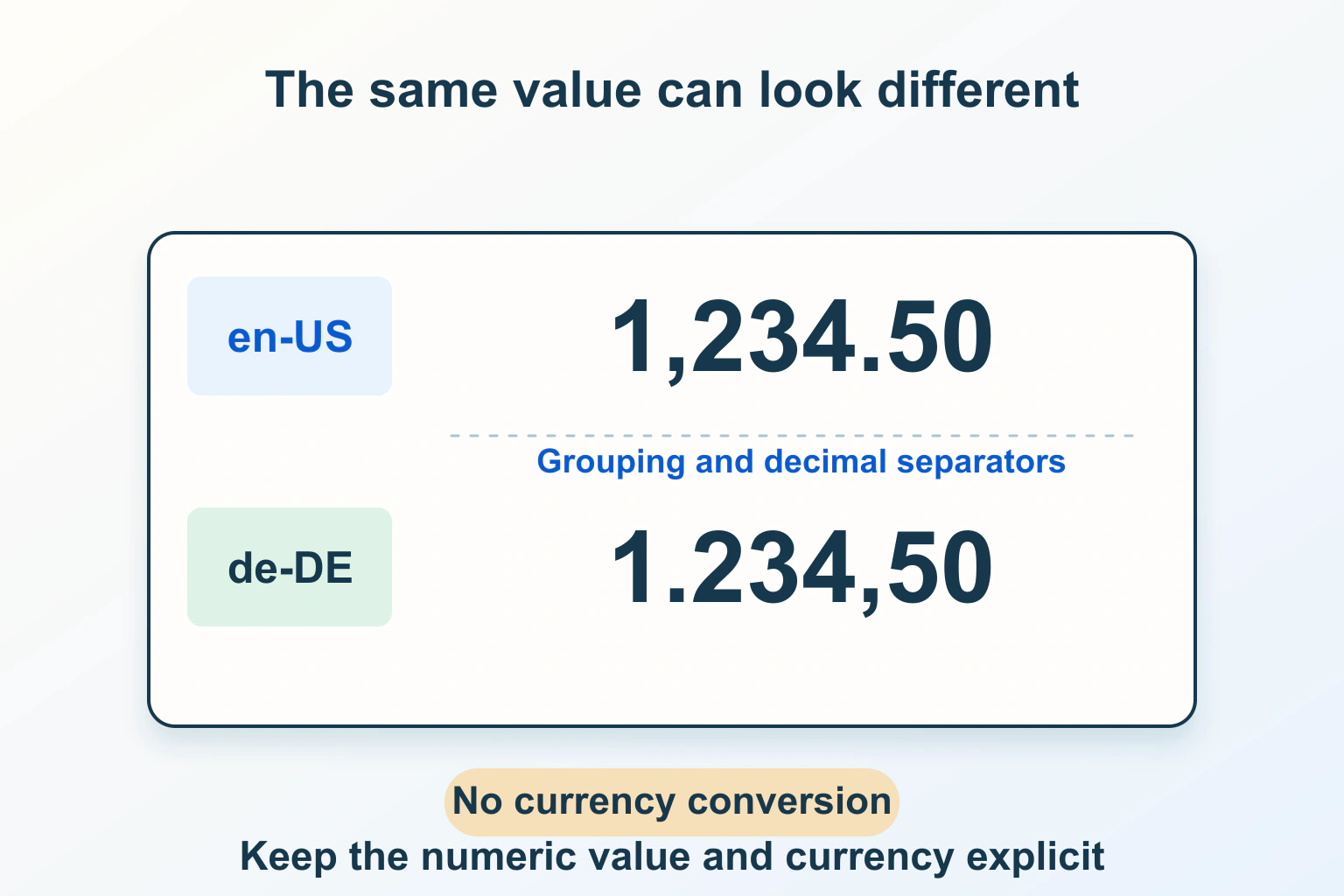
Changing a number’s presentation must not silently change what it means. Keep three decisions separate: the source value, the currency or unit it represents and the locale used to display it. A German-style decimal comma does not turn a US-dollar offer into a euro offer.
This guide uses fictional workshop amounts and quantities. It does not supply current exchange rates, real prices, tax advice or a checkout calculation. The job is to make a known value understandable while preserving its identity through the website’s display path.
Define the data before its appearance
For a fictional workshop listing, record the amount as 1234.5 and the currency as USD in the application’s documented data representation. Keep the original commercial context alongside it: what the amount covers, its billing period and whether a separate source provides tax information.
Do not store an unexplained string such as 1,234 as the only authoritative amount. Its meaning is ambiguous without an agreed input format. Equally, a displayed euro symbol does not establish that the source amount was originally denominated in euros.
| Decision | Fictional choice | It does not decide |
|---|---|---|
| Source amount | 1234.5 in a defined numeric data contract. | How separators appear to the visitor. |
| Currency identity | USD. | The visitor’s language or residence. |
| Display locale | en-US or de-DE. | A foreign-exchange conversion. |
| Commercial scope | One workshop booking. | Whether tax or other charges apply. |
Give each field an owner. Content editors should know whether they can change an amount or only its explanation. A localization task should not accidentally become a price-change task because all those values live in one editable sentence.
Choose a locale deliberately
The MDN internationalization guide explains locale-aware presentation through Intl. Translation and formatting are related but separate jobs: translated prose does not by itself establish the desired numeric or currency format.
Decide whether presentation follows a visible language/region preference, a documented site default or another explicit product rule. Let a reader understand the current choice. Browser language is useful context, but it is not proof of nationality, residence, billing country or preferred currency.
For the workshop, an English-speaking visitor can choose German-style number presentation while the offer remains in USD. If the site supports different commercial markets, label that separate choice. Our regional offer and VAT reading guide explains why a currency label alone cannot establish the complete purchase terms.
Format a known value with explicit options
Intl.NumberFormat accepts a locale and formatting options. Currency style requires a currency code; it does not infer the intended currency from the locale. Default fraction digits can depend on the currency and selected options, so assuming every currency always displays two decimals is unreliable.
This narrow illustrative JavaScript formats the same fictional amount twice. It deliberately uses the currency code so the identity remains clear:
const amount = 1234.5;
const options = {
  style: "currency",
  currency: "USD",
  currencyDisplay: "code"
};
const english = new Intl.NumberFormat("en-US", options);
const german = new Intl.NumberFormat("de-DE", options);

english.format(amount);
german.format(amount);
Read the results in your supported runtime rather than treating a copied screenshot as a universal string specification. Both calls receive the same amount and currency. Differences in separators, spacing and placement are presentation differences; no conversion has occurred.
Keep display options documented. If a comparison page shortens amounts but a detail page shows greater precision, explain that relationship and preserve the source value. Do not repeatedly round an already rounded display and then use it to calculate another total.
Disambiguate symbols where the context is weak
A bare dollar sign can leave an international reader unsure which dollar currency is meant. A card containing a price without its currency or billing period is an incomplete commercial statement even when the typography is attractive.
Use an explicit currency code where several markets share a page, in exported comparisons or wherever the surrounding context is insufficient. Keep unit labels equally clear: storage capacity, percentage, count and monthly rate are not interchangeable numeric decorations.
For the fictional workshop, the summary and booking details should communicate the same USD amount and scope. A translated heading must not leave a mismatched currency label beside the formatted value. Review copied cards, mobile summaries and confirmation content as part of the same meaning check.
Do not parse the formatted output back into a price
MDN’s format reference notes that output can contain nonbreaking spaces or bidirectional control characters and can vary by implementation. Avoid comparing it to one hard-coded universal literal or stripping punctuation until it resembles a number.
A formatter produces display text; it does not define a general parser for localized user input. Blindly replacing every comma with a period or passing a displayed currency string into a generic numeric conversion can change its meaning or fail. Preserve the original numeric data separately.
For an editable amount field, define accepted input, validation and storage before formatting its confirmed value. Make the expected convention understandable and handle ambiguity explicitly. Do not use the public price display as the database field, export format and input parser simultaneously.
Separate display rounding from business calculations
Choose presentation precision appropriate to the information, then verify it against the authoritative calculation. Tax, exchange rates, discounts and final totals need their own data and rules. Selecting a currency formatter is not a financial calculation policy.
If an indicative comparison is converted from another currency, it needs a real rate source, date and clear distinction from the merchant’s actual bill. Without those verified inputs, keep the original currency rather than manufacturing a local estimate. This guide intentionally supplies no conversion rate.
For percentages, document whether the source represents a fraction or an already scaled percentage before selecting the display style. For quantities, distinguish zero from missing data. A blank field should not quietly become a free offer merely because a rendering fallback chose zero.
Review edge cases and both rendering environments
- Known ordinary amount: compare source value, currency identity and visible explanation.
- Zero, negative and missing value: confirm each has the intended meaning and label.
- Large quantity and long currency label: check wrapping and alignment on mobile.
- Currency precision: review the currencies actually supported instead of forcing a universal two-decimal rule.
- Locale choice: inspect a default, an explicit preference and an unsupported-locale fallback.
- Output path: compare server-rendered content, client updates and any maintained confirmation or export.
Record the actual runtime and resolved behavior when performing those checks. A server’s default locale and a visitor’s browser default may differ; explicit shared presentation rules make an unexplained change easier to diagnose. Acceptance should check meaning and appropriate structure, not only exact whitespace bytes.
Keep language changes and time formatting in their own maintained workflows. Our translation guide covers content ownership, while the booking time-zone guide covers dates and instants.
Finish with a small display contract: source value and unit, supported locales, visible currency policy, precision and acceptance examples. The result is a reader who can interpret the amount confidently without the presentation layer inventing a different offer.
Sources and verification
Editorial review 2026-10-15. Source check dates are recorded separately. Notes describe what each source supports and its limits.
View sources
- MDN: Intl.NumberFormat constructorChecked Explicit locale and formatting options; required currency code for currency style; currency-dependent fraction-digit defaults.
Limits: Formatting does not choose prices, convert currencies, calculate tax or define the application's financial rounding policy. - MDN: Intl.NumberFormat formatChecked Formatting a supplied numeric value and variation such as nonbreaking spaces or bidirectional controls in output.
Limits: Formatted strings should not be tested against a universal literal string or treated as a general localized-input parser. - MDN: JavaScript internationalization guideChecked Locale-aware presentation using Intl and separating locale-aware formats from simple text translation.
Limits: Actual runtime locale support, business market selection and application data contracts require their own verification.