
Preserve the unsent work, identify the rejected request and compare its actual body format with the endpoint contract before correcting one serializer or header mismatch.
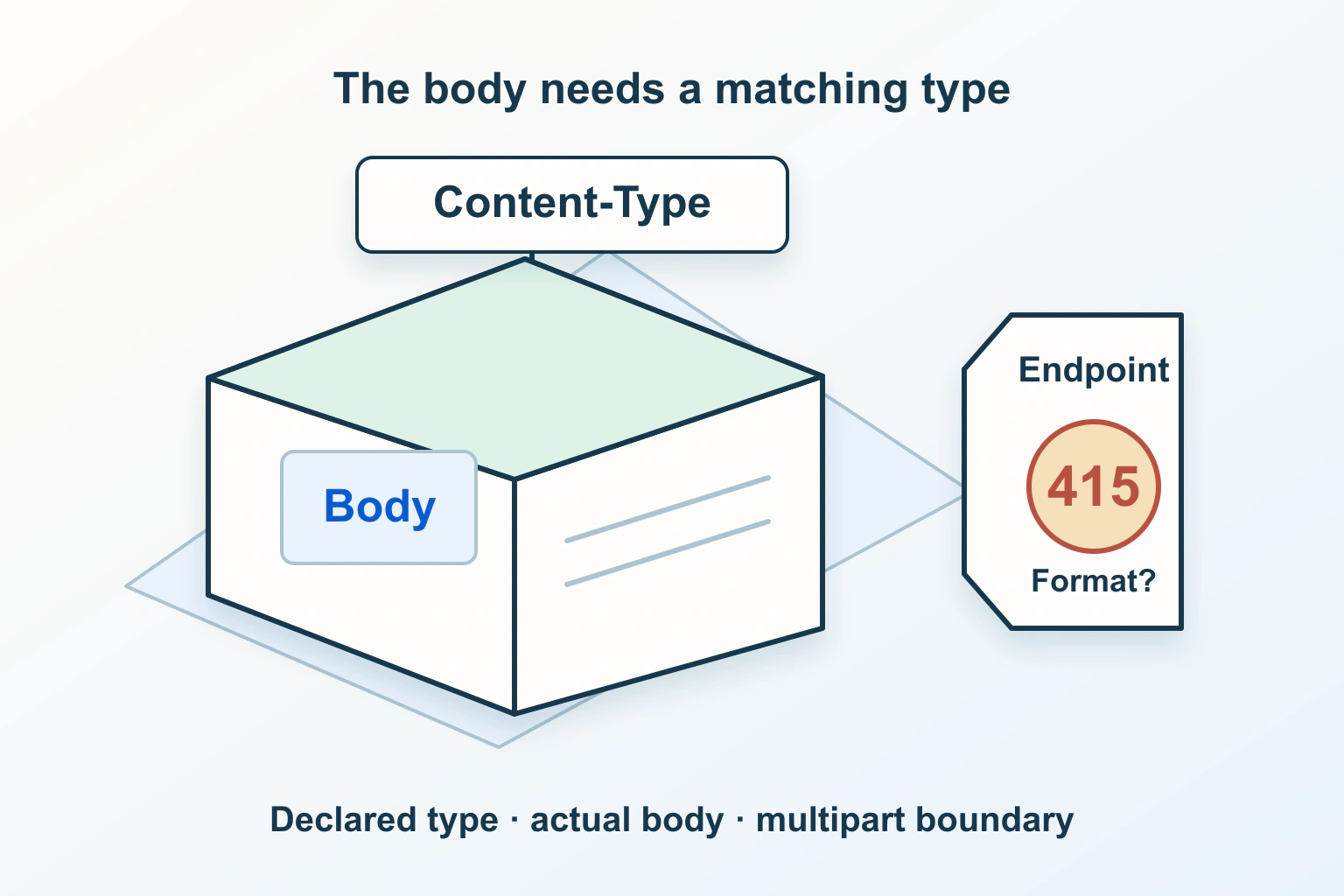
A 415 response after pressing Save is a reason to inspect the submitted representation, rather than repeatedly uploading the same file. A destination may exist and accept the intended operation while expecting a different body format. Changing access permissions or increasing upload limits does not establish that the parser can read the request.
Consider a fictional workshop booking site. Its ordinary form works, but a new integration cannot attach a supporting document. The developer needs to compare the successful browser journey and the integration contract, using harmless test data in a controlled environment. The following process is a diagnostic plan, not a claim that either implementation has been tested.
Establish what the response actually says
MDN’s 415 reference describes a request representation the server does not support. Its declared media type, content coding or processing may be involved. The status alone cannot tell you which extension, gateway or application produced the refusal.
Write down the failed action, request destination, time and safe request identifier. A page displaying an error is not necessarily the endpoint that received the submission. A form may first save text, then upload a document through another route; report those actions separately.
Preserve the text locally through the product’s supported draft feature before refreshing. For a booking, also check whether an earlier step created a record. Avoid converting an uncertain attachment outcome into duplicate bookings by blindly starting the whole journey again.
Read the endpoint contract before editing headers
Ask the application owner which representation this particular endpoint accepts. A document upload route might expect multipart form data, while a different route accepts a JSON description containing a previously issued file identifier. These are hypothetical designs, not interchangeable ways to send every file.
Get one supported example for the same route and version from its own documentation. Compare destination, method, body structure and required fields. A working request to a different endpoint proves little about the rejected one. Keep authentication details out of the comparison shared with support.
If documentation and observed behaviour disagree, collect the mismatch for the maintainer rather than inventing a new contract. A recent integration release or reverse-proxy change is a useful lead, but its timing does not prove it caused the refusal.
Compare the declaration with the serialized body
The Content-Type documentation separates the submitted media type from content coding and from the type returned in the response. A JSON label does not turn arbitrary text or file bytes into a JSON representation. The serializer and the header must describe the same submission.
In the booking example, the developer should determine whether the client serializes an object, sends a form, or sends raw document bytes. Inspect a harmless substitute rather than collecting a real customer’s document. A filename ending in a familiar extension is not sufficient evidence about the request body.
Keep a short comparison sheet: expected representation, actual serializer, declared type and observed rejection. That sheet makes the repair reviewable. A screenshot of a generic error message cannot show whether a manually configured header contradicts what the client actually sends.
Keep multipart boundaries under the right owner
MDN’s browser FormData guidance warns against manually setting Content-Type when browser FormData supplies the body: the browser generates the multipart boundary. This specific advice concerns that browser serialization path. Another client library must be checked against its own supported multipart API.
For the fictional upload, look for a shared request helper that adds a fixed header to every request. It may have been written for JSON operations and reused for files. Correct the helper’s supported behaviour for this route instead of copying a boundary string from a captured request.
Do not paste an entire upload into a public issue. It can contain contact details, document contents and authorization material. Share the safe structural comparison and a minimal reproducible request created with approved synthetic data.
Separate adjacent failure classes
| Observation | Question to investigate | Do not assume |
|---|---|---|
| Actual submission receives 415 | Does its representation match this endpoint? | A larger size limit repairs the parser |
| Upload receives 413 | Which layer rejects the request size? | The declared media type is the cause |
| Browser blocks a cross-origin journey | Did preflight or the actual response fail? | The application received the submitted body |
| Text saves but attachment fails | What state exists after each separate operation? | The entire booking failed or succeeded |
The CORS and preflight guide follows the browser permission path. The 413 upload guide follows request-size limits. Use the guide matching the actual evidence, rather than changing all three systems together.
Make one supported correction
The repair might change a serializer, remove an inappropriate automatically added header, or update an integration to the documented route. Record the previous behaviour and the narrow reason for the change. A reviewer should be able to explain why this correction addresses the observed representation.
Do not broaden file acceptance or disable validation just to make a response disappear. The contact-form upload workflow helps review storage, access and deletion responsibilities after the request reaches the application. Successfully parsing a file is only one part of that journey.
Give the maintainer a compact handoff containing the documented route version, expected representation, safe observed structure and exact failure time. State which comparison remains unverified. For example, “the browser form succeeds, but the integration body has not been compared with the current contract” is more useful than “the host blocks documents.” It directs the next investigation without presenting an untested suspicion as the cause.
If a supported representation passes parsing but a later field is rejected, record that as a new application-validation outcome. Do not keep changing the media type after its particular mismatch has been resolved.
Verify the accepted result and the rejected result
In an approved test environment, submit a supported harmless example and confirm its intended record and attachment appear once. Then check that an unsupported representation still produces a clear refusal without leaving an unexpected partial booking. These are proposed acceptance criteria, not measurements performed here.
Ask the owner to check the ordinary browser form as well as the integration. A shared helper change can fix one route while breaking another. Finish with a precise support note describing the cause, corrected contract and verified outcome, without including private request contents.
Sources and verification
Editorial review 2026-10-15. Source check dates are recorded separately. Notes describe what each source supports and its limits.
View sources
- MDN — 415 Unsupported Media TypeChecked 415 concerns an unsupported request representation; type, coding or content processing can be relevant.
Limits: The status does not identify a particular parser, plugin or failing system. - MDN — Content-Type headerChecked Request Content-Type identifies the submitted representation; multipart includes a boundary.
Limits: A header declaration does not demonstrate that the actual bytes match it. - MDN — Using FormData ObjectsChecked Browser FormData sets its multipart Content-Type with the generated boundary.
Limits: The browser-specific warning is not a universal rule for every client library.