
Determine whether the expected text is present, hidden or not mounted, then provide a browser-tested reveal path or an explicit search across the full collection.
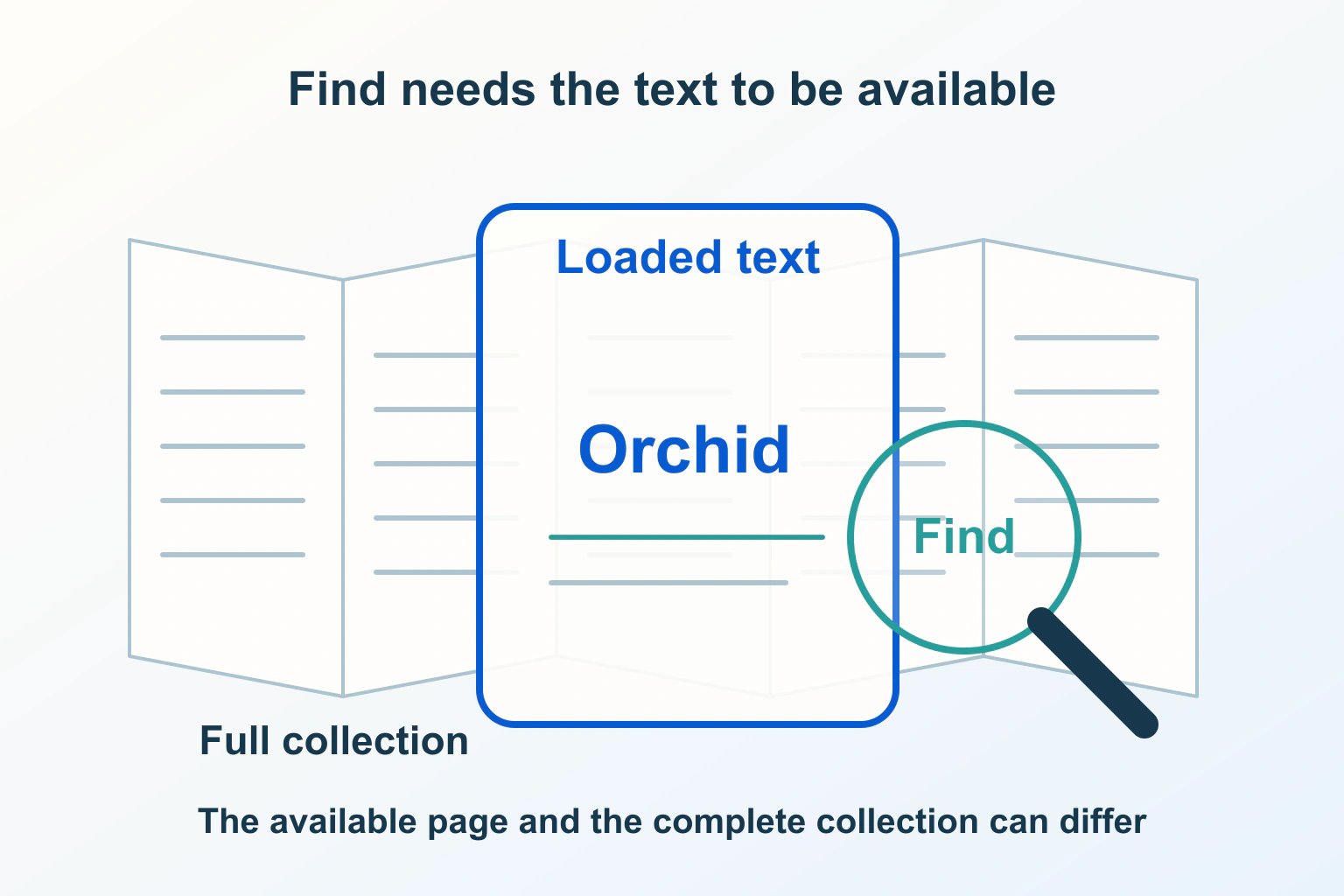
A phrase can belong to a website’s collection without being available to browser Find on the current page. It may be on another page, waiting to load, hidden by a component or absent because a long list renders only a subset of records. Determine which situation applies before changing the search interface.
Imagine a fictional archive containing equipment manuals. A reader knows a phrase from one manual, but the browser’s Find command reports no match in the archive view. Opening that manual directly reveals the phrase. The archive needs a clear distinction between searching the current page and searching the complete collection.
Reproduce the reader’s exact search boundary
Record the page address, phrase, browser and initial state. Was a section collapsed? Had the reader scrolled through the list? Was the phrase in an article body, a title or a document preview? Compare a distinctive harmless phrase rather than a common word that can produce ambiguous matches.
For the archive, first ask whether the page claims to contain the full manuals or only links and summaries. Browser Find on the summary list is not a promise to search every linked document. Clarify that boundary in the interface before diagnosing a rendering problem.
The site-search guide covers discovering articles across a website. Keep that collection search separate from the browser’s current-page command. A visible search field should explain which collection and fields it searches.
Check whether the expected text is actually present
Ask the authorized developer to inspect the rendered page structure for the phrase at the failing moment. Separate absent text from text that exists but is not currently visible. Also check whether the apparent words are part of an image or another representation rather than ordinary page text.
In the fictional archive, suppose the current view contains a manual title and short summary, while the sought paragraph exists only on the detail page. That is a content boundary, not proof that browser Find is broken. The correction may be an obvious route to the manual or a collection search that indexes its contents.
If the phrase appears only after interaction, record which action causes it to enter the page. A reader should not have to discover an undocumented loading sequence merely to search a collection that the site presents as fully available.
Review collapsed content as a reveal journey
The HTML Standard describes Find-in-page and hidden-until-found behavior. That hidden state is intended to allow discovery and revealing, but layout conditions matter: display: none, display: contents or inline layout prevents the expected reveal. Check actual browser support and component behavior rather than assuming every hidden panel is searchable.
For a long manual with collapsed sections, propose searching for a phrase inside a closed section. Observe whether the section opens, the match becomes visible and the reader can understand its heading context. Repeat after closing and reopening it. These are proposed checks, not results from tests performed for this article.
Use the accordion disclosure guide for the broader component interaction. Here the acceptance question is narrower: can a reader locate and reveal the specific text through the supported Find journey?
Distinguish skipped rendering from absent records
The content-visibility guide explains that content-visibility: auto can skip offscreen rendering work while preserving content in the DOM for features such as Find. That is different from an application not mounting a record at all. Similar-looking performance techniques can therefore create different search boundaries.
TanStack Virtual’s introduction describes virtualization: rendering a changing subset of a larger collection. Text in records that are not currently mounted is not page text that the browser can simply match. Inspect the actual archive implementation before attributing its behavior to any particular library.
| Proposed content state | Question to investigate | Useful reader route |
|---|---|---|
| Full text is on another page | What does this view promise to contain? | Open the document or search the collection |
| Text is inside a collapsed section | Can supported Find reveal the match? | A tested reveal and heading context |
| Offscreen DOM text skips rendering | Does Find still locate it here? | A browser-verified current-page journey |
| Record is not mounted | How can the full dataset be searched? | Explicit collection search or complete-content view |
Choose a content strategy that matches the task
For a modest manual, complete text on one page may provide a straightforward reading and Find experience. For a large catalogue, rendering every record at once may be an unsuitable trade-off. Decide which reader task matters, then provide a documented route that covers the required scope.
In the archive example, a Search all manuals control could locate the relevant document and passage, while browser Find remains useful within an opened manual. Explain whether results include full text, titles or metadata. A title-only search should not imply that it searches instructions hidden inside each document.
If a complete-content view is offered, make its relationship with the ordinary list clear. Preserve useful links to document destinations so a reader can save or share the result without relying on the temporary scroll position of a virtualized list.
Test discovery and continuation together
Propose a small matrix of supported desktop and mobile browsers, with a phrase near the beginning, middle and end of a manual. Include initially collapsed sections and a record beyond the first rendered list segment. Note which observations apply to current-page Find and which apply to collection search.
After locating a match, check the continuation: can the reader identify its section, open the relevant document and return to useful results? Finding a hidden fragment is less helpful if the surrounding content remains unexplained or a later list update removes the destination from view.
The JavaScript search-rendering guide covers crawler evidence. Do not treat successful browser Find as proof of Google indexing, or a crawler inspection as proof of the reader’s Find experience.
Describe the supported boundary honestly
Keep the content scope, browser observations and collection-search behavior in the acceptance record. Avoid a universal claim that all hidden text is searchable or that one performance technique behaves identically everywhere.
Close the issue when readers have an understandable route to the required text and the interface states what that route covers. The goal is reliable discovery of the actual content, whether through a tested page-level Find journey or a deliberately implemented search across the collection.
Sources and verification
Editorial review 2026-10-15. Source check dates are recorded separately. Notes describe what each source supports and its limits.
View sources
- WHATWG: Find-in-page and hidden contentChecked Find and hidden-until-found provide reveal behavior; layout conditions matter.
Limits: Browser support and specific hidden states need testing. - web.dev: content-visibilityChecked content-visibility:auto can skip rendering while retaining searchable DOM content.
Limits: It is distinct from removing records from the DOM. - TanStack Virtual: introductionChecked Virtualization renders a changing subset of a larger collection.
Limits: A library description is not proof of every site implementation.