
Keep your unsaved edit, retrieve the current saved version through the supported interface, compare the two changes and resolve the conflict without bypassing the freshness check.
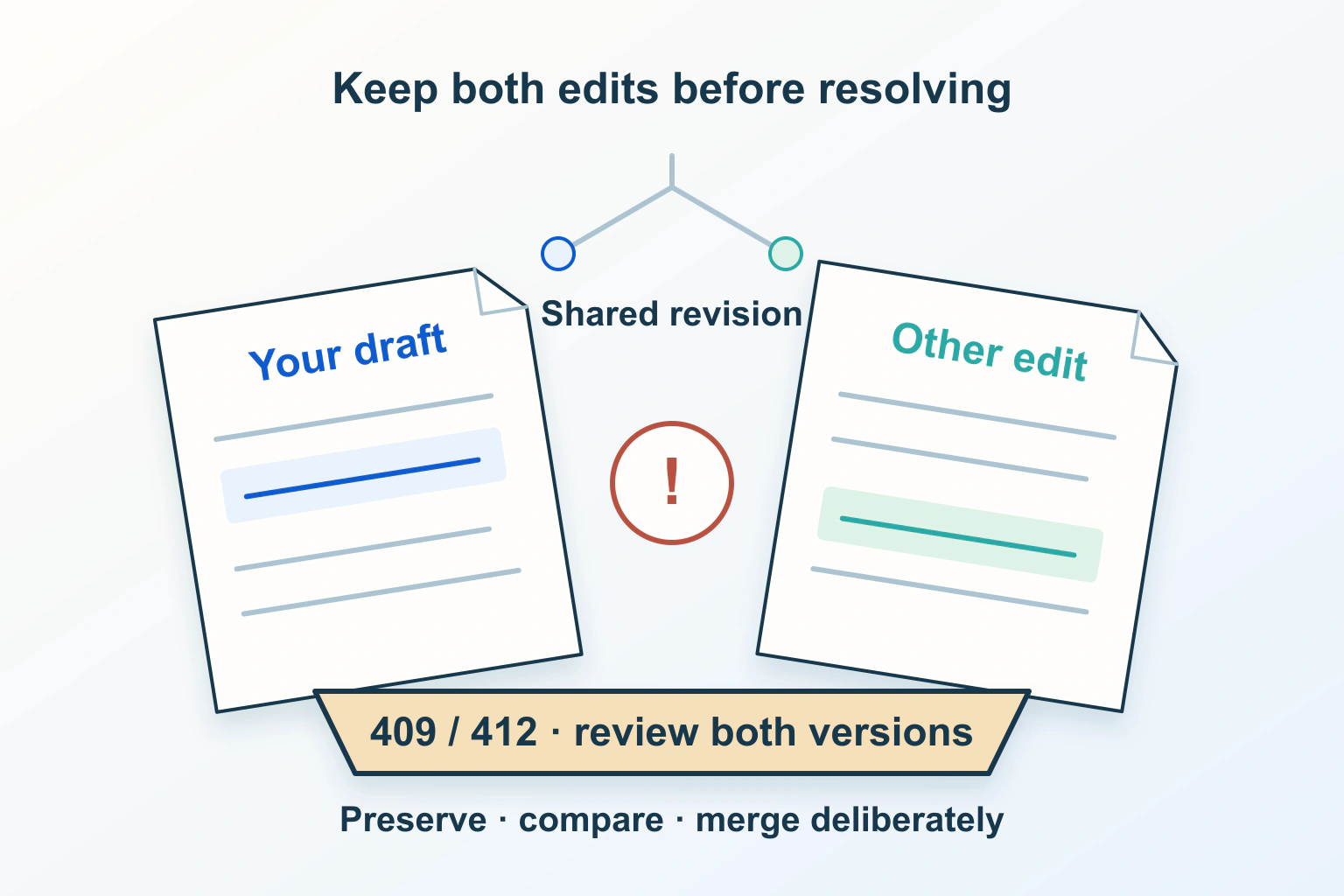
Two people open the same website record. One updates the contact number; the other, still viewing an older copy, changes the description and presses Save. If the second submission replaces the whole record without checking freshness, the new description can erase the first person’s number. That is a lost-update problem, not simply a duplicate submission.
Imagine a fictional community directory with a supported version-checking editor. It refuses the second save and shows a conflict. That refusal may be protecting useful work. The goal is to preserve and reconcile the changes, rather than remove the check so the interface appears successful.
Distinguish a conflict from an uncertain submission
The HTTP semantics specification distinguishes a 409 conflict with the resource’s current state from a 412 failed request precondition. Neither response alone proves another person edited the page. Read the application’s explanation and correlate the actual record before deciding what happened.
A network interruption after pressing Save is a different problem: the result may be unknown. Consult the duplicate submission and retry guide before sending another creation request. Here the focus is an existing record whose earlier version no longer matches the supported update condition.
Record the document identifier, safe time and visible conflict message. Do not publish private content or complete request headers in a support thread. If the screen is still holding unsaved work, treat it as valuable until you have a safe copy.
Preserve your proposed change before refreshing
Use the editor’s documented draft, export or copy facility to retain your intended revision in an appropriate private location. Include enough context to understand what you changed. A sentence copied without its section heading may later be pasted into the wrong part of a page.
For the directory, retain the proposed description and note that the contact number was not intentionally changed. Do not rely on an open tab remaining available through a browser restart. If the product offers a comparison panel, use it before closing the conflicting screen.
The saving and resuming guide explains how to distinguish a local draft from a saved server record. A reassuring label is not proof that every edit is stored. Confirm the product’s actual recovery path before discarding your only copy.
Understand the freshness condition
MDN’s 412 reference explains a request refused because a supplied precondition was not met. In an editor with conditional updates, that can provide a safe stopping point when the representation has changed since the editing session began.
If-Match can compare the representation validator supplied by the client with the server’s current validator, using strong comparison. A weak validator does not match that comparison. A validator is not necessarily a human-readable revision number or a timestamp, so do not infer an editing history from its appearance.
These mechanisms require application support. They are not settings that every website owner can add to a form through a header field. Ask the product maintainer whether the actual editor protects against stale writes and what recovery interface it supports.
Compare intended edits with the current saved record
Retrieve the latest record through the supported interface after preserving your draft. Identify what changed since the version you started with. Where the editor offers previous revisions, compare them in the product; do not assume a browser’s cached page is the authoritative latest state.
In the example, the latest saved record contains the new contact number while the description still needs the second editor’s changes. Carry the intended description forward without restoring the old number. If both editors changed the same sentence, agree the correct final wording rather than pick whichever save happened last.
| Comparison | Decision | Work to preserve |
|---|---|---|
| Different fields changed | Merge the intended changes through the supported editor | New number and revised description |
| Same field changed differently | Ask the responsible editors to agree the final value | Both proposals until agreement |
| Record removed or no longer editable | Confirm the owner’s intended lifecycle | Draft without recreating an obsolete record |
| Latest state cannot be confirmed | Pause the write and request a safe comparison | Unsaved work and the uncertainty note |
Do not force the old version through
Removing the freshness condition, copying a validator from somewhere else or repeatedly replaying the same stale request can defeat the protection you need. Correct resolution begins with the current supported record and the intended combined change, not a more forceful overwrite.
Likewise, changing permissions is not a general response to a conflict. An editor may be authorized to update a record and still need to reconcile its current state. Keep authorization problems separate from version problems so access is not broadened unnecessarily.
For maintainers, record the narrow failure and reproduce it with approved harmless content in a test environment. A proposed check is to open one test record in two editing sessions, make different edits and confirm the stale save is handled without losing the accepted first edit. This guide does not claim that test was executed.
Verify the merged outcome through a fresh read
After saving through the supported resolution flow, reopen the record and compare every affected field with the agreed result. The example is successful only if the current number and intended description are both present. A disappeared conflict banner is insufficient evidence.
Inspect the relevant public page too when publication is part of the operation. Saved content and rendered content are separate observations, as the entered, saved and rendered content guide explains for one WordPress case. Avoid changing rendering rules to conceal a wrong saved value.
Reduce repeated conflicts without hiding them
Assign an editing owner during a time-sensitive change, agree short handoff windows and close obsolete editing sessions after safely saving work. These are practical coordination choices, not substitutes for application protection. A single editor can also return to an old tab and encounter a stale version.
Ask the maintainer to improve the recovery message if it leaves users unable to preserve their draft or locate the latest record. A useful message identifies the affected content and offers a supported comparison path. It should not reveal another person’s private data or promise that an automatic merge is always correct.
Sources and verification
Editorial review 2026-10-15. Source check dates are recorded separately. Notes describe what each source supports and its limits.
View sources
- RFC 9110 — HTTP SemanticsChecked 409 concerns current-state conflict; 412 concerns failed request preconditions.
Limits: Neither status alone proves another human edited or mandates a particular editor interface. - MDN — 412 Precondition FailedChecked A failed conditional request can prevent a stale modification.
Limits: Application-specific conflict responses and recovery interfaces vary. - MDN — If-Match headerChecked If-Match uses a strong validator comparison and can guard against lost updates.
Limits: An application must implement the conditional workflow; weak validators do not match.