
Define Light, Dark and System as distinct choices, apply an explicit override consistently, and accept each palette against real content and interaction states rather than an inverted screenshot.
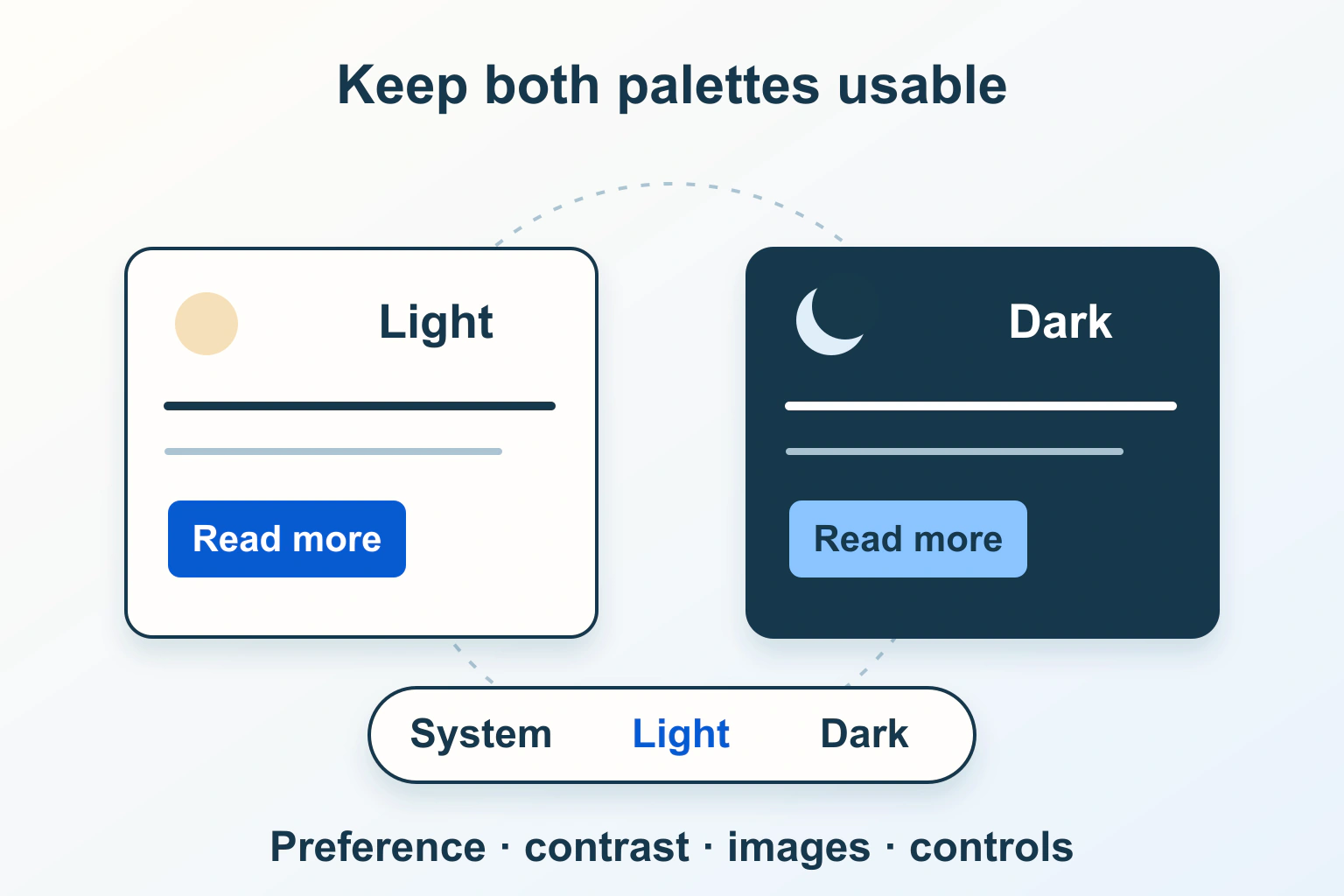
A useful dark mode follows a clear choice and preserves readable content. Start by deciding what Light, Dark and System mean. Then review complete components in both palettes. Replacing a white background with black while leaving every other color untouched is rarely a sufficient design review.
This guide concerns a website in a browser. The fictional community-library examples are planning exercises, not a theme implementation or compatibility test we performed. Email clients have a different rendering path; use our newsletter rendering guide for that separate problem.
Separate system preference from an explicit choice
MDN’s prefers-color-scheme reference describes the light or dark preference supplied by the operating system or user agent. The light value also covers a reader who has expressed no active preference. This is an input to your design, not a complete website theme.
Write down a precedence rule before building the switch. For the library, System follows the browser’s reported preference. Light and Dark are deliberate overrides. If the system changes while the reader has chosen Light, the site stays light. Returning to System makes subsequent system changes relevant again.
| Reader choice | System reports dark | System later changes to light |
|---|---|---|
| System | Use dark palette. | Follow light palette. |
| Light | Keep light palette. | Keep light palette. |
| Dark | Keep dark palette. | Keep dark palette. |
That table is the library’s chosen behavior, not a browser requirement. It gives designers and developers a shared expectation they can verify. A two-state sun/moon icon without a way to restore System can leave readers unsure whether the website or their device controls the result.
Give the preference control an understandable state
Use visible labels or another clearly communicated equivalent for the three choices. Let someone determine the current setting without interpreting a decorative icon. Decide whether a label describes the active state or the action that will happen next; mixing those meanings makes a toggle confusing.
Keep the control reachable on mobile and with a keyboard. A menu that disappears against its own dark background defeats the preference it is supposed to change. Check focus, selection and dismissal after switching while the menu is open. Avoid announcing an unrelated page-wide success message every time a reader tries another palette.
Build a small palette of meaningful roles
Inventory colors by purpose: page background, raised surface, main text, secondary text, borders, links, focus, selection, success and error. Assign light and dark values to those roles. This makes a newly added component easier to review than a collection of unrelated hexadecimal replacements.
For the library’s event card, the body text, muted date, booking link and unavailable state each need a deliberate treatment. A pale blue that works as a light-theme panel may be too bright as a dark-theme surface. Review the hierarchy with realistic paragraphs rather than judging only a palette strip.
Use our component contrast workflow for the detailed state inventory. W3C’s text-contrast guidance applies to the actual text and background in either appearance. A dark label or an attractive screenshot does not establish that the combinations meet the relevant criterion.
Tell the browser about supported schemes
The color-scheme property informs browser-provided rendering, including native form controls and scrollbars. It does not supply colors for all your custom cards, buttons and text. Keep this declaration consistent with the palette actually active in that part of the page.
Early scheme information can reduce an inappropriate initial background while styles load. It does not excuse a late script that repeatedly overrides a saved preference. Have the maintainer inspect the real first navigation and reload, rather than declaring the flash fixed because a later screenshot looks correct.
As an implementation review, ask which component resolves the preference, which applies the palette and which informs native controls. Two plugins or separate scripts should not compete to set the same state. A single documented owner makes a disagreement much easier to trace.
Review images and embedded content deliberately
A transparent black logo may disappear on a dark surface. Place the unchanged official asset on an appropriate neutral container, or use an authorized alternative supplied by its owner. Do not run a blanket invert filter over company marks, product screenshots or the entire page.
Charts also need attention: inspect labels, grid lines, legends and the visual distinctions between series. If a screenshot illustrates a light interface, it can remain a light screenshot inside a clear frame. It need not masquerade as a dark version of software that was never captured.
For third-party embeds, record what you control and what the provider supports. A white map or payment frame can be a known boundary rather than a reason to alter unrelated content. The surrounding heading, explanation and route onward must still be readable.
Make persistence a convenience, not a dependency
MDN documents localStorage as storage associated with an origin that can persist across browser sessions. Access can be restricted or fail under browser security and policy settings. A saved browser preference does not become a synchronized account setting simply because the same person visits another device.
Decide how the control behaves when saving is unavailable. In the library’s proposed design, a choice still works for the current page session, and the site falls back to its documented default on a later visit. A storage failure should not stop article content or booking navigation from loading.
Document the stored values and fallback. An old or unrecognized value should not produce an undefined palette. Review private browsing separately and avoid promising indefinite persistence. If account synchronization is genuinely required, treat it as its own authenticated feature with a clear data and privacy design.
Use a repeatable acceptance matrix
- First visit: check System behavior with light and dark device preferences.
- Explicit override: choose the opposite palette, navigate and reload.
- Preference change: change the system setting with System selected, then repeat with an override selected.
- Storage unavailable: confirm readable content and a usable appearance control.
- Components: inspect forms, autofill, validation, disabled states, hover, focus and open menus.
- Content: inspect transparent marks, screenshots, tables and long text at a narrow width and enlarged text.
Record the actual browser, device, chosen setting and observed result when you carry out those checks. This article supplies the matrix; it does not assert that your theme has passed it. Our mobile typography review covers the reading checks that should survive either appearance.
Release the choice you can maintain
If the second palette is incomplete, fix the affected roles and components before adding more decorative variants. Keep the previous working styling recoverable and recheck the preference control when changing themes or major components.
The dependable outcome is a reader who understands the choice, can change it and can finish the same tasks in either palette. A dark mode is a maintained interface state, not an automatic accessibility, health or battery-life claim.
Sources and verification
Editorial review 2026-10-15. Source check dates are recorded separately. Notes describe what each source supports and its limits.
View sources
- MDN: prefers-color-scheme media featureChecked Detection of requested light or dark appearance through operating-system or user-agent preferences; light also covers no active preference.
Limits: This signal does not choose a complete custom palette or define the application's manual-override policy. - MDN: color-scheme propertyChecked Informing browser-provided rendering, including native controls, about supported color schemes, and early scheme information.
Limits: It does not automatically recolor custom components or guarantee an identical initial paint across environments. - W3C: Understanding Contrast MinimumChecked Minimum text-contrast requirements apply to the actual foreground and background regardless of light or dark palette.
Limits: Passing this criterion is not certification of a theme's overall accessibility. - MDN: Window localStorageChecked Same-origin persistent browser storage and its availability, security and browser-policy limitations.
Limits: Stored appearance preferences are not automatically synchronized across accounts, browsers or devices.