
Keep browser protection enabled, capture the exact warning and assign the failure to the public TLS endpoint or affected device. Verify the served hostname, validity and chain rather than treating issuance as deployment.
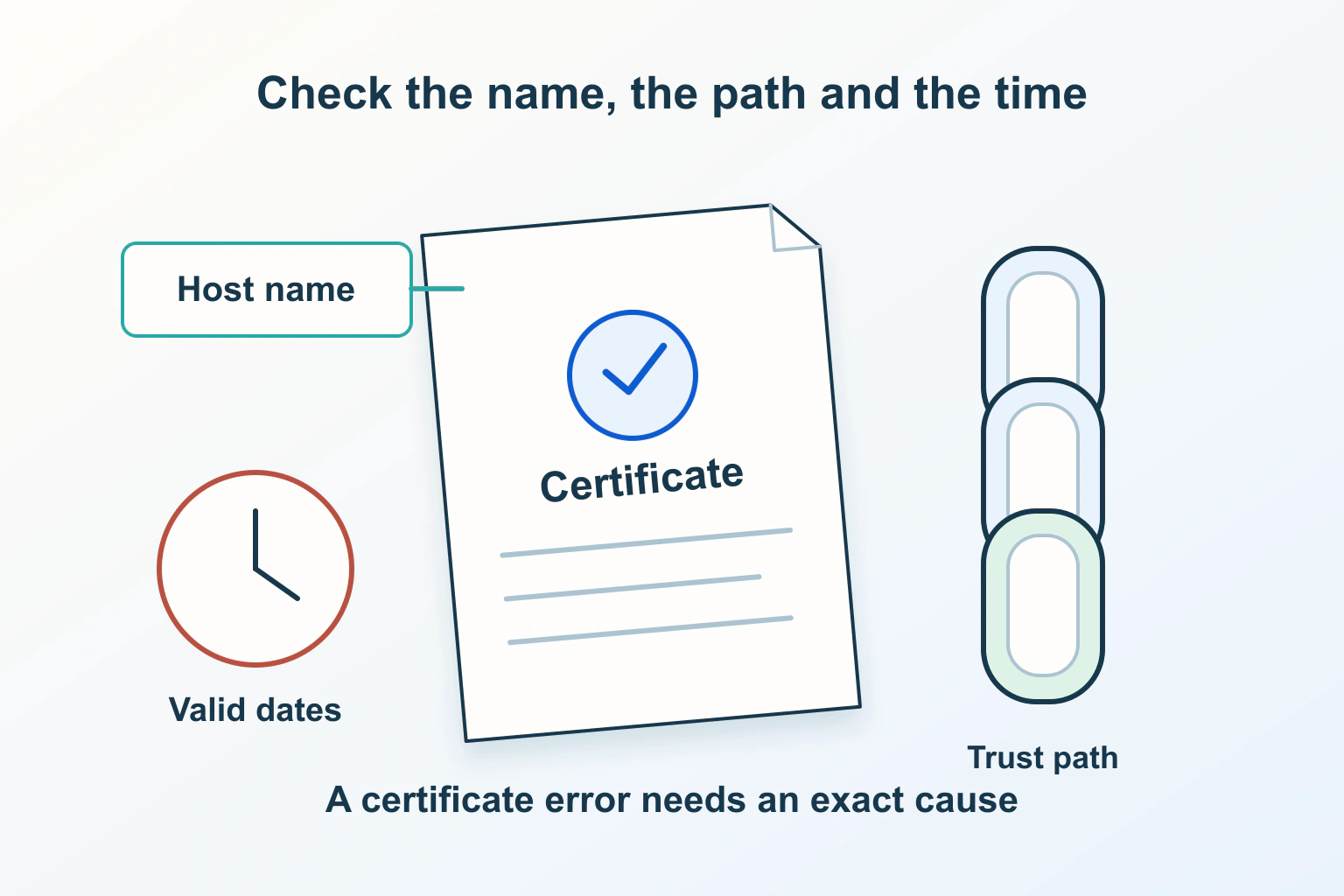
Read the exact certificate warning before replacing a certificate or changing a browser setting. A hostname mismatch, a date problem and an untrusted chain require different investigations. Keep the warning intact while you collect evidence; making it disappear by weakening validation does not repair the connection.
This guide follows a fictional arts venue whose hosting panel says a certificate renewed, but whose public website still produces a warning. The incident and proposed checks are original examples, not measurements of a live service. The objective is to give the responsible maintainer a precise problem to resolve.
Record the connection that failed
Note the public hostname, time, browser and full error code. Retain the scheme and relevant public path, but remove private query values before sharing a URL. Distinguish a warning on the main page from a failure at a linked service or embedded resource.
If the browser makes certificate details available without proceeding, note the presented names, issuer and validity dates. Do not enter credentials or payment information through the warning. A screenshot can be useful evidence, but crop account details and unrelated tabs before sending it to support.
Chrome’s error guidance distinguishes certificate authority, invalid-name and date errors. A device clock that is ahead or behind can produce a date warning. Consequently, a date-related error does not by itself prove that the website’s certificate has expired.
Keep visitor and site-owner actions separate
A visitor can check the intended address, confirm the device’s date and time, and report the exact error through a trusted contact route. The visitor should not be asked to install an unknown root certificate, disable protection or accept a warning as the normal way to use a public website.
An owner or authorised maintainer can inspect the deployment, renewal records and service configuration. Ownership still does not justify guessing at unrelated infrastructure. Identify which account and endpoint serve this hostname before making changes, especially where several websites share an administrator or hosting account.
For the fictional venue, the receptionist’s role is to record the failure and offer an established contact method. The hosting maintainer’s role is to identify the certificate served publicly. Those responsibilities should not be blurred into an instruction for customers to “try another browser and carry on.”
Use the error category to choose evidence
| Observed problem | Evidence to collect | Question for the responsible person |
|---|---|---|
| Name mismatch | Exact requested hostname and presented names | Does this endpoint serve the intended identity? |
| Date warning | Device time and presented validity period | Which time or deployment fact is wrong? |
| Untrusted issuer or chain | Issuer, browser code and affected devices | Is the public chain complete and trusted for these clients? |
| Several unrelated sites affected | Browser, device and network scope | Does the device or managed network need investigation? |
The table is an original triage worksheet, not a complete error-code decoder. Preserve the exact code when escalating rather than replacing it with a guessed diagnosis such as “the SSL is broken.” One symptom can have more than one cause.
Mozilla’s security-error guide discusses untrusted issuers, self-signed certificates, missing intermediates and interception. It distinguishes problems affecting one site from problems affecting several secure sites. Use that scope to direct investigation; a working alternative connection does not certify that the failing one is safe.
Check the hostname actually visited
RFC 9525 places DNS service identities in subjectAltName; Common Name alone is insufficient. Compare the actual requested hostname with the certificate’s supported identities. Coverage for an apex domain does not automatically establish coverage for its www name, or the reverse.
For the venue, write separate rows for the advertised www address, the apex address and any additional public service. Record which route is intended and who manages it. Do not assume an eventual redirect removes the need for the initial secure connection to work.
A certificate for an old staging host is not repaired by changing the visible page heading. Likewise, a valid certificate at the main website does not establish that a separate booking endpoint uses the right certificate. Keep each failed hostname attached to its own evidence and owner.
Distinguish issuance from public deployment
The certificate-chain documentation describes a leaf certificate connected through intermediate certificates to a trusted root, with alternative chains possible. Possessing an issued leaf is different from presenting a suitable certificate and chain to the browser.
In the fictional incident, the venue’s panel contains a newly issued certificate, but the public connection terminates at a separately managed proxy still serving an older one. That is an invented deployment scenario, not a claim that every proxy behaves this way. It explains why a successful renewal notice cannot close the investigation by itself.
Have the maintainer map visitor-to-public-endpoint and, where applicable, public-endpoint-to-origin connections. Identify the certificate owner for each. Repair the confirmed deployment through its supported process, with a recovery plan. Do not weaken origin verification to conceal a failure elsewhere.
Use the CAA issuance guide if the problem is a failed certificate request. That is a different lifecycle stage from a browser receiving an unsuitable certificate. Buying a different product before distinguishing those stages can leave the original failure untouched.
Handle device or network scope carefully
If the failure affects several unrelated secure sites on one managed device or network, provide the scope to its administrator. Include when it began and whether an approved device update or network change coincided with it. Do not install a certificate supplied by an unexpected popup or an unverified support message.
Where a permitted comparison is useful, record the second browser, device or connection explicitly. “It works elsewhere” is an observation that helps narrow the scope. It does not mean a visitor should bypass the warning on the original route or that the entire website has been security-audited.
Keep the comparison small and purposeful. Blanket deletion of browser data can discard unrelated information while obscuring the original state. Preserve the diagnostic facts and let the responsible administrator choose a supported correction.
Verify the repair where readers encounter it
- Revisit each affected public hostname with normal validation enabled.
- Confirm that the served identity and validity match the intended deployment.
- Check the previously affected browser or client scope, not only the maintainer’s panel.
- Exercise the public entry and intended redirect destination.
- Record any remaining affected device, endpoint or unsupported client.
- Assign renewal-failure alerts and public-check ownership for the future.
After a connection works, separately review HTTPS page dependencies if resources still fail. Use the canonical-host checks for both public entry routes, and the certificate buying checklist before paying for an unnecessary replacement. Accept a repair when the specific public connection is verified, with any remaining scope stated clearly.
Sources and verification
Editorial review 2026-10-15. Source check dates are recorded separately. Notes describe what each source supports and its limits.
View sources
- Google Chrome Help: Common error messagesChecked Certificate error categories and device-clock causes of date warnings.
Limits: An error category narrows investigation; it does not prove the server certificate expired. - Mozilla Support: Security error codesChecked Issuer, chain and interception possibilities, with one-site versus many-site scope.
Limits: Different browser or network outcomes do not establish that the original connection is safe. - RFC 9525: Service Identity in TLSChecked DNS service identity in subjectAltName and verification against the requested hostname.
Limits: Common Name alone is insufficient; the certificate must match the actual service identity. - Let's Encrypt: Chains of TrustChecked The relationship of leaf, intermediate and trusted-root certificates and alternative chains.
Limits: An issued certificate is not proof that a public endpoint presents it correctly.