
Diagnose capture by context, permission, device and requested constraints; keep failure recoverable and release the tracks owned by the feature.
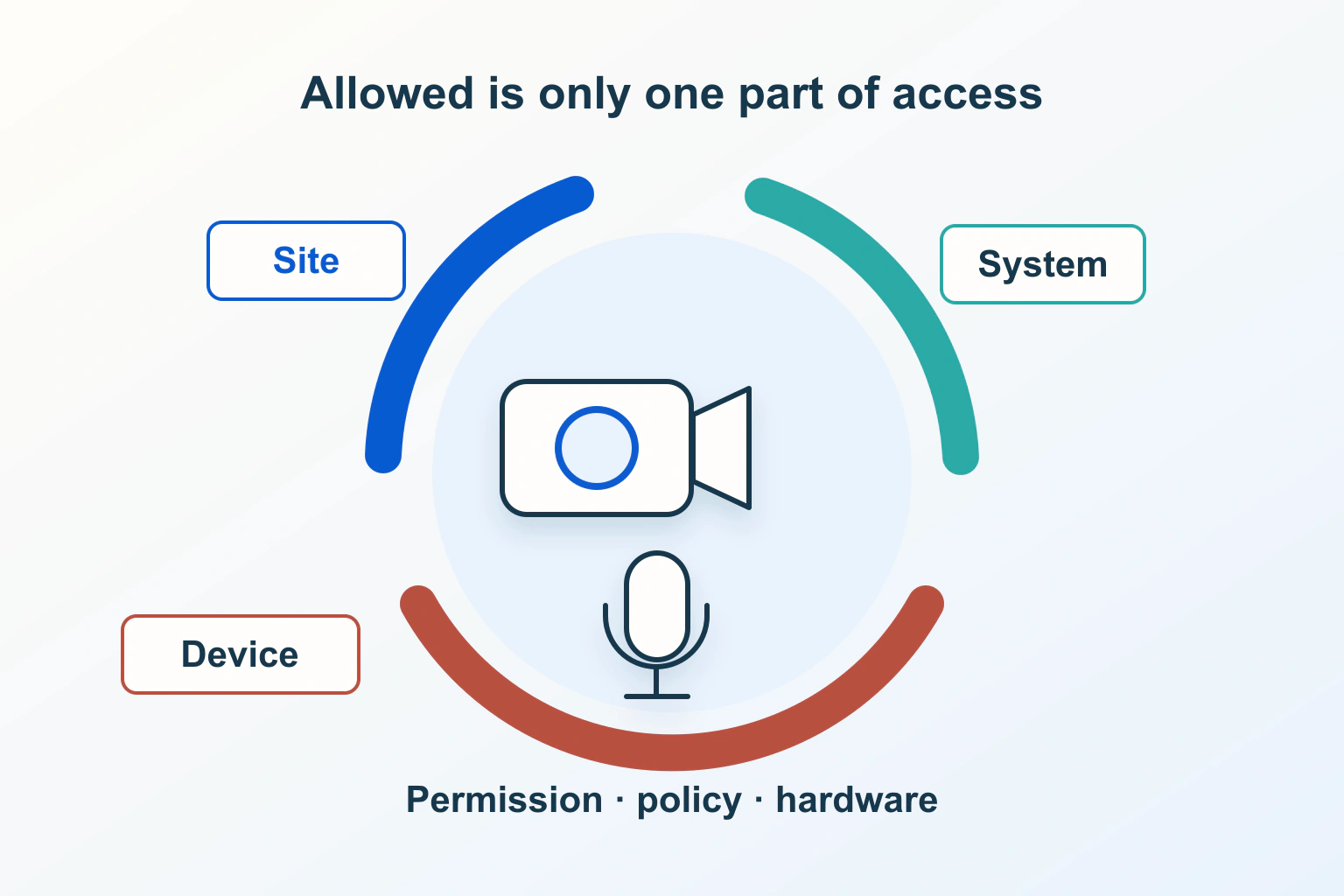
Allowing a website to use a camera or microphone is one step in a longer capture journey. A site can have permission and still fail to obtain the requested device, display a preview or finish its cleanup. Repeating the permission prompt is a poor response when the failure happened elsewhere.
Imagine a fictional appointment service offering an optional camera preview before a call. It does not record or upload that preview. The examples below are proposed diagnostic work, not observations from a real device or permission session. The goal is an understandable recovery route without asking visitors to weaken protections.
Define what the feature is trying to do
Separate preview, recording and sending media in the product description. “Check your camera” should not start a call or imply a recording. Tell the visitor which input is needed, why it is useful and how to stop. Requesting both inputs by habit makes a camera-only task harder to explain.
In the fictional service, someone may want to check framing without speaking. Another person may want an audio-only appointment. Decide whether those routes are supported before writing the error message. Do not advertise an audio-only alternative unless the appointment workflow actually accepts it.
Keep the ordinary account and appointment details available if capture fails. A technical preview should not unexpectedly prevent a visitor from finding the joining instructions or contacting support.
Locate the failure before changing a setting
MDN’s getUserMedia reference describes secure-context and permission requirements. A request can remain pending if the user does not answer. Its rejection names help classify failure, but do not reveal one certain cause.
| Observed category | Initial interpretation | Next evidence to gather |
|---|---|---|
| NotAllowedError | Permission or policy prevented access | Page origin, frame context and relevant permission state |
| NotFoundError | No matching requested track | Requested media types and available intended input |
| NotReadableError | Access failed despite permission | Device availability and operating-system conditions |
| OverconstrainedError | Requested constraints cannot be met | The constraints sent by this feature |
| No resolution yet | The request may still be pending | Whether the prompt was answered, rather than presumed refused |
Record the exact stage: request initiated, permission answered, stream obtained, preview attached, or preview stopped. A blank rectangle after a stream exists belongs to a different investigation from a rejected request. Ask the developer for an appropriate diagnostic category rather than exposing a raw exception to every visitor.
Check the actual page and embedded owner
Compare the visible site address with the feature’s context. An appointment widget embedded inside another site introduces a second owner. The page hosting the widget and the widget supplier may each control a relevant part of the delivery path.
MDN’s camera policy reference describes a default allowlist of self; policy blocking can reject capture with NotAllowedError. Policy delegation is not user consent. Any intended embedding allowance should be limited to the necessary origin, rather than a wildcard opened to solve an unexplained failure.
For the fictional service, compare its standalone preview with the intended embedded appointment route. If only the embedded route fails, give both owners the same minimal reproduction. The embed-audit guide helps assign responsibility without loading unrelated third-party features.
Distinguish browser permission from operating-system access
Ask the visitor which browser and operating system they are using and whether they intentionally selected the input in question. Keep device names and screenshots out of a public support discussion if they expose personal context. A support request should not need an image of the room or a voice sample to establish a failure stage.
Review the narrow setting relevant to that browser and feature on a device you control. Do not recommend disabling every privacy protection, resetting all permissions or installing an unknown driver. If a managed device prevents access, identify the administrator route instead of suggesting a bypass.
In the appointment example, support can say “the preview has not started” and offer the documented joining alternative. That is more useful than asserting the visitor refused permission when the site has no evidence of refusal.
Make requested constraints fit the task
Review the media types and constraints requested by the application. An unnecessarily narrow requirement can exclude an input adequate for the visitor’s task. Ask why a specific device or capture quality is essential before making it mandatory.
The fictional preview needs a recognizable framing check, not a production recording setup. The developer can compare the intended request with a simpler supported request during a controlled review, then explain which requirement caused the difference. Do not silently substitute a different input in a way the visitor cannot understand.
Keep that decision separate from the later call provider’s requirements. A successful local preview does not certify that a remote appointment will connect, that audio will arrive, or that another service has accepted the same device.
Design waiting, refusal and retry as real states
Show that the site is waiting when a permission decision is still outstanding. Let the visitor leave the preview without presenting a false success. Avoid repeatedly issuing requests because a progress animation has been visible for several seconds.
After a rejected attempt, offer an action matched to the known category. A retry following a deliberate device change is different from a loop that reopens permission immediately after refusal. Preserve appointment information across either route.
A concise message can explain the useful next step and retain a technical reference for support. Use the form-feedback guide when that message appears inside the booking flow. Check whether the feedback is reachable without relying on colour or a fleeting notification.
Release capture when the feature ends
MDN’s track-stop reference explains releasing a track. Stop each track owned by the completed preview and clear its displayed stream reference. Sources can be shared, so stopping one track does not guarantee that the physical device is inactive for every tab or application.
Define the end points: explicit Stop, closing the preview, leaving the appointment page and replacing a selected stream. The fictional service should not retain an abandoned capture merely because its preview panel became hidden.
Keep notification permission outside this journey. The separate notification lifecycle guide covers a different permission and stopping mechanism; one grant does not explain another feature’s behaviour.
Accept a recoverable preview, not just a happy path
- Start only through the explained visitor action and confirm the intended inputs.
- Review allowed, refused and unanswered permission journeys.
- Review a missing or unsuitable input without discarding appointment details.
- Check the standalone and intended embedded routes separately.
- Stop and reopen the preview, including after changing its selected input.
- Complete the documented alternative when preview is unavailable.
Retain the environment, failure stage and recovery result. These checks help the responsible owners fix a specific capture problem. They do not establish recording consent, certify a call service or justify weakening device protections.
Sources and verification
Editorial review 2026-10-15. Source check dates are recorded separately. Notes describe what each source supports and its limits.
View sources
- MDN: MediaDevices getUserMediaChecked Capture prerequisites, pending requests and named rejection categories.
Limits: A rejection name does not uniquely identify its underlying cause. - MDN: Permissions-Policy cameraChecked Camera policy boundaries and their distinction from user permission.
Limits: Camera policy alone does not establish microphone access or successful capture. - MDN: MediaStreamTrack stopChecked Releasing owned capture tracks and the possibility of shared sources.
Limits: Stopping one track is not proof that every user of the physical device stopped.