
Confirm the report scope and complete comparison periods, locate the affected segment, and gather evidence for one cause before applying a proportionate change.
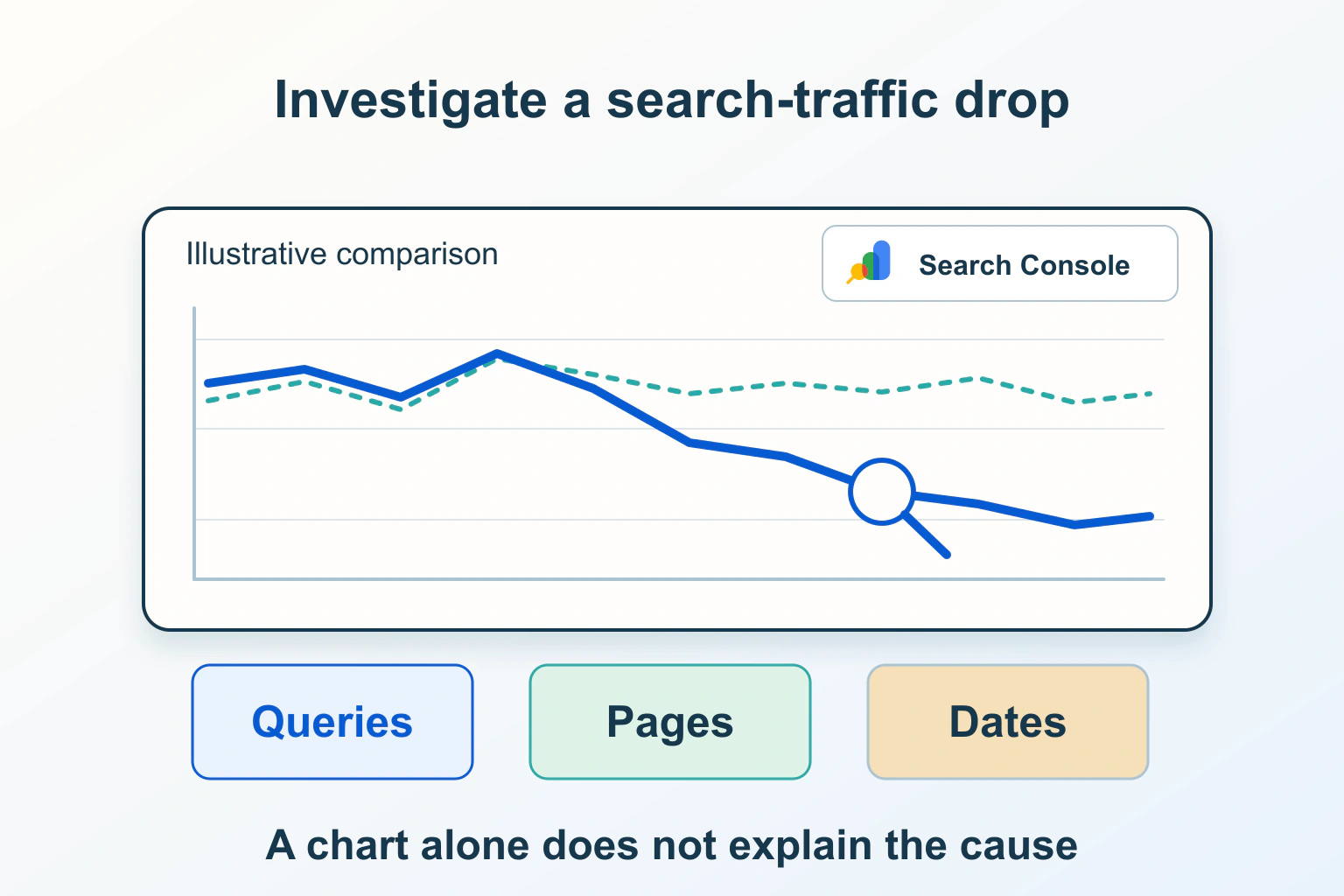
A falling Search Console click total is a reason to investigate, not proof that Google penalized the website. First establish that the two numbers describe comparable activity. Then find the affected pages and search segments before changing titles, publishing replacement articles or altering indexing settings.
The useful outcome is an evidence-backed explanation and a proportionate next step. Some declines require a technical repair; others reflect demand, the mix of searches or a reporting difference. This workflow uses a fictional example rather than an inspection of your account.
Google and its Search Console icon are trademarks of Google LLC. This independent Pagember guide is not affiliated with or endorsed by Google. See Google’s media and brand guidance.
Write down the exact change you are investigating
Record the property, report, search type, dates, filters and metric. Save the current view or a suitable export without exposing private account details. “Traffic is down” is too broad: Google Search clicks, measured website sessions and completed inquiries describe different stages.
For example, a fictional gardening guide records 120 clicks in one complete four-week period and 84 in the next. That is a 30% decrease in the illustrative click count. It does not establish that the whole website lost 30% of its audience or that registrations fell by the same amount.
Our analytics and Search Console basics explains that separation. Investigate the search report on its own terms before trying to reconcile it with a differently configured onsite analytics report.
Rule out incomplete periods and changed settings
Google’s Performance data reference explains preliminary data and aggregation. A recently updated report is not evidence that every included recent day is complete. Check any preliminary indication and avoid comparing an unfinished interval with a finished one.
Choose equivalent complete periods with a sensible weekday mix. Keep the property, search type and filters the same. Record holidays, campaign dates and other known changes. If the website is seasonal, an adjacent-period comparison may need the context of a comparable season rather than a dramatic interpretation of an ordinary annual pattern.
Look for a hidden page, country, device or query filter. Confirm you are not comparing a URL-prefix property with a broader Domain property. Record the exact setup before resetting anything, because a changed scope can explain a total that otherwise looks like a sudden loss.
Separate clicks, impressions and click-through rate
The Search results Performance report defines these as different metrics. Clicks record actions from results, impressions describe appearances, and click-through rate relates clicks to impressions. Average position is an aggregate, not a fixed position seen by every searcher.
| Observed pattern | Useful next question | Premature conclusion to avoid |
|---|---|---|
| Clicks and impressions decline together | Which pages and searches lost appearances, and did demand change? | The title alone caused the decline |
| Impressions remain similar but clicks fall | Did the query mix, result context or click-through pattern change? | The website must have an indexing fault |
| Average position changes with the audience mix | Which segments moved, and are like queries being compared? | Every page moved by the displayed average |
| Only the latest incomplete interval falls | Is sufficient comparable data available? | An emergency site-wide rewrite is necessary |
These are investigation prompts, not automatic diagnoses. Several causes can produce a similar chart. Preserve what the report shows and write the explanation as a hypothesis until independent evidence supports it.
Locate the pages responsible for the difference
Compare page-level changes and identify whether the decline is concentrated or widespread. Review absolute differences as well as percentages: a page moving from two clicks to one has a large percentage change but a different practical impact from a major section losing consistent activity.
For the fictional garden site, suppose most of the difference belongs to one seasonal planting guide while evergreen maintenance pages remain similar. That pattern supports investigating the guide’s demand and page-specific history before changing the entire website’s navigation or content strategy.
Check both old and current addresses if a page moved. A decline at the former URL may coexist with activity attributed elsewhere. Keep URL migrations and canonical changes in the investigation record rather than adding unrelated replacements to recover a single table row.
Use query and audience segments without pretending they are complete
Google’s filtering and comparison guidance supports narrowing the report by relevant dimensions. Compare one useful segment at a time and record its configuration. Country, device and search type can reveal a pattern hidden inside the headline total.
Inspect the queries associated with affected pages, while remembering that anonymized queries and table limits prevent a simple row sum from being a complete query census. Property-level and page-level aggregation also differ. Do not declare that data disappeared solely because an exported query table does not reproduce another total.
Ask whether the searches still concern the same reader task. A broad new query mix can change the aggregate metrics even when an established query remains stable. Avoid rewriting a useful page around an unrelated phrase merely because that phrase appeared in a small recent sample.
Check demand and the dated change history
Google’s traffic-drop troubleshooting guide describes several possible causes and ways to examine the pattern. Use that framework to distinguish demand changes from technical problems and visibility changes rather than treating a chart shape as proof of one cause.
Review seasonal context and relevant public demand evidence, with geography and period recorded. A trend chart can support a demand hypothesis, but it is not a count of visitors your own page should receive. Compare the subject the guide actually answers, not a vaguely related trending phrase.
Build a dated timeline of website changes: migrations, redirects, template releases, access settings, content edits and incidents. An event near the decline is worth checking; timing alone does not establish causation. Equally, a general discussion about AI or a search update is not evidence that it caused this particular page’s result.
Investigate technical failures on representative URLs
If the pattern suggests an access or indexing problem, choose affected examples and inspect their current public responses. Confirm the expected content, canonical address and indexing instructions. Compare current output with the dates in Google’s recorded evidence rather than treating a live repair as already processed.
Use our page indexing diagnostic for sitemap, crawl and canonical questions, and the broken-link workflow for failed routes. Check relevant security or manual-action reports when warranted; do not infer an action solely from a click decline.
Scope repairs to the responsible setting or page group. Removing access controls, deleting useful articles or changing every permalink is not a proportionate response to an unexplained chart.
Record a decision and monitor comparable evidence
- State the confirmed reporting scope and complete comparison periods.
- Identify the page and audience segments contributing most to the difference.
- List supported causes separately from hypotheses and unresolved questions.
- Choose a narrow repair, content improvement or monitoring step with a reason.
- Record the change date and recheck the same meaningful segments later.
If a technical fault is confirmed, repair and verify it before adding unrelated content changes. If the page no longer answers the reader’s task, improve the substance and clarity rather than changing its date to appear fresh. If evidence remains limited, retain the uncertainty and gather a comparable interval.
No report view or repair guarantees recovered clicks. The goal is to replace an alarming total with an understandable pattern, an appropriate action and a record that makes the next review more reliable.
Sources and verification
Editorial review 2026-10-15. Source check dates are recorded separately. Notes describe what each source supports and its limits.
View sources
- Google Search Central: Debugging drops in Google Search trafficChecked Search traffic declines can have different causes, including technical problems, changes in demand and changes in search visibility; diagnosis should compare the pattern and affected segments.
Limits: General troubleshooting guidance does not identify the cause of a particular site's decline or guarantee recovery. - Google Search Console: Performance report (Search results)Checked Clicks, impressions, click-through rate and average position are distinct metrics that can be examined using report dimensions and filters.
Limits: Aggregated search metrics do not describe every individual search result, reader or downstream conversion. - Google Search Console: Performance report (Search results): About the dataChecked Data may be preliminary; property and page aggregation differ, and query-table limitations mean rows should not be treated as a complete unqualified total.
Limits: The latest update indicator does not establish that every recent reporting day is complete, and an exported table is not a complete census of all queries. - Google Search Console: Performance report (Search results): Advanced filtering and comparisonChecked Dimension filters and period comparisons help isolate changes, while weekday patterns, comparison configuration and table limitations affect interpretation.
Limits: A filtered correlation does not establish why the decline occurred; additional page and change-history evidence is required. - Google Brand Resource Center: Media guidanceChecked Official media guidance requires appropriate brand attribution and clear independence when using Google brand features in third-party editorial material.
Limits: This bounded editorial use does not imply Google endorsement or a general license to alter or reuse its marks for unrelated branding.