
Use an official RDAP lookup to identify public registration facts, then corroborate the relevant account, reseller, billing or incident question through a known genuine provider route.
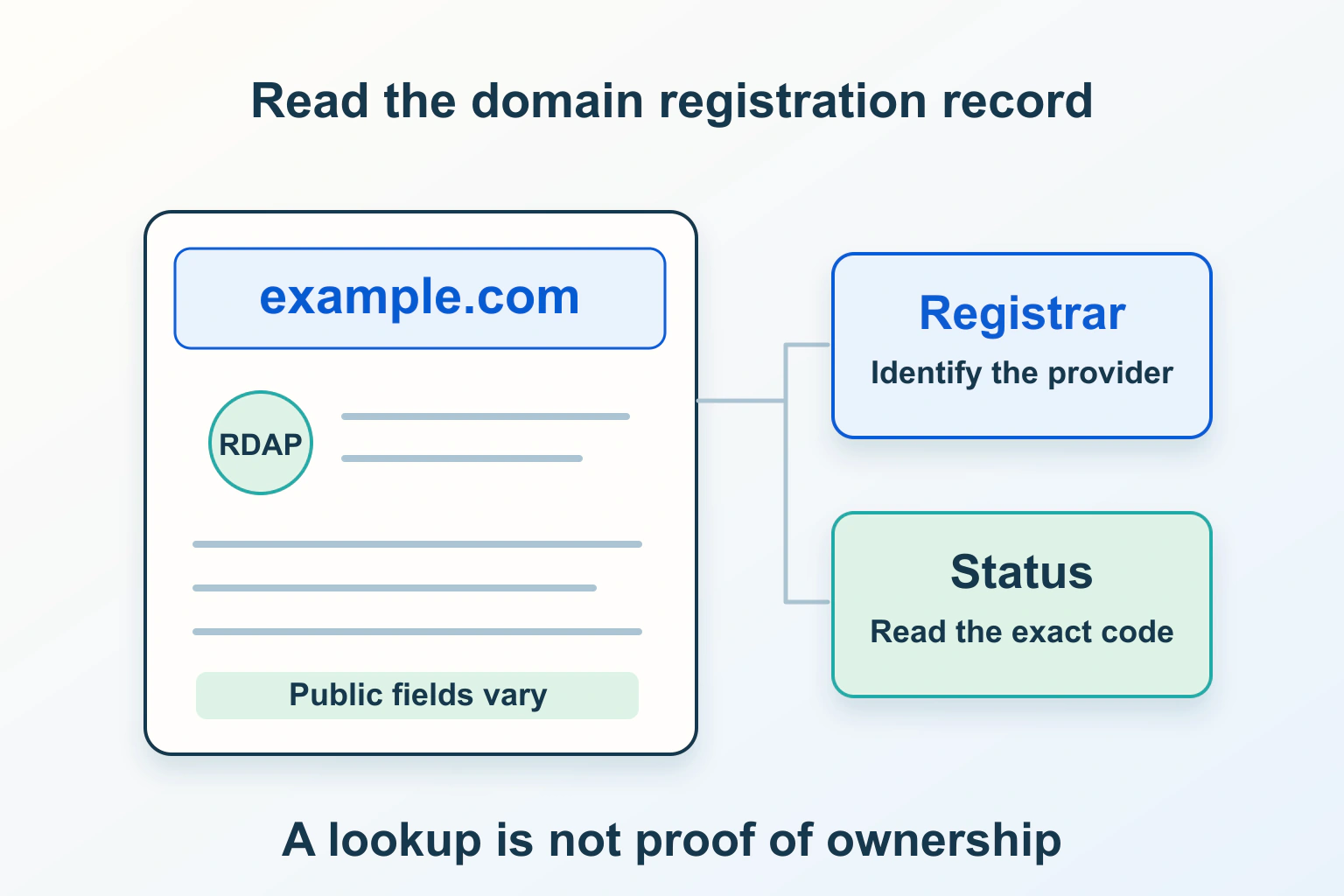
An RDAP lookup can help you identify a domain’s registration provider and public status. It cannot replace the owner’s account or prove a renewal bill is genuine. Read each field for the question it answers, then use a known provider route to resolve account, payment or recovery questions.
This is a guide to interpreting public registration information, principally for generic top-level domains such as .com. The fictional workshop handover below does not describe a lookup we performed, a disputed registration or a renewal transaction.
Why a familiar WHOIS tool may now show RDAP
ICANN’s RDAP transition announcement identifies 28 January 2025 as the point when RDAP became the definitive source for gTLD registration information in place of the sunsetted WHOIS services. That does not mean every country-code domain uses identical policies or every WHOIS interface disappeared.
Use the official lookup route documented by ICANN or the relevant registry’s documented service. Avoid assuming an old bookmark with a familiar acronym supplies the complete current record. For an extension outside the lookup’s coverage, establish the responsible registry and its supported information route.
The name of the protocol is less useful than the source and scope of the result. Write down which service supplied the information and when you checked it, especially if you are comparing a record with an older support screenshot.
Start with the actual domain, not a whole web address
For the fictional workshop’s website, the browser address contains a scheme, a host, an article path and perhaps a tracking query. The registration question concerns the relevant registered domain. A path such as /classes/ is not a separate registration.
Copy the intended name carefully and check its spelling before interpreting the result. A visually similar name or a different extension can belong to someone else. Do not investigate an unexpected payment message by blindly opening the sender’s lookup or payment link.
The ICANN Lookup FAQ provides context for the official service and available registration data. Treat unavailable or nonpublic fields as a limit of that public view. A lookup is not access to the registrant’s account and is not an invitation to collect private details elsewhere.
Separate the companies and technical roles
| Record or relationship | What it helps establish | What it does not establish |
|---|---|---|
| Sponsoring registrar | The registrar associated with the registration. | Which private customer account controls it. |
| Registry | The operator for the relevant domain extension. | The retailer that sold a hosting bundle. |
| Reseller relationship | A possible retail route between customer and registrar. | That an unexpected invoice is authentic. |
| Nameservers | Published delegation information for DNS. | Ownership of the website, mailbox or hosting account. |
| Public contact information | What the service makes available for the stated purpose. | A complete legal ownership history. |
Suppose the workshop’s old receipt names a local web agency while the record names a different sponsoring registrar. That can be a reseller arrangement; it is a question to corroborate, not immediate evidence of theft. Ask the known supplier which registrar and customer account manage the registration.
Keep website hosting and email on separate rows in the handover. They may use different providers from both the registrar and DNS service. A registrar name does not tell you where the article database lives.
Redacted information is not a fraud verdict
Some personal contact information may not appear in a public registration record. A redacted name or address does not, by itself, establish that the registration is fraudulent, abandoned or secretly transferred. Equally, a plausible public contact does not prove the person messaging you can authorize changes.
For your own domain, confirm control through the genuine account and its supported verification process. Review the private contact information there with the responsible owner. Do not publish identity documents or account screenshots in an open support discussion to compensate for a redacted public field.
If you need information that is not public, establish the appropriate documented request process and legitimate purpose. Do not treat a public lookup as a way to bypass disclosure rules or contact people for unrelated marketing.
Read status codes as conditions, not diagnoses
ICANN’s EPP status reference distinguishes client-set and server-set conditions. A clientTransferProhibited status can be a normal protective transfer lock. It does not inherently mean the website has failed. Hold statuses can affect DNS publication, while deletion and restoration conditions require their own interpretation.
Read the entire status combination and its definitions. Do not remove protection merely to make a record look less alarming. If you intend to transfer the domain, ask the registrar which specific restriction applies and which supported action is appropriate.
For the fictional workshop, compare two situations: a functioning website with a transfer lock, and an unreachable site with a hold status. They need different investigations. In the second, the registrar must explain the actual reason; the label alone does not establish whether verification, billing or another issue caused it.
Do not turn a public date into a payment instruction
A creation event, an update event and an expiration event describe different things. An updated timestamp is not necessarily the date ownership changed. A public expiration value is not the same artifact as your retail renewal invoice, payment receipt or automatic-renewal configuration.
Check the field label and source when dates disagree. Then inspect the intended domain in the genuine customer account and ask the registrar or reseller to explain the discrepancy. Avoid calculating a payment or recovery deadline from an unlabeled date copied into an email.
Use the separate expired-domain recovery guide if a registration is already in difficulty. That operational process needs the actual extension, full status and provider response; this lookup explainer cannot supply a universal grace period.
Verify renewal messages through a known route
ICANN’s explanation for registrants describes the relationship with registrars or resellers and renewal responsibilities. ICANN does not act as the retail company renewing your domain. Genuine registration-data and renewal notices can still require attention; rejecting every domain-related message is not a sound process.
Open your saved provider entry independently, confirm the exact domain and review notices in the account. If the sender’s company differs, ask the known supplier about the relationship before acting. An email repeating public RDAP facts has not thereby authenticated itself.
Keep credentials and authorization codes out of the lookup worksheet. The next step may be a support question, not a payment or transfer. This guide does not perform or recommend approving an unverified transaction.
Leave a useful handover, not a screenshot alone
Record the domain, lookup source and time, registrar, relevant statuses, field labels and the question still unresolved. Separately record the verified account owner, renewal responsibility and known support route in the team’s protected inventory.
Use our domain account-control guide to improve ownership continuity, or the transfer workflow for a planned provider change. The useful outcome of RDAP is better evidence for the next decision, not false certainty about information the public record never contained.
Sources and verification
Editorial review 2026-10-15. Source check dates are recorded separately. Notes describe what each source supports and its limits.
View sources
- ICANN: Launching RDAP; Sunsetting WHOISChecked RDAP became the definitive source for generic top-level-domain registration information on 28 January 2025, with ICANN's lookup service as a documented route.
Limits: The announcement concerns gTLD registration-data services; it is not a claim that every country-code registry or WHOIS implementation ceased operating. - ICANN Lookup: Frequently asked questionsChecked Official lookup use, registration-data context and the distinction between available public records and nonpublic registration information.
Limits: The lookup is not the registrant's private account, proof of a paid invoice or a promise that all contact fields will be public. - ICANN: EPP Status CodesChecked Client/server status distinctions, transfer-prohibited locks, hold statuses and the need to interpret the complete status combination.
Limits: A public status does not explain every account-specific reason or authorize changing a lock; consult the responsible registrar for the actual domain. - ICANN: Do You Have a Domain Name? Here's What You Need to KnowChecked Registrant relationships with registrars or resellers, renewal responsibility, genuine registration notices and ICANN's role rather than direct retail renewal.
Limits: This general explanation is not the actual domain's registration agreement, renewal quote or recovery deadline.