
Define the appointment or recurrence intent, resolve it with the named venue zone on the server, and compare the same confirmed event across every display.
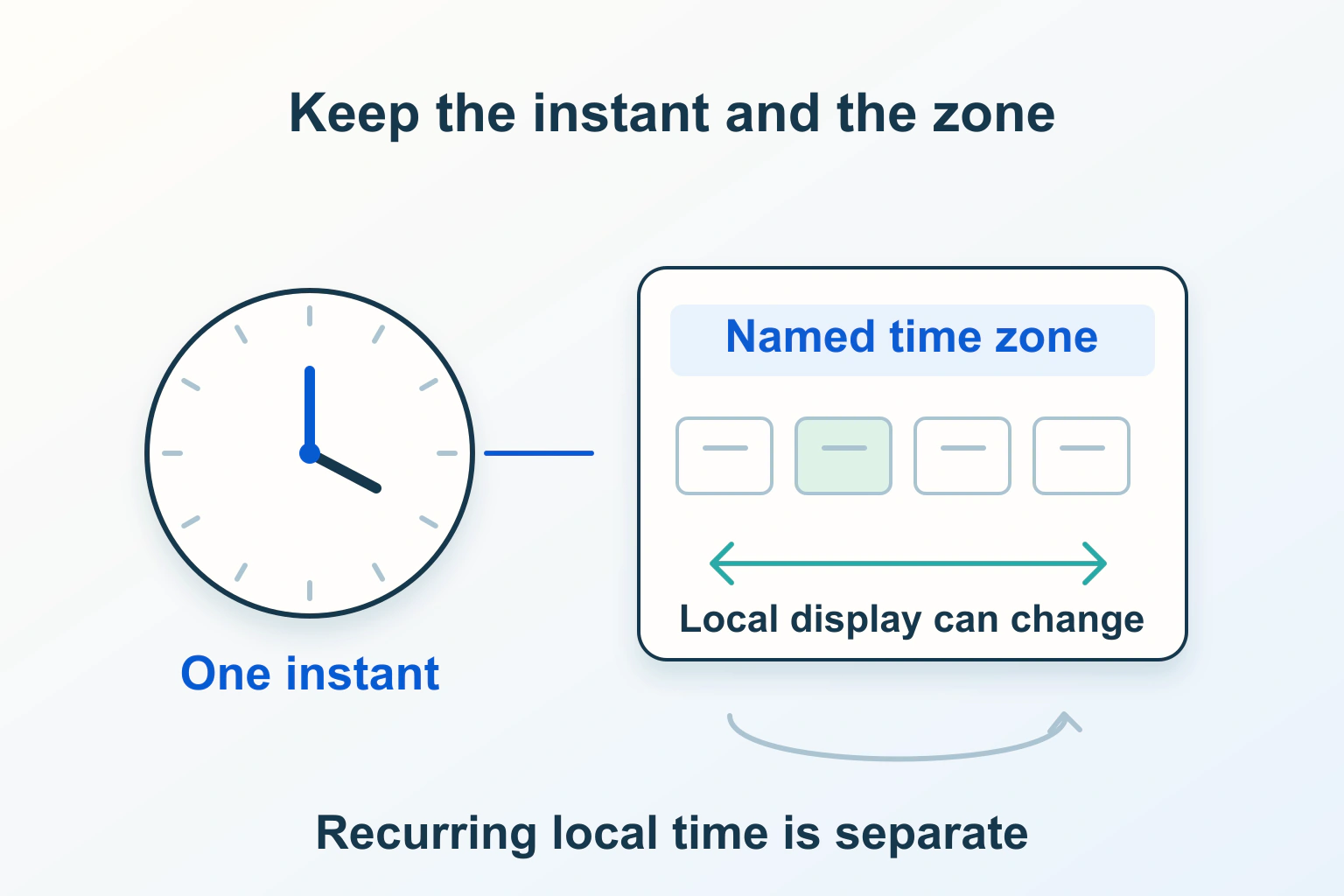
A booking time needs more meaning than a date and a clock face. Establish whether it represents one fixed appointment or a recurring local schedule, associate it with the intended named time zone, and have the server resolve and validate the booking. Show the same confirmed event consistently to the venue and visitor.
An appointment moving by an hour can come from input interpretation, old time-zone data, a recurring-event rule or display code. This guide uses a fictional online workshop. The proposed checks are not a test of a booking service, and no real appointment needs to be created to investigate them.
Ask what the time is meant to represent
For a one-off appointment, the eventual confirmation usually identifies an instant: a particular moment on the global timeline. A local wall time describes what a clock displays in a location. A named zone supplies the rules that connect those concepts for a particular date.
A recurring workshop at 09:00 every Monday in its venue’s zone expresses a different intention from repeating an instant at a fixed elapsed interval. Keeping the clock time steady can make its UTC representation change across a daylight-saving transition. Saving only today’s UTC value does not describe that recurring local intention.
Write the product decision first: “The workshop starts at 09:00 venue time each Monday; visitors see their corresponding local time.” If instead it must occur at the same UTC time, say that. The application cannot reliably infer this choice from a string such as 09:00.
Keep named zones separate from fixed offsets
The IANA Time Zone Database records local-time history and rules, and changes as authorities change offsets or daylight-saving arrangements. An identifier such as Europe/Lisbon denotes a rule set; a fixed +00:00 offset describes only an offset, not all future local dates.
Do not repair an hour discrepancy by adding sixty minutes everywhere. That can make one example correct while breaking another season, visitor or location. Locate the first point where the intended zone or date was lost.
Inventory the browser, booking backend and calendar integration that interpret the value. Their time-zone data can arrive through different software updates. If they disagree on a future date, record the exact versions and formatted result before changing historical bookings. Avoid rewriting confirmed events merely because one display changed.
A datetime-local control does not supply a zone
MDN’s datetime-local reference explains that the value contains a local date and time, without a time zone. The control can accept a wall-clock combination that does not exist during a clock-change gap. Its convenient picker is not a booking engine.
Beside the control, identify whose clock the visitor is choosing. For a venue-based service, “Choose a time in the workshop’s time zone” is more useful than “Your time” when the device zone may be wrong. Supply an understandable zone choice where the task permits one.
On receipt, the server should validate the date/time representation, allowed zone, business opening hours and current slot availability using the application’s supported date-time library. A hidden zone value or client-side restriction remains input to validate, not authority to reserve a slot.
Define what happens to missing and repeated times
Clock changes can skip a wall-time range or repeat one. For a missing time, offer valid alternatives and explain the adjustment rather than quietly moving the booking. For a repeated time, distinguish the two possible instants with their offsets and ask which is intended when the business permits both.
The fictional workshop might avoid offering ambiguous slots at all. That is a valid product policy if the server enforces it and the visitor sees what remains available. A service that operates through the transition needs a more explicit selection, not an invisible default chosen by whichever parser ran first.
Document the policy for recurring events as well. Does an occurrence move, skip or require review if its local time is unavailable? Do not assume a browser normalisation rule is the business’s preferred outcome. A named zone is necessary context, but it does not choose the user’s intention.
Store enough context to explain a confirmed event
| Booking concept | Useful record to agree with the maintainer |
|---|---|
| Confirmed single appointment | Resolved instant, venue zone, chosen local date/time and booking reference. |
| Recurring local workshop | Local recurrence rule, named zone and explicit exception or transition policy. |
| Visitor display | Chosen display zone, separate from the event’s identity and venue rules. |
| Changed or cancelled occurrence | Updated booking state with a stable reference, rather than an unrelated new event. |
This is a design checklist, not a universal database schema. Agree which record is authoritative and how a schedule change affects already confirmed appointments. Retaining context helps support explain a discrepancy without reconstructing intent from an email’s abbreviated zone name.
Keep contact information and other booking details out of diagnostic logs where they are unnecessary. A synthetic booking reference, zone, input value and resolved instant can reproduce many time errors without copying a customer’s record.
Format an already resolved instant explicitly
Intl.DateTimeFormat can display a known instant using an explicit timeZone. Without that choice, an environment’s default zone can affect the display. Formatting is distinct from parsing a visitor’s local time or checking whether a slot is bookable.
The following illustrative JavaScript formats a synthetic instant. It does not resolve datetime-local input, handle recurrence or reserve an appointment.
const confirmedInstant = new Date('2026-11-02T09:00:00Z');
const display = new Intl.DateTimeFormat('en-GB', {
  timeZone: 'Europe/Lisbon',
  dateStyle: 'full',
  timeStyle: 'long'
});
console.log(display.format(confirmedInstant));
Do not paste a timezone-less field value into this example and assume the constructor supplies your venue policy. Use the backend’s documented resolver for that earlier step. Also check the application’s supported browsers before adopting newer date APIs; a native-only example is not a universal deployment plan.
Compare the website, email and calendar invitation
A confirmation should state the full date and time, the venue’s zone and, when useful, the visitor’s chosen display zone. Include the date in both representations because conversion can cross midnight. A bare “tomorrow at 9” or an ambiguous abbreviation is difficult to reconcile later.
Calendar exports have their own semantics. RFC 5545 distinguishes UTC values, local values with a time-zone reference and floating local values, and defines recurrence handling. Use the calendar integration’s supported format rather than removing zone information until an import appears to work.
Import a synthetic invitation into a separate test calendar. Compare its resolved event with the confirmation and venue dashboard. Check an update to the same event, not only initial creation; duplicate calendar entries can look like time disagreements when an old occurrence was never replaced.
Reproduce the boundary cases deliberately
- Select an ordinary date from a visitor zone different from the venue.
- Test a date near a real transition for the chosen zone, using current rules rather than a remembered calendar date.
- Attempt a missing or repeated wall time and verify the documented policy.
- Compare a recurring event before and after the transition.
- Change the visitor’s display zone and confirm the booking identity stays the same.
- Attempt the same slot from two authorised test sessions and verify server-side availability handling.
For each case, record the entered local value, named zone, resolved instant and three displays: website, confirmation and calendar. If only one differs, investigate that formatter or integration. If the stored instant is already wrong, changing the email template will only conceal the earlier error.
Also repeat the return journey to a booking screen. If an old availability panel reappears after Back, use the separate history-restoration diagnosis; correcting time conversion does not make previously displayed availability current.
Accept the repair when the chosen time’s meaning is explicit, ambiguous input has a clear outcome, availability is checked on the server, and every confirmation describes the same event. Time-zone correctness is an end-to-end booking property; making one clock label look right is only one part of it.
Sources and verification
Editorial review 2026-10-14. Source check dates are recorded separately. Notes describe what each source supports and its limits.
View sources
- IANA: Time Zone DatabaseChecked Named-zone rule data and periodic updates for historical and politically changed offsets or daylight-saving arrangements.
Limits: A zone database does not define a business recurrence or ambiguity policy, and consumers can receive updates at different times. - MDN: input type datetime-localChecked Timezone-less local date/time input, possible transition-gap values and the need for server validation.
Limits: A valid picker value does not prove a real instant, slot availability or a booking confirmation. - MDN: Intl.DateTimeFormatChecked Locale-aware formatting of resolved values with an explicit timeZone.
Limits: Formatting does not resolve arbitrary wall-time input, authorise a booking or implement recurring schedules. - RFC 5545: Internet Calendaring and Scheduling Core Object SpecificationChecked UTC, zoned and floating calendar date-time representations, recurrence and calendar event semantics.
Limits: Calendar semantics require correct implementation and a chosen business policy; an import success alone is not a cross-display acceptance result.