
Trace untrusted values into each export, choose an output policy for its intended consumer and verify literal interpretation through opening, editing, saving and reopening.
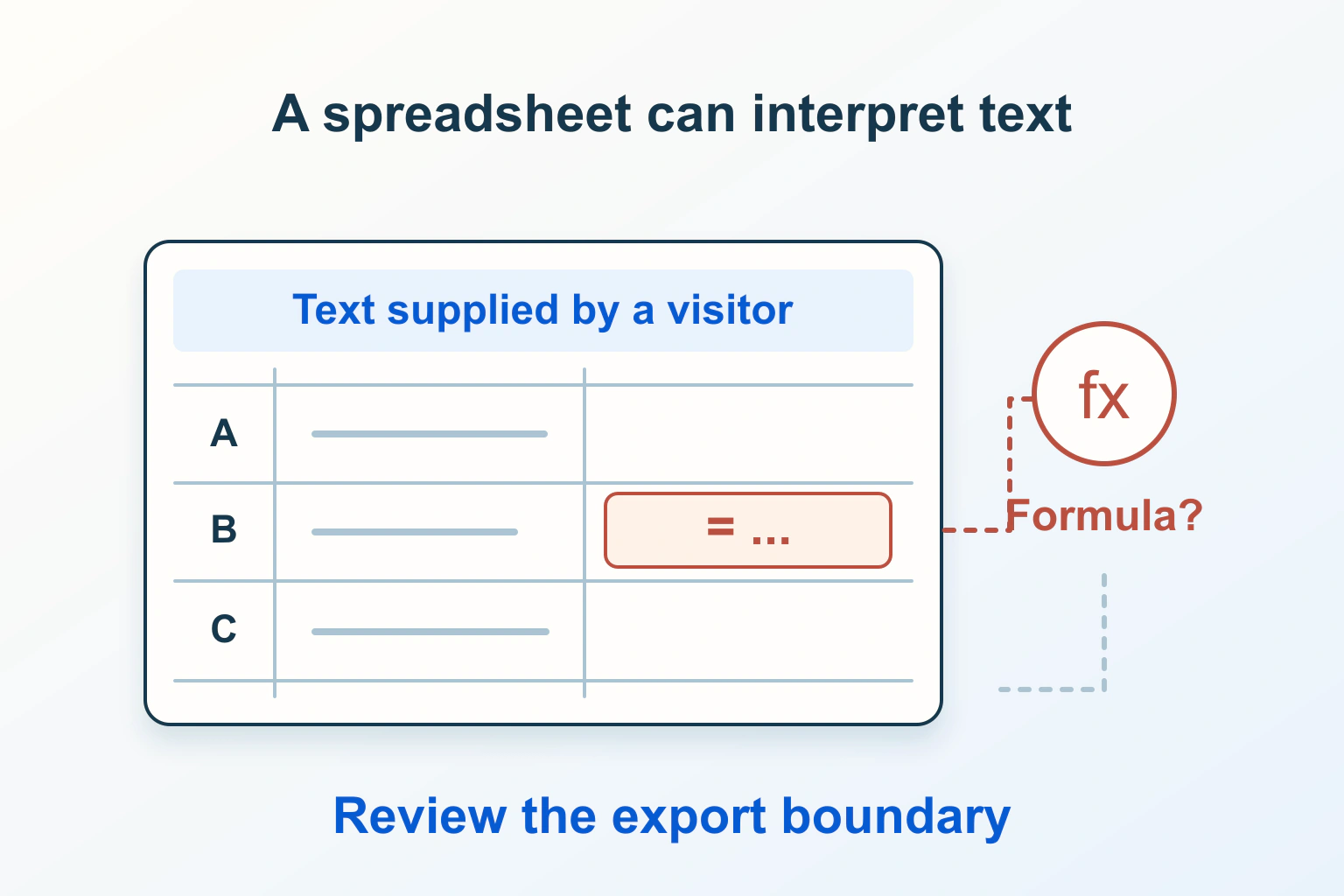
A visitor’s enquiry can remain ordinary text while it sits in a website database, then acquire a different meaning when a staff member opens a CSV export in a spreadsheet. The browser-facing form is only the beginning of that journey. The export format and the receiving application also decide how the value is interpreted.
This guide explains how to review that boundary with harmless fixtures. It does not provide attack payloads or claim that one prefix makes every CSV safe in every spreadsheet. The practical objective is to preserve useful data while ensuring that untrusted text remains text in the workflow you support.
Follow the value all the way to the spreadsheet
MITRE classifies this weakness as CWE-1236: user-provided information is exported without correctly neutralising elements that a spreadsheet can interpret as commands. A record stored for weeks can therefore matter when an administrator later downloads it.
Inventory export routes rather than reviewing only the main download button. Include scheduled reports, form-plugin exports, support queues, catalogue fields and data passed between tools. Record which columns can contain outside input and who opens each output.
For a fictional conference website, attendee names and accessibility notes may reach a staff spreadsheet through different exports. Staff-only access to the export does not make attendee-supplied values trusted. Draw the chain from submission, through storage and transformations, to the final spreadsheet operation.
Separate CSV structure from cell interpretation
RFC 4180 describes CSV field quoting, including double quotes around fields containing commas or line breaks and doubled internal quotes. Those rules preserve field boundaries. They do not instruct every spreadsheet to treat every field as a literal string.
Consider the harmless test value =1+2. If a spreadsheet displays a calculated result rather than the literal characters, you have observed interpretation. A syntactically valid quoted CSV field can still reach that interpretation step.
"record","visitor_note"
"example-01","=1+2"
This is a synthetic diagnostic fixture, not a recommended production export. Open only fixtures you created or are authorised to inspect. There is no need for network requests, operating-system commands or sensitive records to establish whether the consumer treats text as a formula.
Decide who each export is for
A report intended for people and a file intended for another program can need different contracts. A human-viewing export may deliberately transform risky cells for its supported spreadsheet application. A machine-preserving export may need exact field values for migration, reconciliation or analysis.
Label those purposes explicitly. For the conference example, a “Staff spreadsheet view” can have a documented literal-text policy, while a restricted “Original data export” preserves the canonical values for an approved importer. Do not silently serve the second through the first button just because both files end in .csv.
| Use | Acceptance question | Important trade-off |
|---|---|---|
| Human spreadsheet review | Do outside values remain literal through the supported editing workflow? | A defensive transformation may change the stored cell text. |
| Machine import | Does the importer recover the intended original values and types? | Exact values may be unsuitable for casual spreadsheet opening. |
| Purpose-built spreadsheet file | Are untrusted cells explicitly written as literal strings? | Library defaults and later conversions still need testing. |
Restrict sensitive exports to authorised users and include only necessary columns. Formula handling does not replace access control, and a safe-looking spreadsheet should not become a reason to export more personal information than the task requires.
Avoid a universal escaping promise
OWASP warns that no CSV sanitisation strategy suits every spreadsheet and downstream consumer. Quoting and apostrophe approaches can fail after some Excel save-and-reopen workflows. OWASP describes a tab-prefix mitigation for Excel, while noting different applications and changed underlying data.
Do not copy a regular expression from a discussion and call the whole export secure. The policy needs to consider field boundaries, separators, quotes, control characters and the actual receiving application. A check on the first character of a raw input is insufficient if faulty serialisation can move later content into a new cell.
A negative number, a telephone number beginning with a plus sign and a literal note beginning with an equals sign have different business meanings. A rule that deletes those characters everywhere can damage legitimate information. Neutralise at the appropriate output boundary and retain the canonical source value under the site’s normal access controls.
Consider a typed spreadsheet output deliberately
If staff use a spreadsheet-specific format, the developer can investigate a library that writes untrusted values as explicit string cells rather than guessing a type from their contents. This is an implementation option, not an automatic property of changing a filename to .xlsx.
Inspect the library’s cell-writing API and the generated file. Check the supported application after reopening it. If staff later export that workbook back to CSV, the new CSV becomes another output boundary and needs its own review.
The USENIX research on formula injection examines the path from public input to later administrative exports and differences in spreadsheet handling. It reinforces why reviewing the actual consumer matters; it does not establish that a particular library or a current application version is safe without checking it.
Create a small harmless fixture set
Build synthetic rows that exercise both interpretation and ordinary data integrity. Include a literal =1+2 note, a normal sentence, a negative numeric value, a phone-like string beginning with a plus sign, a comma, a quotation mark, a line break and non-English characters.
Define the expected meaning for each column before running the test. The negative value might genuinely be numeric in an adjustment column, while the phone-like field must preserve its identifying characters. A “never calculate anything” requirement for visitor text is more precise than treating every column identically.
Keep the fixture file separate from live exports and label it clearly. Avoid using real contact details merely because they are readily available. If a transformation adds a prefix, record both the exported representation and what a machine importer receives; appearance alone can hide altered data.
Test the complete staff workflow
- Export the fixture through the real code path in an authorised test environment.
- Open it using the supported application and import settings. Record the application version, delimiter and locale where relevant.
- Inspect the cell value and formula bar, not only what the cell visually displays.
- Edit an unrelated harmless cell, save through the normal staff procedure and close the file.
- Reopen it and confirm that untrusted fields remain literal and legitimate values remain usable.
- Repeat any conversion, copy-to-another-workbook or re-export operation that staff actually depend on.
Where two applications are officially supported, test both. Do not extend a successful result in one version to every future version or another product. A warning dialog is useful information, but instructing staff to dismiss warnings cannot be the foundation of the export policy.
Handle a failed check without corrupting the records
If the harmless fixture is calculated unexpectedly, stop distributing the affected viewing export until the responsible developer understands the boundary. Preserve the fixture, output revision and observed settings so the failure can be reproduced without opening unknown real-world values.
Change the serialisation or the intended output policy, then rerun the workflow. Do not rewrite the database to remove every suspicious character as a quick repair. That can damage names, notes and accounting values while leaving another export route unchanged.
For existing distributed files, follow the site’s incident and support process according to the actual risk. The harmless reproduction establishes a failed interpretation boundary; it does not tell you whether anyone previously exploited it. Keep that distinction clear in internal reporting.
Document the export contract next to the implementation
Record the output’s purpose, supported consumers, string-handling policy, fixture cases and conversion limits. Give one person responsibility for reviewing changes to the export library or staff workflow. A plugin update can change the output even when the website form is untouched.
Recheck after a library change, a new spreadsheet version adopted by staff or a new destination importer. If data is also used for migration, treat its exactness as a separate requirement; our website export planning guide covers that broader portability decision.
The outcome should be a tested consumer-specific contract: outside text stays literal where people view it, legitimate values retain their meaning, and the original records remain intact. A correctly quoted file is part of that work, not the whole result.
Sources and verification
Editorial review 2026-10-14. Source check dates are recorded separately. Notes describe what each source supports and its limits.
View sources
- OWASP: CSV InjectionChecked Formula-triggering input, separator handling, save-and-reopen limitations, application-specific tab mitigation and absence of a universal CSV sanitisation strategy.
Limits: Spreadsheet behaviour varies; mitigation must be verified against intended applications and downstream use. - MITRE CWE-1236: Improper Neutralization of Formula Elements in a CSV FileChecked The weakness at the boundary between user-supplied exported information and spreadsheet command interpretation.
Limits: A weakness classification is not a site-specific exploit finding or complete implementation recipe. - RFC 4180: Common Format and MIME Type for CSV FilesChecked Structural handling of CSV records, field delimiters, double quotes and embedded line breaks.
Limits: Structural CSV correctness does not define a universal spreadsheet cell type or formula-neutralisation policy. - USENIX WOOT 2025: CSV formula-injection researchChecked Data flow from public input to later administrative export and differing spreadsheet responses to defensive escaping.
Limits: Research results concern the evaluated systems and application versions; no equivalent live test of this website is claimed.