
Evaluate Chatbase for a narrow, repeatable customer task. Enable consequential actions only when the connected service enforces authorization, the customer confirms the precise change, and the team can verify or recover the outcome.
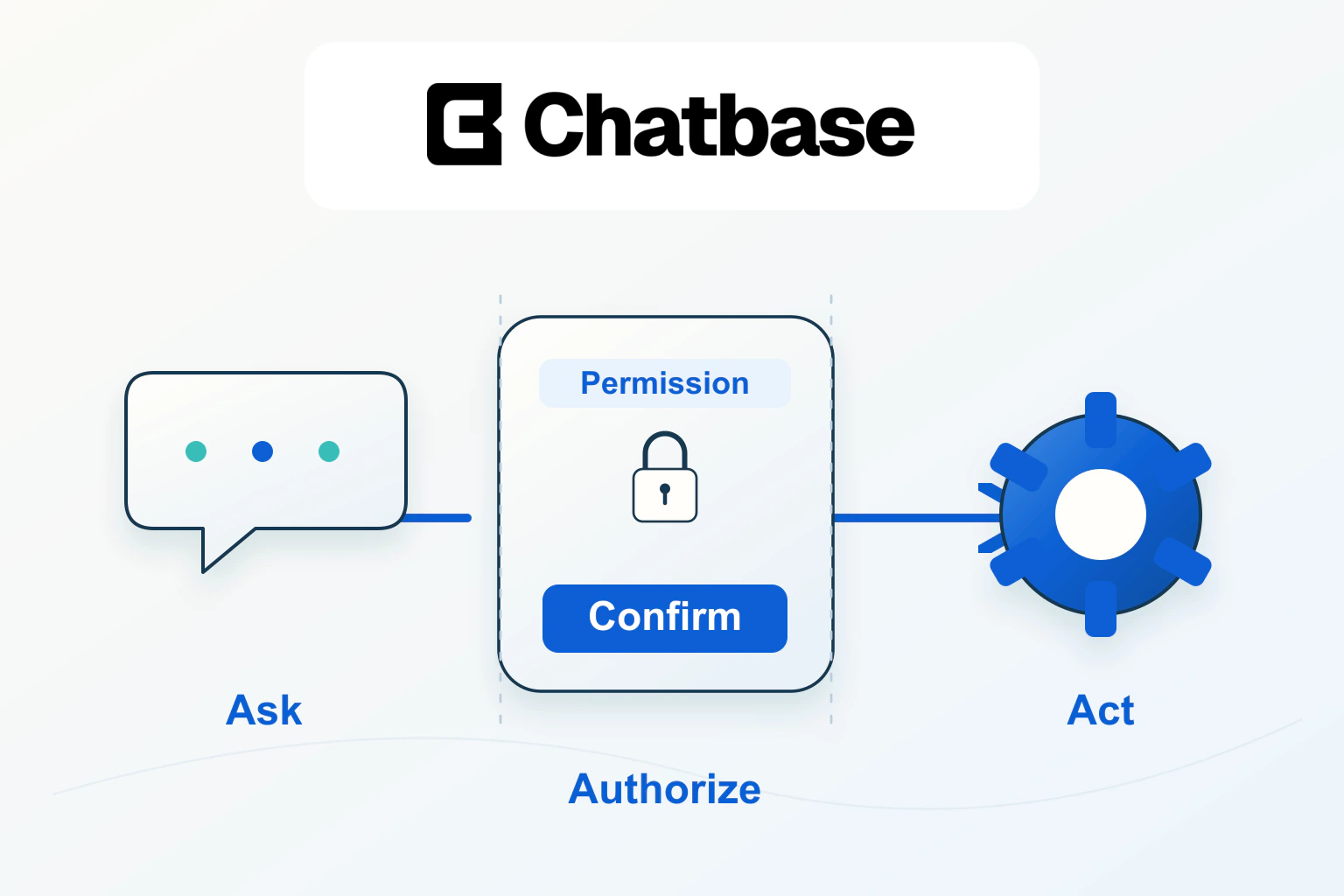
A website agent becomes much more useful when it can complete a small task as well as explain it. A visitor who needs an appointment moved wants a confirmed new time, not another page of instructions. Chatbase actions provide that connection between a conversation and a business workflow. The useful implementation question is how the agent knows what it may do, what the customer actually approved, and what happens when the connected service does not respond clearly.
This guide designs one hypothetical appointment-change workflow. It is based on official documentation reviewed on 14 October 2026, with additional editorial implementation recommendations. Pagember has not performed a hands-on security or reliability test of this deployment. The confirmation language and backend design below are examples for your team to implement, not built-in guarantees supplied by an instruction.
Separate a helpful answer from a consequential action
“Can I move my appointment?” can mean “explain the policy,” “show other times,” or “change the booking now.” Those are different jobs. Chatbase distinguishes actions that retrieve information, trigger work and hand over to a person. An action can also be available on selected channels; making it available does not force the agent to call it. Its instructions still influence when it runs. See the official actions overview.
Begin with a table of actual operations. Name the resource, the allowed reader, the allowed editor and the result the website must show. Keep “find open appointment slots” separate from “replace this customer’s booking.” The first can often work with public availability. The second must establish whose booking it is and whether changing it is permitted.
| Operation in this example | Information needed | Success evidence |
|---|---|---|
| Explain rescheduling | Approved policy | Correct policy and contact route |
| Show other times | Service and date preference | Available options from the scheduling system |
| Move a booking | Authenticated customer, booking and chosen time | Updated booking record with confirmation reference |
Use a narrow first action. If the service only handles moving an existing appointment, do not give its connection unrelated account-management powers. This keeps its purpose understandable and reduces the number of failure cases the team must support.
Make the connected system enforce the permission
A conversation saying “this is my booking” is not an authorization mechanism. Your backend should determine the caller’s identity through your supported authentication design, verify that the booking belongs to that identity, and check the operation against current business rules. Do not treat a booking number or an email address typed into chat as sufficient proof on its own.
In the hypothetical business, the visitor signs in through the ordinary customer portal. The booking service associates the authenticated customer with an allowed booking. The agent may collect the preferred date, but the service decides whether that customer may change that booking. It rejects a request for another customer’s record even if the conversation sounds convincing.
Keep privileged credentials out of visitor-facing code and conversation text. If an integration requires developer work, have the developer review the actual request path, credential storage and authorization checks. These are architecture responsibilities. A well-written prompt can help the conversation follow a process; it cannot replace the service’s access controls.
Chatbase documents server actions, browser-side client actions and widget variants. Client actions require its JavaScript embed and run in the customer’s browser. Select the action type for the job rather than putting an administrative operation into client code for convenience. The custom action guide explains those types and the request configuration.
Confirm the exact change in ordinary language
Design the confirmation around a concrete before-and-after result. “Are you sure?” leaves too much unstated. A stronger example is: “Move your design consultation from Tuesday at 10:00 to Thursday at 14:00, in the Europe/Lisbon time zone?” Include a fee or other consequential condition if the authoritative service establishes one.
The customer should be able to correct an option without accidentally approving the original one. If they respond “Thursday, but at 15:00,” return to availability, then present the revised confirmation. Treat a new date, service or booking as a changed request requiring a fresh decision. Do not carry an earlier approval into a different operation.
Use three distinct response states in the interface: proposed, submitted and confirmed. The proposed state describes the change; submitted means the request is being processed; confirmed means the connected service has returned a verifiable result. This is a suggested product pattern for your implementation. It prevents a confident sentence from being the only evidence that a booking changed.
At this point Chatbase is worth evaluating if your business has a repeatable customer task and a supported service to perform it. The strongest trial is one complete, reviewable workflow rather than a long list of enabled integrations.
Use a procedure for a controlled sequence
Chatbase procedures organize a workflow into a trigger and ordered steps, with actions referenced inside the flow. Its current action settings also include Only use in procedures, which restricts an action to a referenced procedure step instead of allowing the agent to call it on its own initiative. This is a useful control for changes that belong at a defined point in a conversation. See the procedures documentation and actions overview.
- Establish whether the visitor is asking about policy or requesting an actual change.
- Use the approved identity and booking lookup route.
- Retrieve eligible alternatives and explain any relevant condition.
- Present the exact proposed change and wait for explicit confirmation.
- Submit the allowed change through the connected service.
- Report the returned result, or explain the unresolved state and handover.
Keep exception branches short and specific. An expired rescheduling window should lead to the approved contact route. A missing booking should prompt a supported lookup or human help. Neither condition should invite the agent to invent an exception. The developer should enforce the same constraints when the service receives the request.
Return a small result the agent can explain
A useful action response contains the fields needed to answer the customer, not a complete customer record. For this example, the service might return a status, appointment time, time zone and confirmation reference. It should not need to return internal notes, other customers’ bookings or credentials.
Chatbase requires JSON for custom action requests and responses and documents a 20 KB response limit. It also offers full or limited data access to the returned response. Choose the latter when appropriate, while also minimizing the payload at its source. Hiding a field from the model is different from never returning it to the integration.
Agree on the meaning of each status before launch. “Accepted” might mean a queued request rather than a completed booking change. If completion is asynchronous, explain that distinction and provide the supported way to check the outcome. Do not rewrite every technically successful response as “your appointment is changed.”
Plan for an uncertain result and duplicate requests
The awkward failure is a timeout after the scheduling system has already made the change. Repeating the operation blindly can create a second modification or duplicate notification. Have the developer design a way to recognize a repeated request and retrieve its outcome. Where the service supports an idempotency mechanism, use it according to that service’s documentation.
For the customer, the unresolved message should be honest and useful: “I could not confirm the result. Please check your booking before trying again, or contact support with this reference.” If your implementation can check the authoritative booking state, do that before offering a retry. Never describe a missing response as proof that nothing happened.
Keep a recovery owner. Support needs to know where to find the request reference, what the last confirmed state was, and which changes it can reverse. A reversal is a new business operation, not simply deleting a chat message. If an appointment can no longer be restored, the handover must explain the available next step.
Test the action choice and the real service separately
Chatbase’s current Tests feature can run simulated conversations, check expected actions and return mocked action results, including errors. Its documentation says custom actions and write actions cannot run live through that testing mode. A passed mock conversation therefore does not establish that your production endpoint changed the right record. See the official testing guide.
Use conversation tests for the agent’s decision: asking for confirmation, selecting the intended action, handling a denied request and explaining a timeout. Separately test the connected service with controlled test records. Verify ownership checks, stale availability, repeated requests and the returned state. Use a development or sandbox environment supported by that service.
- A policy question explains the rule without changing a booking.
- A changed preference receives a new confirmation.
- A visitor cannot move another customer’s booking.
- A denied or failed operation is not described as completed.
- A timeout followed by a retry does not create an unintended duplicate.
- The visible result matches the authoritative booking record.
Release the first workflow to a limited audience, retain the ordinary booking interface, and keep an immediate way to disable the write action. If a regression appears, stop that action and let the agent provide instructions or a human handover while the team investigates. Chatbase can make a routine task more convenient when permissions, confirmation and recovery remain visible parts of the service.
Sources and verification
Editorial review 2026-10-19. Source check dates are recorded separately. Notes describe what each source supports and its limits.
View sources
- Chatbase actions overviewChecked Action purpose, channel availability, Only use in procedures control.
Limits: Feature behavior can change. Official documentation establishes described controls, not the security, authorization or successful execution of a particular connected service. - Chatbase custom actionChecked Server/client/widget types; JSON requirements; response size; full versus limited response data access.
Limits: Feature behavior can change. Official documentation establishes described controls, not the security, authorization or successful execution of a particular connected service. - Chatbase procedures overviewChecked Procedure trigger and ordered steps with action references.
Limits: Feature behavior can change. Official documentation establishes described controls, not the security, authorization or successful execution of a particular connected service. - Chatbase testsChecked Expected action checks, mocks and errors; custom/write actions excluded from Live test mode.
Limits: Feature behavior can change. Official documentation establishes described controls, not the security, authorization or successful execution of a particular connected service.