
Observe history restoration, identify which information needs fresh server confirmation, and reconcile that state while preserving the visitor's valid work.
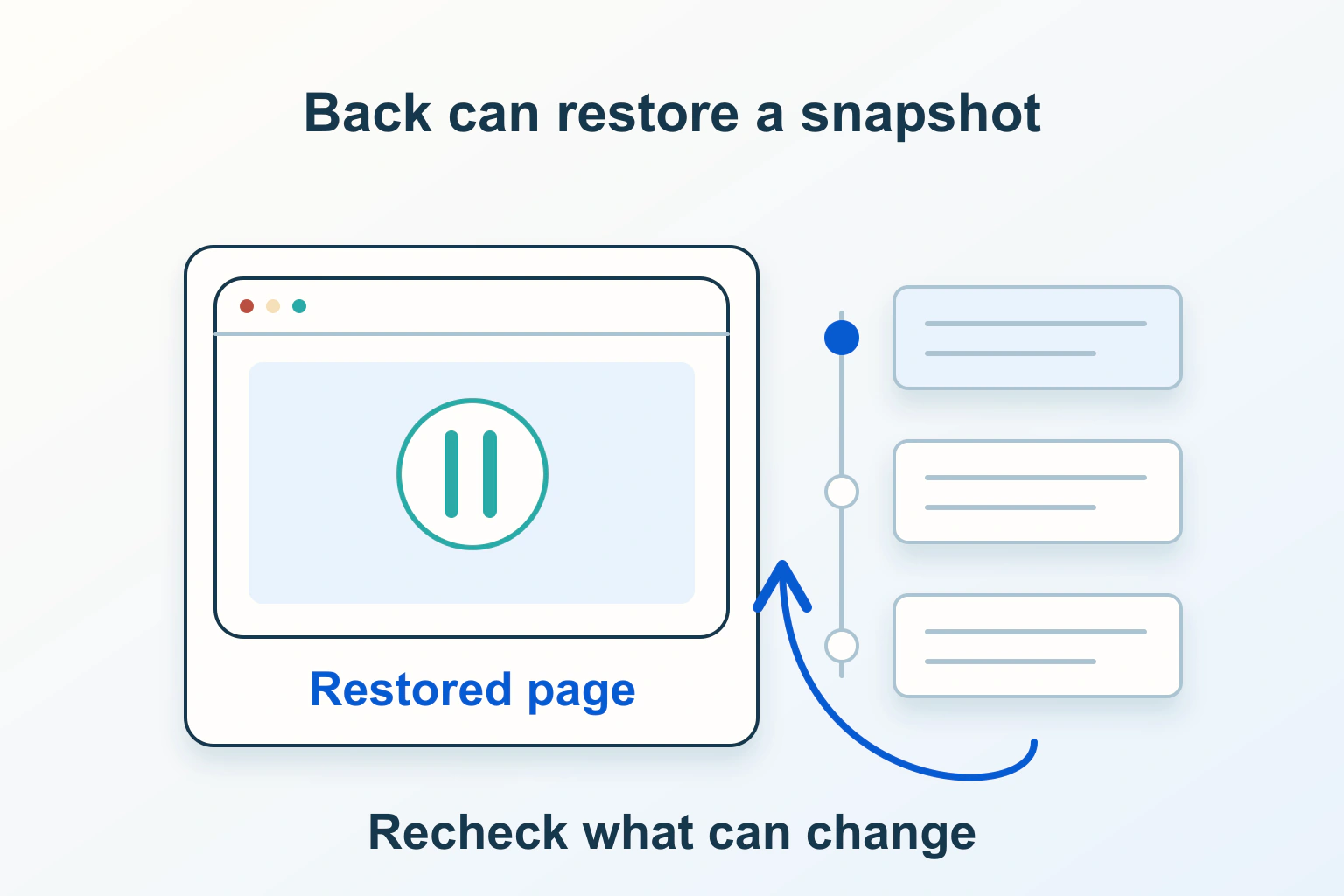
The Back button can restore a complete earlier document rather than request a new page. That makes navigation fast, but an old account badge, cart quantity or availability message can reappear. Confirm that restoration happened, then refresh the facts that need current server knowledge while preserving useful input and position.
This guide is for a site maintainer investigating an authorised test journey. Its shop example is hypothetical. It does not claim a measured performance gain or prescribe a reload handler that works for every framework.
Understand what came back
The back/forward cache, or BFCache, can retain the whole document, including its JavaScript state, while the visitor navigates away. Restoring that document differs from fetching HTML through an HTTP cache. A CDN purge does not rewrite a document already preserved in browser memory.
Suppose a fictional shop displays two notebooks in a cart. The visitor opens another page, changes the cart there, then goes Back. Restoring the earlier cart panel can bring back its old number without a fresh request. The number is stale; the browser has not necessarily served the wrong user’s response or ignored a server update.
First distinguish browser history from a site’s own Back link. An app using client-side routing can restore its own state during a soft navigation. BFCache applies to browser-managed document navigation; a similar-looking route change inside an SPA needs its router and data lifecycle investigated separately.
Build a repeatable history journey
Choose synthetic accounts or harmless cart items. Record the starting page, action, destination, state change made while away, and exact Back or Forward operation. Keep a screenshot of the stale region, but also inspect whether a relevant request was made on return.
Repeat the journey after a normal reload. If the reload is correct while Back is stale, that narrows the investigation. It does not identify BFCache by itself: application memory, form restoration and other caches can create related symptoms.
For the notebook example, write an acceptance rule before changing code: returning to the page must show the current server cart, retain a valid unsent delivery note, and avoid adding an item twice. Those are three separate outcomes. A full reload might repair the first while failing the other two.
Observe restoration with pageshow
The pageshow event is raised for page presentation, including history returns. Its persisted property identifies a restored cached document. Install lifecycle observation before leaving the page, in a controlled development environment.
window.addEventListener('pageshow', (event) => {
  if (event.persisted) {
    console.info('Restored document from history cache');
  }
});
This example only reports a lifecycle event. It does not refresh data, inspect a visitor’s identity or establish that the restored page is safe to use. Do not log account details or form values alongside it.
A pagehide event with persisted true indicates an intention to preserve the page, not a guarantee that it will later survive in BFCache. Memory pressure or later eligibility changes can prevent restoration. Use the return event and actual behaviour for evidence rather than predicting the result from departure alone.
Use browser diagnostics without designing around one result
The Chrome DevTools BFCache panel can run a navigation test and explain reasons a page is not restored. It is useful for distinguishing a real restoration from a new document load. Record the browser version and the tested route.
Test other supported browsers and a normal visitor profile too. A successful laboratory return does not guarantee retention after a long interval, on a memory-constrained device or after another tab changes the session. Conversely, a development-only blocker does not prove that production never restores the page.
Keep useful lifecycle diagnostics separate from unrelated console warnings. Our Console and Network guide explains how to correlate an action, exception and response without exposing session secrets.
Refresh facts according to their risk
Classify the restored regions. Static article text usually needs no immediate request. A cart count or availability panel may need revalidation. An account page can require current session and authorization confirmation before sensitive information or actions remain available.
For the fictional cart, request the current cart through the application’s supported read endpoint, then reconcile its quantity and price display. Keep the unsent delivery note separate unless the server rejects its context. If the refreshed product is unavailable, explain that fact beside the affected item rather than wiping every field.
Handle loading, failed refresh and a changed account explicitly. Do not silently leave an old “ready to pay” button active when the application cannot confirm the order facts it depends on. An understandable retry or sign-in route is better than a spinner that never tells the visitor whether their work survived.
Avoid races when several restorations or refreshes overlap. The maintainer should ensure an older response cannot overwrite a newer account or cart context. That is application state management, not a feature pageshow supplies automatically.
Do not use no-store as a universal BFCache switch
HTTP Cache-Control and document history restoration have different purposes. Chrome’s current no-store guidance describes conditional BFCache support for certain pages carrying that directive. The rollout means an old rule of thumb that no-store always prevents restoration is unreliable.
Keep the response’s HTTP privacy policy correct for its contents. Do not remove no-store from sensitive responses just to gain eligibility, and do not assume adding it supplies a complete logout or account-switch design. Browser-specific safeguards are not a replacement for the application’s access controls.
If returning after sign-out can expose confidential content, treat the display policy as a security requirement and have the responsible maintainer review it. A refresh initiated only after pageshow may allow previously rendered content to appear briefly; it is not, by itself, proof that this exposure has been prevented.
Preserve history instead of forcing every return to reload
Unconditional reload handlers discard useful scroll, selections and unfinished input. They can also trigger repeated reloads when navigation and application listeners interact. Prefer scoped reconciliation of the regions that need it, with a clear pending state.
Do not add an unload listener simply to make a page ineligible. The documented lifecycle approach uses page transition events, and unload is unreliable as a clean-up mechanism. Resource ownership and sensitive-display decisions need a deliberate design rather than an eligibility accident.
A visitor may return to a form whose validation errors have changed. Preserve valid answers, update stale options, and explain what must be corrected. If a session genuinely expired, tell the visitor what can be retained before sending them through authentication again.
Authorise actions and prevent duplicates on the server
A freshly displayed cart does not make a purchase action safe by itself. The server must still check the current session, ownership, price and permitted operation. UI freshness and authorization are different controls.
Likewise, Back can restore a success screen or an enabled submission button. A second activation must not create an unintended duplicate order. Use the application’s server-side duplicate-protection design; our paid-download delivery guide separates repeatable fulfillment from a browser confirmation page.
| Return scenario | Check beyond the visible page |
|---|---|
| Cart changed elsewhere | Current items and totals replace old facts without duplicating an action. |
| Session expires while away | Sensitive actions require valid authorization and explain recovery. |
| Different account signs in | Old account state is not trusted or submitted under the new account. |
| Refresh request fails | The page reports uncertainty and offers a safe retry. |
| Back, then Forward, repeatedly | No reload loop, duplicate listeners or repeated submissions appear. |
Accept the change when both restored and newly loaded documents complete the intended task, current sensitive facts are confirmed, and useful visitor work survives where appropriate. A fast Back transition is valuable; the goal is to make the restored state trustworthy, not to remove history navigation’s benefits.
Sources and verification
Editorial review 2026-10-14. Source check dates are recorded separately. Notes describe what each source supports and its limits.
View sources
- web.dev: Back/forward cacheChecked Whole-document restoration including JavaScript state, page lifecycle events, privacy-sensitive refresh and distinction from SPA soft navigation; guidance updated 2026-07-02.
Limits: Eligibility and retention are browser decisions, so an eligible page is not guaranteed to be restored. - Chrome for Developers: Enabling bfcache for Cache-Control: no-storeChecked Conditional Chrome BFCache support for certain no-store pages and associated safeguards.
Limits: Chrome-specific policy is not a universal cross-browser contract; no-store remains an HTTP caching directive. - MDN: Window pageshow eventChecked pageshow after initial presentation and history navigation, with persisted indicating cached-document restoration.
Limits: The event alone does not establish freshness, current authorization or which application state should be replaced. - Chrome DevTools: Back/forward cacheChecked Controlled BFCache eligibility testing and diagnostic reasons in the Application panel.
Limits: A DevTools result for one browser and navigation does not prove every real visitor journey.