
Keep comments where discussion can be maintained, hold uncertain visitor submissions for review and test small rule changes. Review false positives and retention before aggressive classification or cleanup.
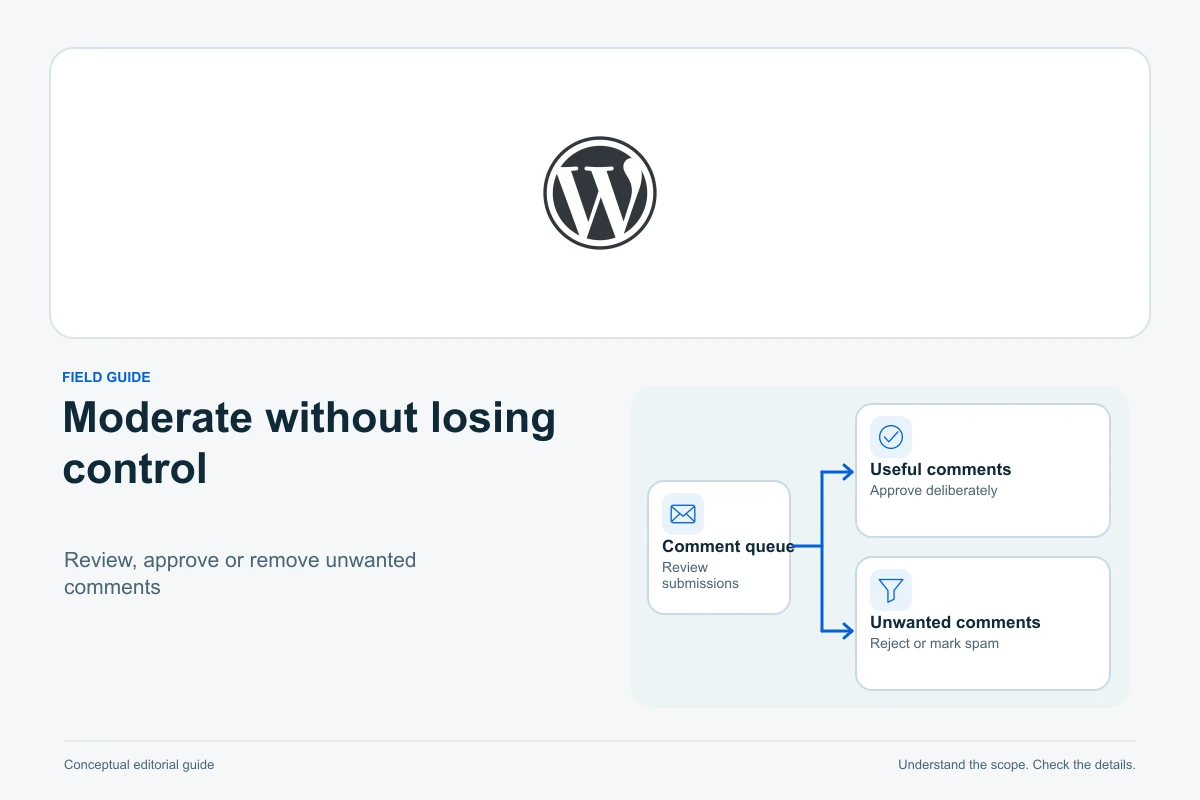
Start WordPress comment-spam control by deciding where discussion is useful, holding uncertain submissions for review and keeping a manageable moderation routine. Native settings can control what appears publicly, but they do not prove every bot is stopped or every automatically classified comment is correct.
This guide uses official WordPress documentation and current reference code checked on 13 October 2026. It covers ordinary comments, moderation rules and review states without requiring a particular paid service. Examples are illustrative; we have not measured spam detection or tested your comment form.
Decide where comments belong
A tutorial may benefit from readers reporting a confusing step. A contact page may already have a better route for enquiries, while an old announcement may no longer need an open thread. Keep discussion where someone can review and answer it rather than enabling it everywhere by habit.
In Settings → Discussion, review Allow people to post comments on new articles. This is a default for new content; existing posts can have their own setting. Turning the default off does not establish that every older article is closed. WordPress explains that distinction in its comment-spam guide.
For a particular article, open its editor, inspect Discussion and choose the appropriate open or closed state, then save. WordPress’s post settings guide describes that panel. Check the public form afterwards, especially if a plugin supplies a replacement comment system.
Closing a thread stops new discussion through that route; it is a different decision from deleting useful approved replies. For a fictional repair tutorial, you might leave current troubleshooting articles open while closing a dated promotion whose offer has ended.
Choose the approval model you can maintain
For a small site without established commenters, holding ordinary visitor comments for manual approval is a clear starting point. Under Settings → Discussion → Before a comment appears, enable Comment must be manually approved if that matches your policy. WordPress’s moderation documentation explains the queue.
The alternative Comment author must have a previously approved comment can reduce repeated approvals, but prior approval is not a promise that the next submission is useful. Other moderation and disallowed-content checks can still apply. Do not approve generic praise merely to build a list of trusted commenters.
Requiring a name and email address does not by itself verify identity. Requiring registered login adds a different participation boundary and may deter useful contributions as well as some spam. Choose it because the site’s discussion needs accounts, not because it guarantees genuine comments.
Write a short public policy explaining relevance, promotional links, respectful discussion and review delays. “Comments are reviewed before publication” is more useful than promising instant approval when no moderator is available.
Use link thresholds as review signals
The native link-count setting holds comments at the configured threshold. Pay attention to its wording: X or more links, not merely more than X. The current comment-check reference confirms that boundary and the preceding manual-approval check.
For example, a threshold of two can hold a legitimate reader comparing two documentation sources, while a promotional submission with one link may pass that particular test. The threshold is a review rule, not an accurate definition of spam.
Choose a value based on the comments your readers actually need to submit. If every comment is already held manually, the threshold does not replace that approval requirement. Inspect plugin-specific rules too, because extensions can change classification.
Review the author website field as well as links in the text. A short, apparently relevant sentence can accompany an unrelated promotional destination. You do not need to visit a suspicious site to decide that a comment adds no value.
Keep moderation keys precise and reversible
Moderation keys can match comment content and fields such as name, website, email, IP address and browser user-agent text. Matching can occur inside longer words. WordPress documents this behaviour in the Discussion settings guide.
Suppose a fictional site adds the short key “art” to catch a repeated promotion. It could also affect a reader discussing a “starting” problem. Prefer a specific observed phrase or destination where appropriate, and check legitimate examples before expanding the list.
Keep an operating note of the key, reason and date added. Review false positives in the queue. Avoid importing a large unexplained list whose matches you cannot interpret, particularly if your articles discuss subjects that those lists treat as inherently suspicious.
Blocking an IP address also has limits: addresses can be shared or change. It is one signal, not reliable proof that every future submission from it belongs to the same person.
Distinguish moderation keys from disallowed keys
Disallowed Comment Keys are more aggressive than the ordinary moderation list. In current core, a matching ordinary submission is normally assigned to Trash when Trash is enabled, or Spam when it is not. The current approval-status routine documents this behaviour; filters can change it.
Some older instructions describe these settings inconsistently as immediate deletion or generic spam blocking. Do not assume the ordinary Pending queue will contain every match. Inspect the actual status and retention behaviour of the installed version and extensions.
The disallowed-list reference also shows matching across several fields and within text. For an uncertain new rule, holding for review is safer than automatically routing potential reader contributions out of the normal queue.
Keep the rule change small enough to reverse. A false positive should lead to inspecting the matched data and rule, not a blanket approval of everything from that name.
Know what Pending, Spam and Trash mean
The Comments screen provides separate views and actions. Review an item’s content and current state before using a bulk action.
| State | Practical meaning | Useful next action |
|---|---|---|
| Pending | Waiting for a moderation decision, not normally public | Approve a useful contribution or classify it appropriately |
| Approved | Accepted for public display through the site’s comment output | Review publicly; unapprove if further examination is needed |
| Spam | Classified as unwanted or irrelevant | Inspect false positives and use Not spam where appropriate |
| Trash | Removed from ordinary discussion and subject to deletion | Restore a mistake while it remains available |
Spam classification and Trash are not interchangeable labels. A filtering service may use spam feedback, but native classification alone does not establish that every future similar comment will be caught. Do not claim a training effect without that tool’s documented behaviour.
A retention window is not permanent storage. WordPress’s Trash function reference shows that trashing can permanently delete when Trash is disabled. Check the site’s settings and cleanup tools before relying on Restore.
Avoid Empty Spam, Empty Trash or permanent deletion as the first response to an unexplained backlog. Review a sample, preserve any information needed for a legitimate enquiry and confirm the scope. Those cleanup actions are not necessary to understand why new comments are being classified.
Close older discussions when that serves readers
Settings → Discussion can automatically close comments on articles older than a chosen number of days while leaving approved comments visible. Choose the period according to the content and moderation capacity; there is no universal number that makes every blog safer or more useful.
Consider the tradeoff for evergreen troubleshooting: an old article may still receive valuable reports about a current software change. To keep selected older threads open with native settings, turn off the global age-based closure and manage discussion per article instead. Opening an individual post does not override that global rule. The current age-based closure code shows this precedence; extensions can change behaviour. Another option is to offer a clear correction route rather than keeping those threads open.
Pingbacks and trackbacks are separate link-notification features. Review their default and per-article settings independently if the queue contains those notifications. Do not delete WordPress core files or run a broad database update just to avoid using the supported settings.
Give moderation access without unnecessary administration
Default Administrators and Editors have comment-moderation capabilities; Authors, Contributors and Subscribers do not automatically receive the same rights. Roles can be customized. See the official capability reference.
Choose an account and permission set that fits the person’s wider work. Editor still permits substantial content changes, so do not treat it as a dedicated comments-only role. If a limited moderation role is needed, have the administrator configure and verify it rather than sharing the owner’s account.
Decide who checks Pending, who reviews Spam false positives and who can change the rules. Notification emails can support that process, but a missed email should not leave the queue abandoned. Keep moderation decisions in the actual WordPress administration, using trusted access rather than unknown links in unsolicited messages.
Our roles and temporary-access guide explains the broader permission choices.
Test as a visitor and review actual outcomes
Use a test environment or an agreed, controlled test on the intended form. A logged-in author or moderator can be treated differently by core, so an administrator’s own comment is not enough to validate visitor moderation.
- Submit an ordinary, relevant test comment and check its saved state.
- Test the configured link threshold with harmless documentation links.
- Test one moderation key with synthetic wording and check where it appears.
- If testing a disallowed key, inspect Spam and Trash as well as Pending.
- Approve a controlled comment, then inspect its public display and another visitor submission.
- Check the closed-thread state, form labels, keyboard operation and mobile error messages.
Remove or clearly identify test content afterwards through the agreed review process. Keep production notification recipients in mind: a test submission can generate real email, so staging email capture may be preferable.
If the queue remains unmanageable, evaluate additional protection against a documented need. Check maintenance, compatibility, data handling, cost and the effect on legitimate readers. A CAPTCHA or anti-spam plugin is not automatically effective, accessible or suitable for every audience.
Our free versus paid WordPress security guide provides broader context. Before substantial cleanup or configuration work, preserve a recovery route using the WordPress backup guide.
A useful moderation system keeps relevant contributions visible, uncertain ones reviewable and the operating workload realistic. Revisit the evidence and false positives rather than measuring success only by how quickly a queue becomes empty.
Sources and verification
Editorial review 2026-10-13. Source check dates are recorded separately. Notes describe what each source supports and its limits.
View sources
- WordPress: understanding comment spamChecked Unwanted promotional/irrelevant content, native control options, false-positive risks, new-content default versus existing post settings and plugin fit depending on needs.
Limits: Outdated suggestions to delete core PHP files or run broad SQL updates are explicitly not adopted. No detection effectiveness or universal plugin success is claimed. - WordPress: post/page settings sidebarChecked Per-post Discussion controls and native settings sidebar context.
Limits: Exact layout may differ by version and replacement comment system; public form state must be checked. - WordPress: comment moderationChecked Manual review queue, ordinary visitor approval model, comment actions and notification context.
Limits: Legacy regex-key advice and inconsistent immediate-deletion wording are not adopted; current reference code controls the disallowed-key explanation. - WordPress: comment checkingChecked Manual moderation precedence, X-or-more link threshold, keyword checks before prior-approval checks and identifier matching.
Limits: Filters and extensions can alter classification. Prior approval is not authentication or an enduring guarantee of comment quality. - WordPress: Discussion settingsChecked New-article defaults, unverified name/email fields, login requirement, automatic older-thread closure, link threshold and partial-word moderation matches.
Limits: Inconsistent historical blocklist destination wording is replaced by current core evidence. No fixed closure period or spam-prevention guarantee is recommended. - WordPress: current comment approval-status routineChecked Current core disallowed matches route ordinary submissions to Trash when enabled, Spam otherwise; author/moderator handling differs and filters can alter approval.
Limits: No PHP code executed or copied. Site-specific version/plugin behaviour and retention must be verified. - WordPress: disallowed comment-list checkingChecked Literal escaped keys matched across several comment fields and within text.
Limits: The lists are not documented here as arbitrary regular-expression engines or identity verification; no blocklist imported. - WordPress: Comments screenChecked Pending/Approved/Spam/Trash views and approve, unapprove, spam, restore-related moderation actions.
Limits: Retention and filter feedback depend on configuration/extensions. Native Spam classification alone is not evidence of automatic machine-learning improvement. - WordPress: comment Trash routineChecked Trash differs from permanent deletion; when Trash is disabled the routine deletes permanently.
Limits: No universal retention window, guaranteed restore or destructive cleanup recommended. - WordPress: roles and capabilitiesChecked Default Administrator/Editor moderation capability, other default roles' narrower permissions and capability customization.
Limits: Editor is not a dedicated comments-only role; permissions and notification behaviour need account-specific verification. - WordPress: age-based comment closureChecked The native global age-based closure can return false even when an individual post is open; per-post opening does not override that rule.
Limits: Reference code establishes current core precedence only. Do not call this private function or assume extensions preserve the same output.